In today’s ever-changing tech world, Laptop Docking Stations are pretty much must-haves for anyone looking to boost their productivity and organize their workspace better. Like John Smith from Tech Innovations often mentions, “The right docking station can turn a basic laptop into a full-on workstation, making multitasking easier and keeping you connected without a hitch.” With more folks working from home or on hybrid schedules, figuring out which docking station is best has honestly become more important than ever.
Looking ahead to 2025, the hype around versatile and dependable docking solutions is really picking up. Whether you’re a creative pro, a business exec, or part of an IT team, choosing the right docking station can seriously change how smoothly your day goes. In the guide that follows, we’ve rounded up the top ten Laptop Docking Stations that cater to different kinds of work styles. From slim, portable options to heavy-duty setups that can handle multiple screens — our goal is to help you make smarter decisions with all the info you need.
With so many brands and features popping up, it can feel pretty overwhelming trying to pick the right one. That’s exactly why we’ve made this guide — to cut through the noise and help every professional find a docking station that bumps up productivity and fits their personal needs, now and into the future.

Top Features to Look for in Laptop Docking Stations for Professionals
When selecting a laptop docking station, professionals should pay close attention to key features that can enhance their efficiency and workflow. The most notable aspects include connectivity options, power delivery capacity, and compatibility with various operating systems. A docking station that offers Thunderbolt compatibility is a major plus, as it allows for faster data transfer rates and supports multiple peripherals without sacrificing performance. Moreover, ensure it has ample USB ports, HDMI or DisplayPort outputs, and an Ethernet jack for stable internet access.
For professionals who frequently multitask, a docking station's power delivery feature is essential. Look for models that can charge your laptop while simultaneously connecting to other devices. This convenience minimizes cable clutter and keeps your workstation tidy. Additionally, portability might be a factor if you often work from different locations. Compact docks that are lightweight and easy to carry will ensure you can set up your workspace swiftly, whether at home or in a coffee shop.
Tips: When evaluating docking stations, always read user reviews to understand real-world performance. It's also helpful to verify the warranty and customer support, as a good backing can ease any issues that may arise after purchase. Lastly, consider the aesthetics of the dock— a sleek design can be a perfect complement to your professional space.
Best Laptop Docking Stations for Remote Work and Home Offices
As remote work continues to redefine professional environments, the demand for effective laptop docking stations has surged. According to a report from the International Data Corporation (IDC), remote work setups have increased by over 60% since the onset of the pandemic, highlighting a significant shift in how professionals engage with their tasks. A quality docking station can significantly enhance productivity by enabling seamless connections to multiple peripherals, such as monitors, keyboards, and mice, helping users maintain an organized workspace.
Furthermore, a study by TechRadar indicates that 75% of remote workers express a need for greater flexibility in their home office setups. This has led to innovations in docking station technology, with many models now offering features such as USB-C connectivity, 4K display support, and integrated charging options. For instance, top-rated docking stations like the CalDigit TS3 Plus and Dell D6000 have garnered attention for their ability to support multiple displays and deliver reliable performance, making them essential investments for professionals seeking to optimize their remote work experience. As organizations continue to embrace hybrid work models, selecting the right docking station has become crucial for ensuring efficiency and comfort in home office environments.
Gaming-Friendly Laptop Docking Stations: Performance Meets Convenience
In today's fast-paced gaming environment, having a reliable laptop docking station is essential for seamless performance and convenience.
Gaming-friendly docking stations not only provide multiple connectivity options but also enhance your gaming experience by allowing you to easily expand your setup.
Models equipped with eGPU support can significantly boost graphics performance, making them a must-have for any gamer who wants desktop-level quality on the go.
Look for docks that offer ample power supply and multiple ports for peripherals to optimize your gaming setup.
Tips: When selecting a gaming-friendly docking station, ensure to check for Thunderbolt support which provides faster data transfer rates and better bandwidth for high-resolution displays.
Also, consider a model with integrated cooling solutions to prevent overheating during intense gaming sessions. Lastly, portability matters—choose a compact design that won’t weigh down your gear when traveling.
A good docking station should also cater to professionals who game during downtime.
Features like USB-C compatibility and rapid charging capabilities are invaluable for those who juggle work and play.
Investing in a versatile docking station that fits both your gaming needs and professional requirements creates a streamlined experience, allowing you to focus on what matters most.
Lightweight and Portable Docking Stations for On-the-Go Professionals
In the fast-paced world of modern work, professionals are increasingly reliant on lightweight and portable docking stations that facilitate seamless connectivity. According to a 2023 report by IDC, over 70% of mobile workers consider compatibility and portability essential traits in their tech accessories, highlighting the necessity for docking stations that can be easily transported without sacrificing functionality. These devices not only expand connectivity options but also enhance productivity by allowing users to connect multiple peripherals, such as monitors and external drives, with minimal hassle.
As remote work becomes a norm rather than an exception, innovative designs have emerged to meet the diverse needs of on-the-go professionals. The global laptop docking station market is expected to grow at a CAGR of 8.5% from 2023 to 2030, driven by advanced technologies and the demand for efficient work setups. Many models now incorporate USB-C connections for streamlined data transfer and charging, making it easier for users to adapt to various work environments. For professionals who prioritize mobility without compromising on performance, these lightweight docking stations represent the ideal solution, providing the versatility needed to thrive in any setting.
2025's Ultimate Guide to Laptop Docking Stations
| Model |
Weight |
Ports |
Compatibility |
Price |
| Docking Station A |
0.7 lbs |
USB-C, HDMI, Ethernet |
Windows, macOS |
$99.99 |
| Docking Station B |
1.0 lbs |
USB-A, DisplayPort, Audio Jacks |
Windows |
$89.99 |
| Docking Station C |
1.2 lbs |
Thunderbolt 3, HDMI, USB-C |
macOS, Windows |
$139.99 |
| Docking Station D |
0.5 lbs |
USB-C, VGA |
Chromebooks |
$79.99 |
| Docking Station E |
0.9 lbs |
USB 3.0, HDMI, SD Card Reader |
Windows, Linux |
$109.99 |
Premium Docking Stations: High-End Options for Power Users
When it comes to premium docking stations for power users, the market has recently seen impressive advancements. The Wavlink Thunderbolt 5 dock stands out for its remarkable speed and powerful connectivity options, making it an ideal choice for Mac workstations. Additionally, Kensington's SD7100T5 EQ Pro introduces a unique feature rarely found in Thunderbolt 5 docks, further enhancing its appeal for those needing high-performance connectivity.
Alogic has also made waves with their new Aspekt monitors, offering stunning 4K UHD displays that not only serve as high-quality screens but also feature USB-C docking and touchscreen capabilities. These innovations cater specifically to professionals who depend on both visual clarity and seamless integration with their devices.
Tips: When selecting a docking station, consider your specific needs, such as the number of ports you require for peripherals. Power delivery capability is essential if you want to charge your laptop while using the dock. Finally, always look for speed specifications—Thunderbolt 5, for instance, offers exceptional data transfer rates, which can significantly boost your productivity.
Budget-Friendly Docking Stations: Top Picks Without Breaking the Bank
When searching for budget-friendly laptop docking stations in 2025, you want options that maximize versatility without compromising your financial goals. With the proliferation of remote work, having the right docking station can transform your home office setup. These docking stations provide numerous ports, allowing you to connect your laptop to monitors, keyboards, and other essential devices seamlessly.
Among the top budget options, various brands have turned their focus to developing cost-effective solutions that maintain excellent performance. Look for stations that feature Thunderbolt compatibility, as these often offer the fastest transfer rates and can support multiple displays. With the careful selection of a docking station, you’ll not only enhance your workspace's functionality but also keep your expenses in check, proving that you don’t have to spend a fortune to achieve a professional-grade setup.
FAQS
: When selecting a gaming-friendly docking station, look for Thunderbolt support for faster data transfer, integrated cooling solutions to prevent overheating, and multiple ports for peripherals. Portability is also important, so choose a compact design for easy travel.
A docking station enhances your gaming experience by providing multiple connectivity options, supporting external GPUs for improved graphics performance, and allowing for a more expansive setup that includes monitors and other peripherals.
Yes, there are versatile docking stations that fit both gaming and professional requirements, featuring USB-C compatibility and rapid charging capabilities, making them ideal for users who switch between work and gaming.
Thunderbolt compatibility provides faster data transfer rates and better bandwidth, which is beneficial for high-resolution displays and connecting multiple devices without sacrificing performance.
Yes, there are many budget-friendly laptop docking stations available that maximize versatility and performance without breaking the bank. Look for options with multiple ports and Thunderbolt compatibility for optimal functionality.
Budget-friendly docking stations can transform a home office setup by providing numerous ports for additional monitors, keyboards, and other essential devices, enhancing functionality without significant expenses.
Consider a docking station that offers rapid charging capabilities, especially if you use the station for both work and gaming, as this allows for more efficient use of your devices.
Integrated cooling solutions are important in gaming docking stations to prevent overheating during intense gaming sessions, ensuring smooth performance and longevity of your hardware.
Look for a docking station with a compact design to ensure it remains portable and doesn’t add unnecessary bulk to your travel gear while still providing the features you need.
eGPU support allows for the connection of external graphics cards to your laptop, significantly boosting graphics performance and enabling desktop-level quality gaming on the go, making it a key feature for gamers.
Conclusion
In "2025's Ultimate Guide to Laptop Docking Stations: Top Picks for Every Professional Need," we explore the essential features that professionals should consider when selecting laptop docking stations. Whether for remote work, gaming, or travel, the guide highlights the best options available, catering to various needs and budgets. From premium models designed for power users to lightweight, portable solutions for those on the go, there is a docking station to suit every professional lifestyle.
Zhongshan Sinseader Electronic Co., Ltd. offers a range of high-quality laptop docking stations, among other computer peripherals, ensuring that users can find the perfect dock to enhance their productivity. With options that balance performance and affordability, this guide serves as an invaluable resource in navigating the diverse landscape of laptop docking stations available in 2025.

 USB C Docking & Hub
 USB C Docking Station
 USB C Hub-H Series
 USB C Hub-H Series High End
 USB C Hub-X Series High End
 HDMI Cable
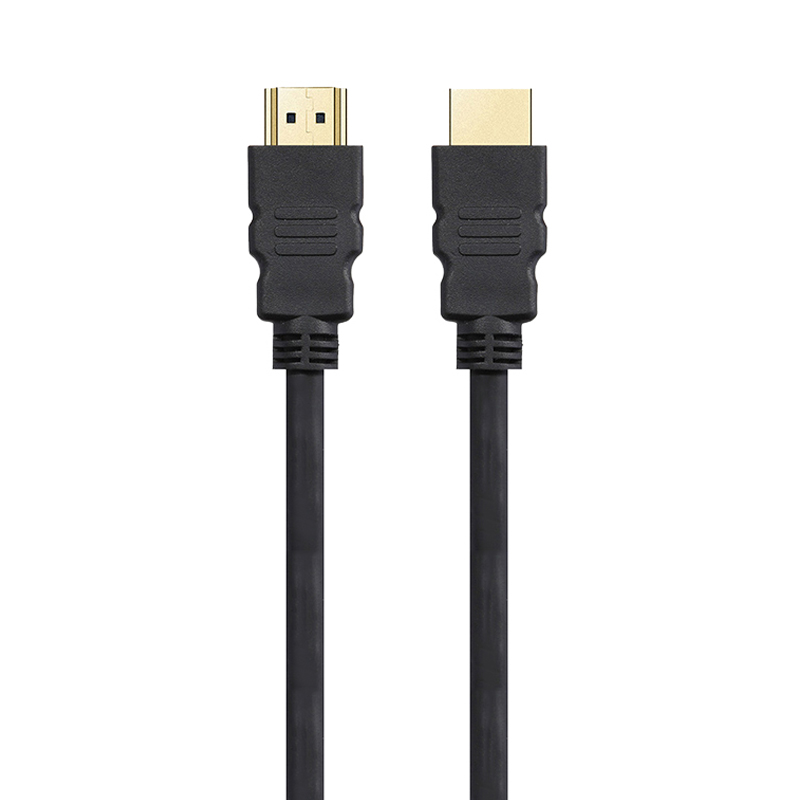 4K HDMI Cable
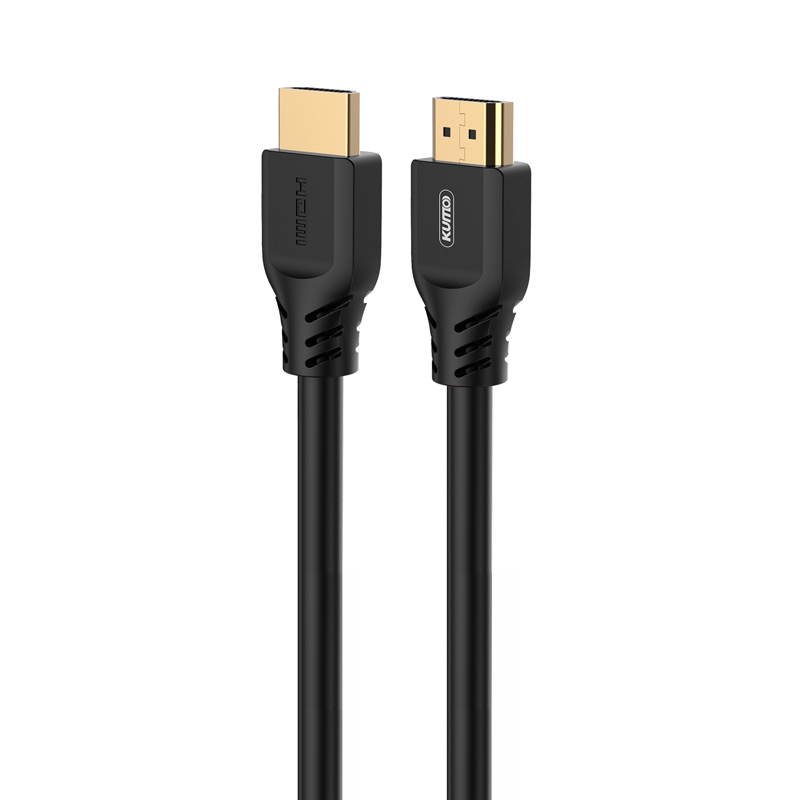 8K HDMI Cable
 16K HDMI Cable
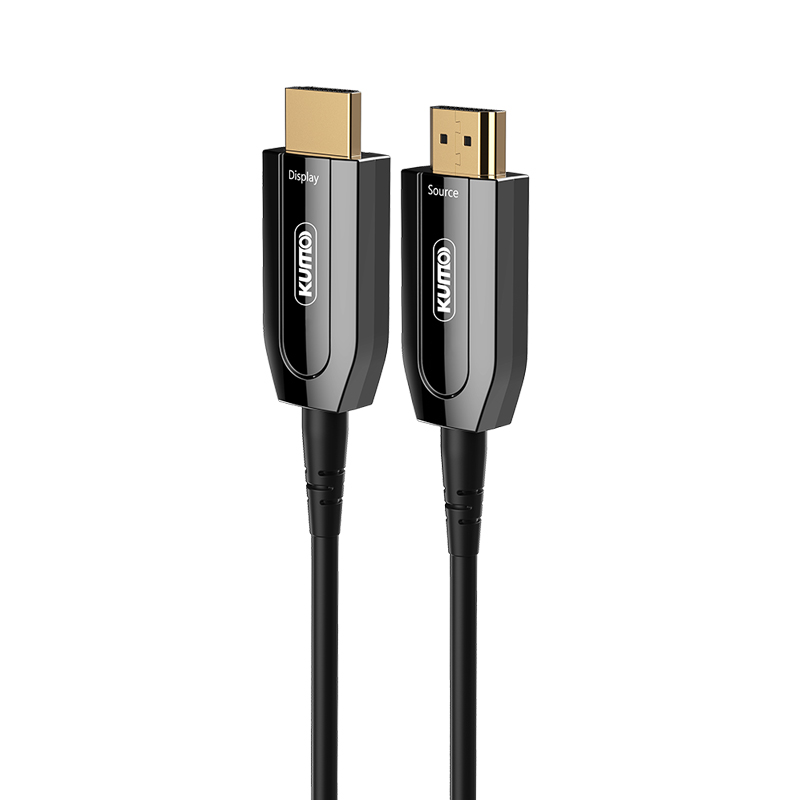 AOC HDMI Cable
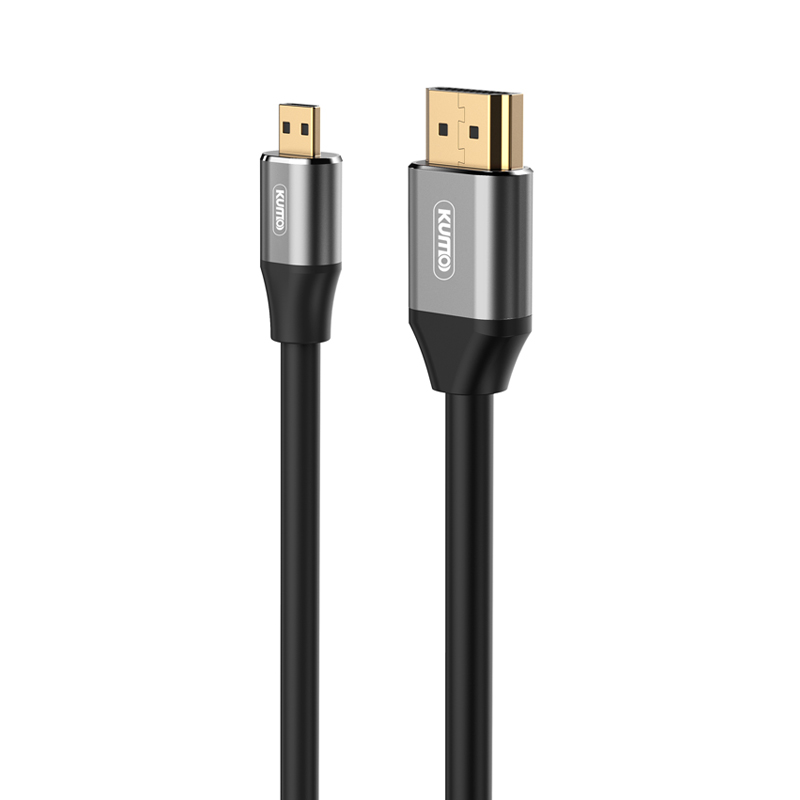 HDMI Conversion Cable
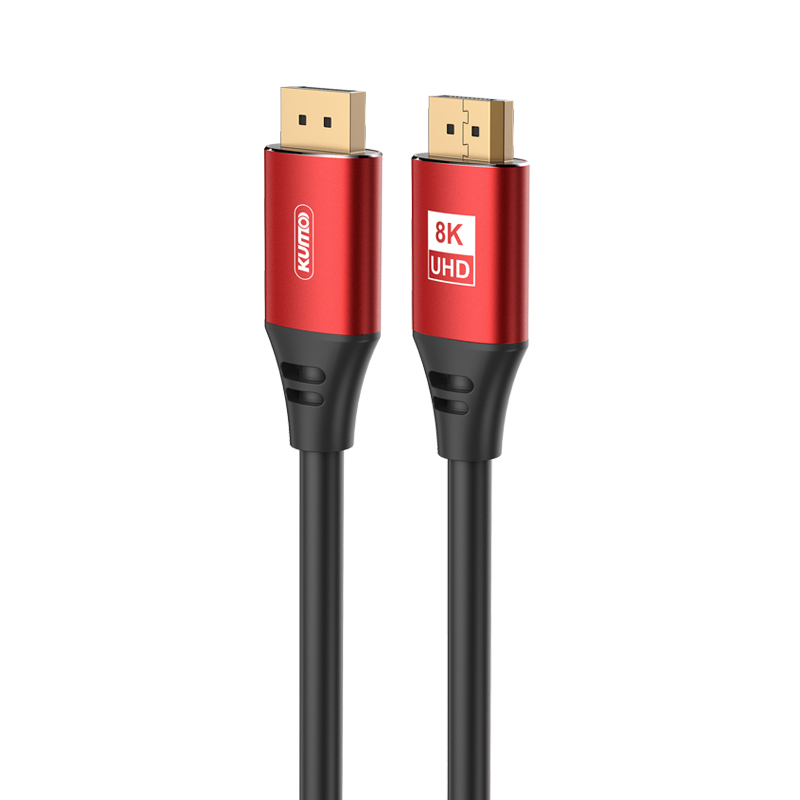 8K DisplayPort Cable
 16K DisplayPort Cable
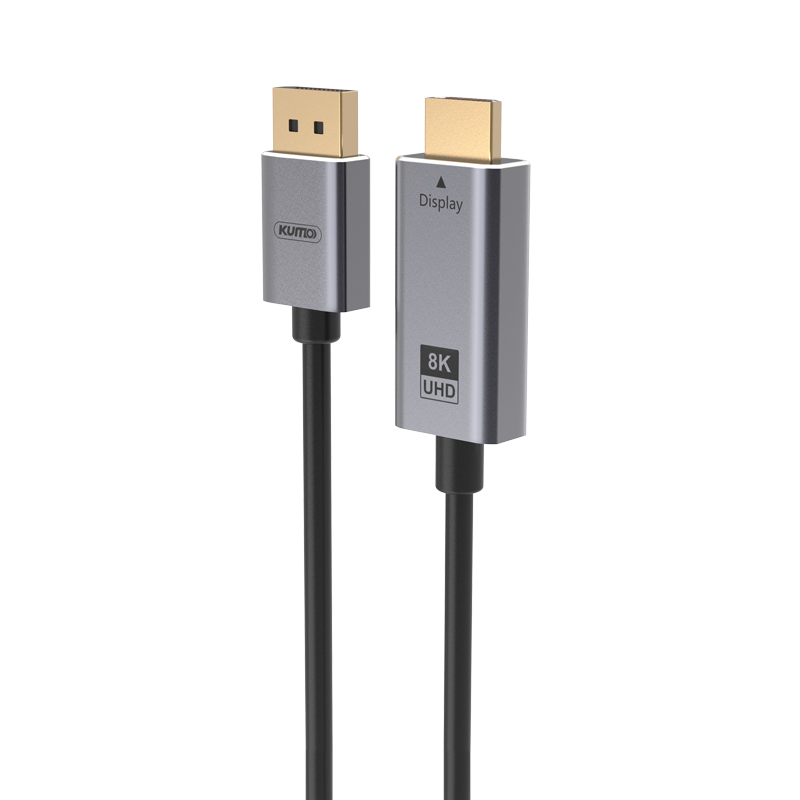 DisplayPort Conversion Cable
 XLR Cable
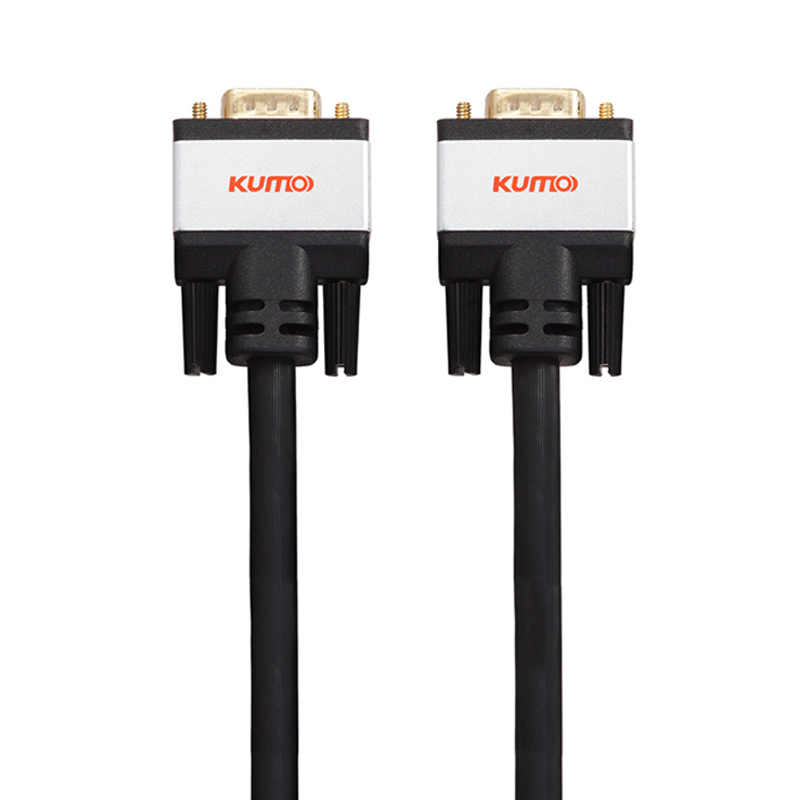 VGA Cable
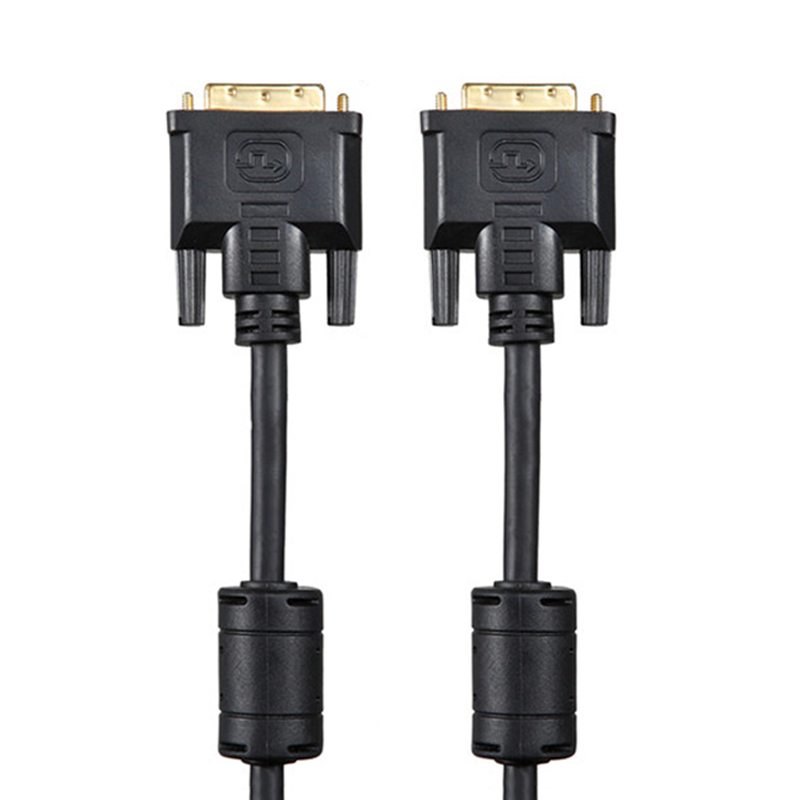 DVI Cable
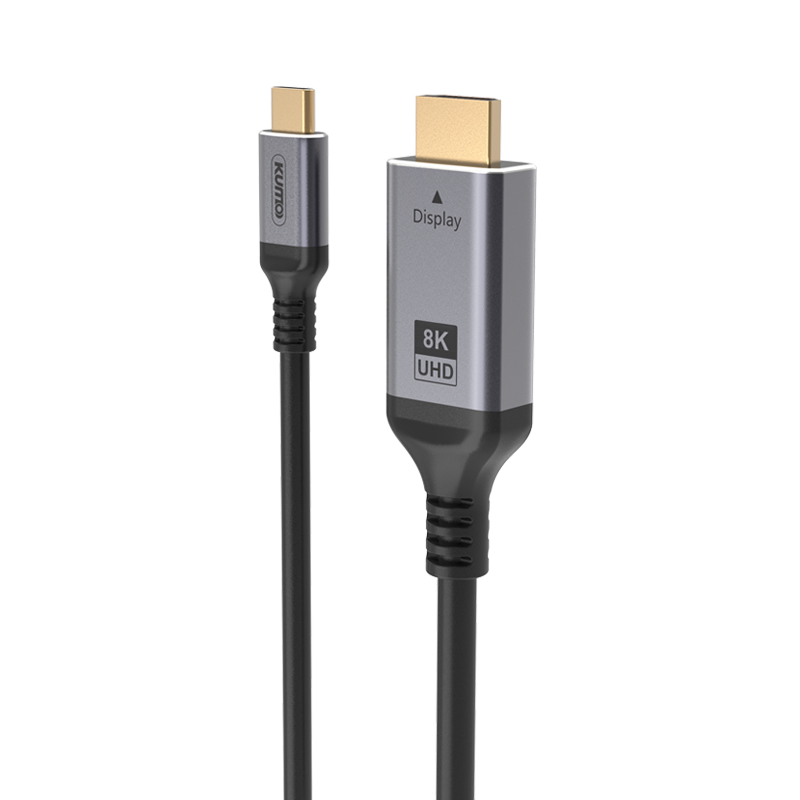 Type C To HDMI
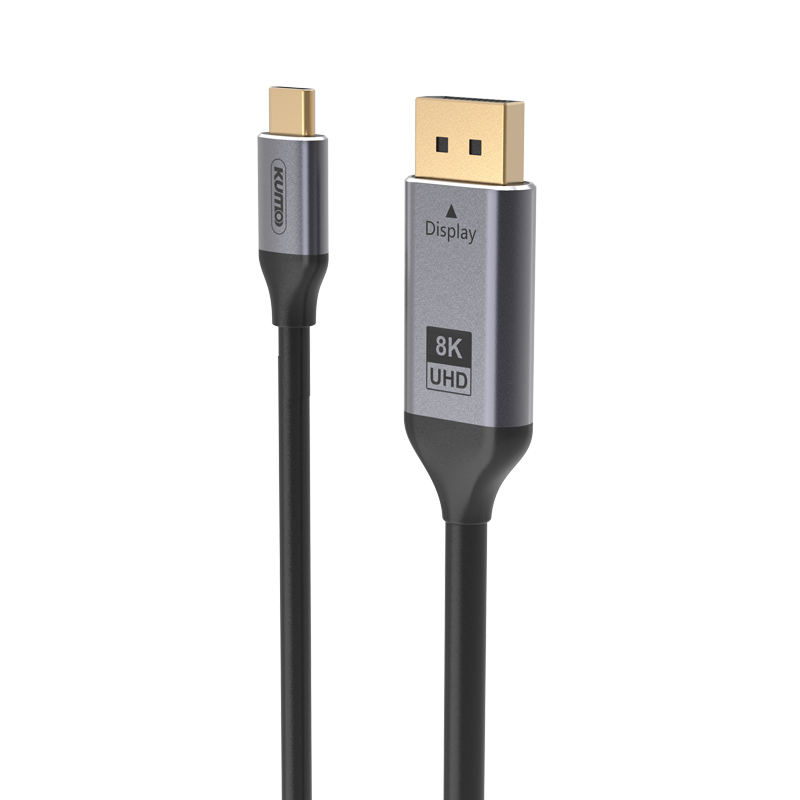 Type C to DP
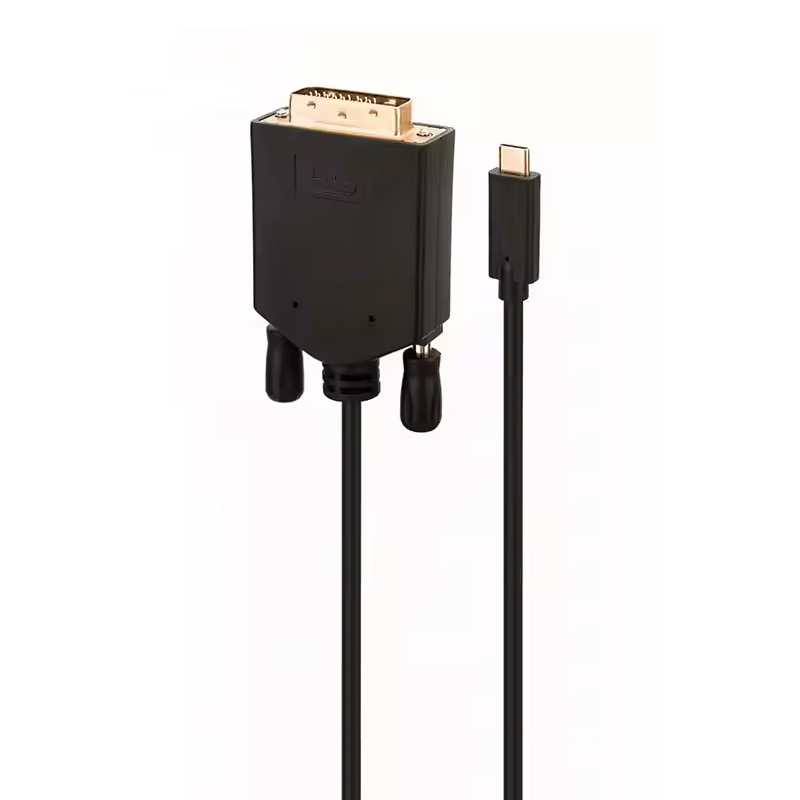 Type C to DVI
 Type C Adapter
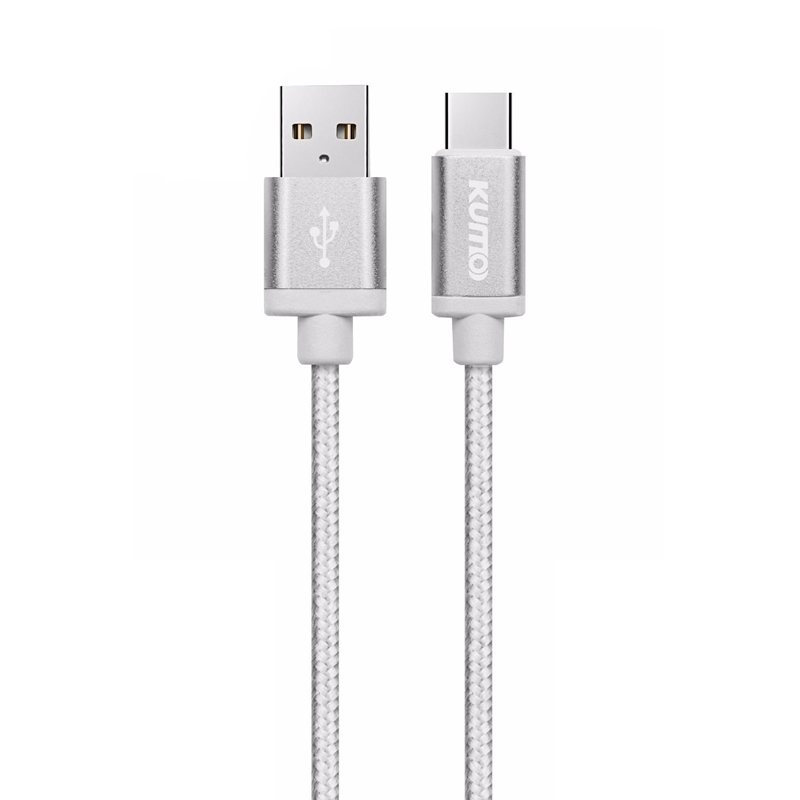 USB A to C Cable
 USB C to C Cable
 Micro USB Cable
 USB4 Cable


