In today’s digital world, staying connected is more important than ever. Everyone seems to want faster, more reliable internet, right? According to a recent report from IDC, over 80% of professionals need to use multiple devices at the same time. That’s where USB Hub Ethernet Adapters are really gaining popularity—they’re basically a combo of a USB hub and an Ethernet connection in one little gadget, which makes life a lot easier for a bunch of different needs.
But here’s the thing—figuring out the right one isn’t always a walk in the park. Not all USB Hub Ethernet Adapters are the same. Some are lightning-fast, while others just have more ports. It often depends on what you actually use it for. If you’re into gaming, you probably care about low latency. Meanwhile, remote workers might need a bunch of extra ports for their peripherals. Statista says the peripheral market’s set to grow about 10% each year, so it's definitely a hot area.
That said, picking out the perfect adapter can be a bit tricky. Sometimes people overlook compatibility, which can lead to a lot of frustration. Not every adapter works with every device, and it often boils down to trial and error. So yeah—know what you need before you buy, and you'll save yourself a lot of hassle.

Understanding USB Hub Ethernet Adapters: An Overview
USB hub Ethernet adapters are essential for many users today. They expand connectivity options for laptops and desktops. Often, devices come with limited ports. Adding a USB hub can enhance functionality significantly.
These adapters typically feature multiple USB ports and an Ethernet connection. This allows for a stable internet connection while using multiple USB devices. The design varies from compact units to larger hubs with more features. Choosing the right one can be tricky. Consider your usage needs carefully. Will you connect multiple peripherals? Or just need a reliable internet connection?
One common issue is compatibility. Not all adapters work seamlessly with every operating system. Testing is important before making a final decision. Functionality can differ based on the hardware connected. Make sure to read reviews and do your research. Finding the right balance between price, performance, and compatibility can be challenging.
Key Features to Look for in USB Hub Ethernet Adapters
When choosing a USB hub Ethernet adapter, there are key features to consider.
Look for multiple USB ports. This allows you to connect various devices like keyboards, mice, and external drives.
A good adapter should also offer high-speed data transfer. Aim for at least USB 3.0 support for optimal performance.
Not all adapters perform equally well, so check reviews for speed claims.
Another important feature is compatibility. Ensure the adapter works with your operating system. Some adapters may only support specific platforms.
User-friendly installation is also vital. You don’t want to waste time troubleshooting complex setups.
Finally, think about build quality. A sturdy design prevents wear and tear.
Remember, not every product will meet all your needs perfectly. Reflect on what features matter most for your specific use case.
Comparative Performance: USB 3.0 vs USB-C Ethernet Adapters
When choosing between USB 3.0 and USB-C Ethernet adapters, performance differences are notable. USB 3.0 commonly offers a maximum speed of 5 Gbps. This speed is sufficient for most home office tasks, such as streaming, basic video conferencing, and standard file transfers. In contrast, USB-C can reach speeds of 10 Gbps or higher, depending on the design. If users frequently transfer large files or work with high-bandwidth applications, USB-C becomes the clear favorite.
Industry data shows that users can experience latency differences as well. USB 3.0 tends to have slightly higher latency, affecting real-time applications like gaming or live video. According to recent network performance studies, USB-C adapters can reduce latency by up to 20% under load. This can be critical in professional environments where timely data transmission is essential.
However, not all devices support USB-C natively. Many older laptops and desktops still rely on USB 3.0 ports. Users need to assess compatibility with their devices. It’s essential to carry out proper research before investing. Performance varies significantly among different adapters. Users should look for reliable benchmarks to make informed decisions. The nuances between these adapters could greatly impact workflow efficiency.
Best USB Hub Ethernet Adapters for Gaming and Streaming
When it comes to gaming and streaming, a reliable USB hub Ethernet adapter can make a significant difference. These adapters can enhance your connection, providing stable data transfer rates essential for seamless online experiences. Look for adapters that offer gigabit speeds. They can minimize lag during intense gaming sessions. An Ethernet adapter can reduce interruptions from Wi-Fi fluctuations.
Tips: Always check compatibility with your devices before purchasing. Some hubs may not work with all systems. Research reviews online to get a sense of performance issues others have encountered.
Quality matters. A poorly built adapter may overheat during long hours of streaming. Monitor temperatures if you notice any performance drops. Stability is crucial. If connections keep dropping, it could lead to frustrating gaming moments. Try different ports to find the best output.
With the right USB hub Ethernet adapter, gaming and streaming can be an enjoyable experience. Test different models to see which fits your needs best. Remember, the right setup can help you avoid those pesky lag spikes.
Selecting the Right Adapter for Different Device Compatibilities
When looking for a USB hub Ethernet adapter, it helps to consider your specific devices. Different devices have varied requirements. For instance, a laptop may need higher bandwidth than a tablet. Do you plan to connect multiple devices? Then, choose an adapter with multiple ports. This way, you can connect keyboards, mice, or storage drives easily.
Compatibility is key. Some adapters work seamlessly with Windows, while others may excel with macOS. Understanding the operating system of your device will guide your choice. You may find some adapters don’t work as expected with certain systems. That's a common frustration and worth reflecting on.
It’s also vital to check the USB version. USB 3.0 or higher offers better speeds. A slow connection can hinder productivity.
Don’t forget about cable length. A longer cable allows for flexibility in your setup. But make sure it doesn’t create clutter. It’s easy to overlook these details. A well-thought-out setup can significantly enhance your device’s performance.
Industry Insights: Top Brands in USB Hub Ethernet Adaptation
USB hub Ethernet adapters have gained significant traction in recent years. Data from recent industry reports indicates that the market is expected to grow by approximately 15% annually through 2025. This growth is due partly to the rise in remote work and streaming services. Many users require reliable internet connectivity while expanding their device capability.
When selecting an adapter, consider its compatibility with various operating systems. Some models may not support certain systems well. Additionally, speed matters. A reliable adapter should provide stable gigabit speeds. However, reports show that performance can vary among different brands and models. Some adapters may not deliver the promised speeds. Users often report frustrations with inconsistent connectivity.
Charging capabilities can also differ widely. Some hubs offer pass-through charging, while others do not. This can be a dealbreaker for many users. Overall, identifying the right adapter requires research. The best solutions often rely on user needs and device compatibility. Reviews can be useful, yet they may not always reflect real-world performance. Balancing quality and price remains a challenge for many in the market.
User Reviews and Ratings: Making an Informed Choice
When selecting a USB hub Ethernet adapter, user reviews and ratings play a crucial role. Reading what others have experienced can guide you toward the right choice. Many users appreciate adapters that offer high-speed connections. Others mention the importance of compatibility with different operating systems.
Consider these tips before making your decision. Check for multiple USB ports in addition to Ethernet. This feature is especially useful for connecting several devices. Battery life and energy efficiency are also vital aspects. Some users faced issues with power supply. Think about if size matters. Compact designs are convenient but might limit connectivity.
Take time to read both positive and negative reviews. Some users encounter disconnection issues, especially during heavy use. Balance the feedback you read. A single bad review shouldn’t deter you completely. Focus on the overall sentiment. Knowing what problems others faced helps you prepare better.
Comprehensive Guide to Choosing and Using a Factory Wholesale 1080P USB-C to VGA Adapter for Optimal Connectivity
When selecting a factory wholesale 1080P USB-C to VGA adapter, it's paramount to focus on the adapter hub’s ports, as this influences connectivity options across various devices. As professionals increasingly require compatibility with multiple interfaces, a versatile adapter that supports various configurations can significantly enhance workflow efficiency. According to a recent industry report by MarketsandMarkets, the demand for multi-port adapters is projected to grow at a compound annual growth rate (CAGR) of 12.5% over the next five years, indicating a strong trend toward solutions that facilitate a seamless connection between modern laptops and traditional displays.
The effectiveness of a USB-C to VGA adapter hinges on its ability to deliver high-quality video output without latency. This is particularly crucial in professional environments where meeting presentations or collaborative work is common. Utilizing a well-designed adapter can ensure that visuals maintain their clarity at 1080P resolution, providing the necessary compatibility with older VGA displays. The precision of signal transmission largely depends on the number and types of ports available; therefore, selecting an adapter with a variety of outputs can be a game-changer for many professions, from graphic design to education.
Furthermore, industry-specific use cases emphasize the importance of durable and reliable adapter hubs. For instance, education sectors often leverage such technology for classroom setups, necessitating equipment that can withstand daily use while maintaining performance standards. Data from the International Data Corporation (IDC) highlights that educational institutions investing in technology-enhanced learning environments are increasingly prioritizing multi-functional devices, reinforcing the need for adaptable and efficient solutions like USB-C to VGA adapters.
FAQS
: The content informs readers on a specific topic. It aims for clarity and understanding.
Information needs to be concise and straightforward. Each sentence should ideally be 20 words or less.
Yes, discussions must avoid illegal or prohibited items. It's important to stay within legal boundaries.
No, brand names should not be mentioned. The focus should be on the topic alone.
The style should include details that engage readers. Short sentences are preferred for impact.
Include imperfect aspects or areas for reflection. Readers appreciate honesty and relatability.
Avoid a standard format. Don’t use predictable structures like “first” or “next.” Make it unique.
No, avoid long and complex sentences. Simple statements create a clearer message.
Visual details enhance engagement. They help the readers to connect with the topic more effectively.
Yes, think carefully about the content. Reflect on its implications and ensure it aligns with guidelines.
Conclusion
When selecting the best USB Hub Ethernet Adapter for your needs, it is essential to understand the various options available and their specific features. These adapters can enhance connectivity by providing multiple ports and stable internet access, making them ideal for gamers and streamers. Key features to consider include the device’s port type, data transfer speeds, and compatibility with your existing devices, as these factors significantly affect performance.
Additionally, a comparative analysis of USB 3.0 and USB-C Ethernet adapters reveals notable differences in speed and functionality, guiding users to choose the most suitable type. With industry insights highlighting leading brands and user reviews offering real-world experiences, you can make an informed decision that aligns with your device compatibility and usage scenarios. Ultimately, investing in the right USB Hub Ethernet Adapter can greatly improve your online experience.

 USB C Docking & Hub
 USB C Docking Station
 USB C Hub-H Series
 USB C Hub-H Series High End
 USB C Hub-X Series High End
 HDMI Cable
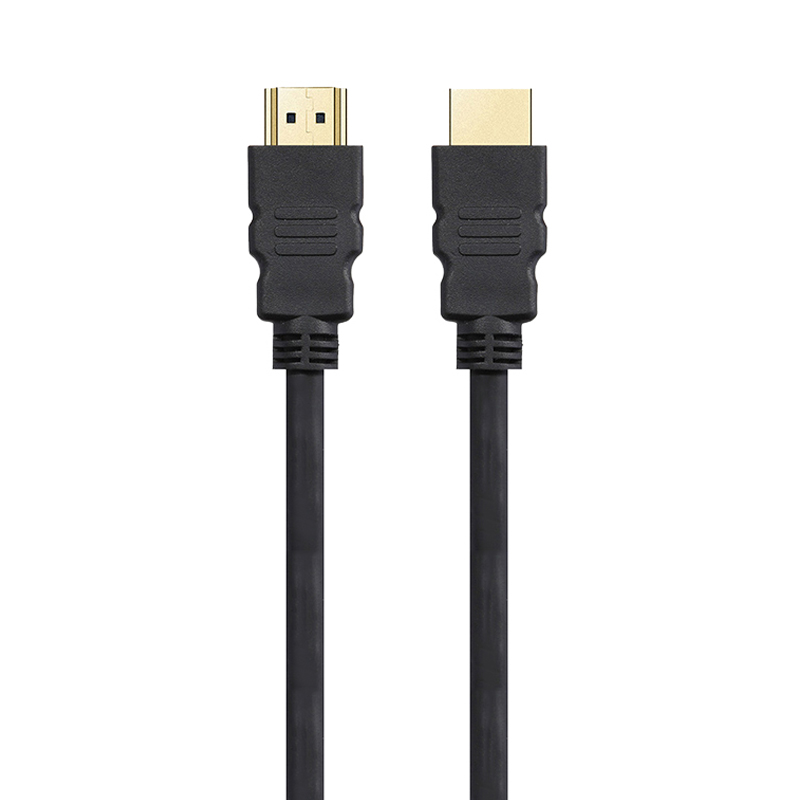 4K HDMI Cable
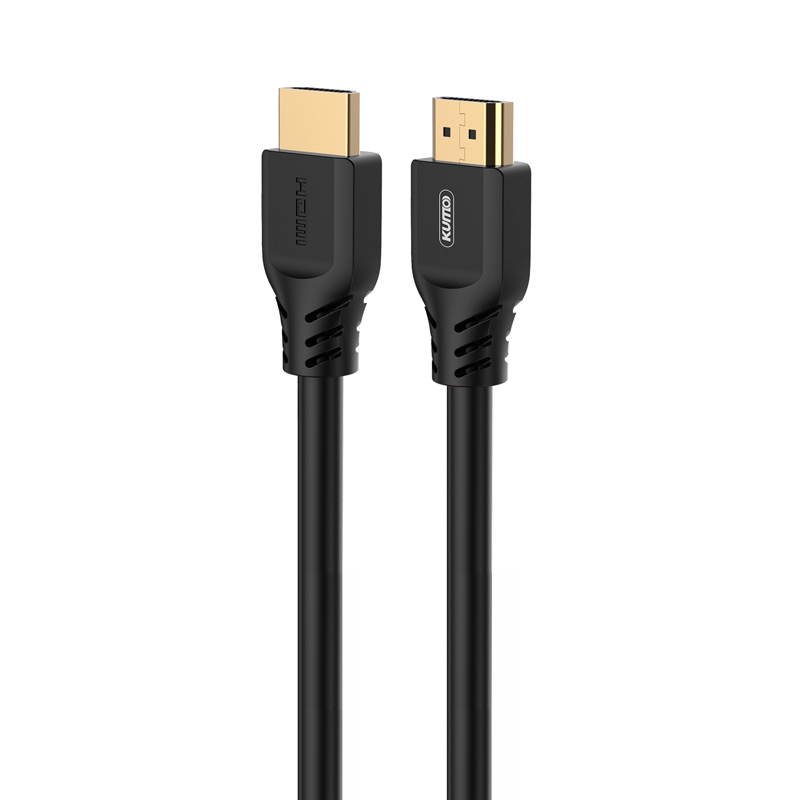 8K HDMI Cable
 16K HDMI Cable
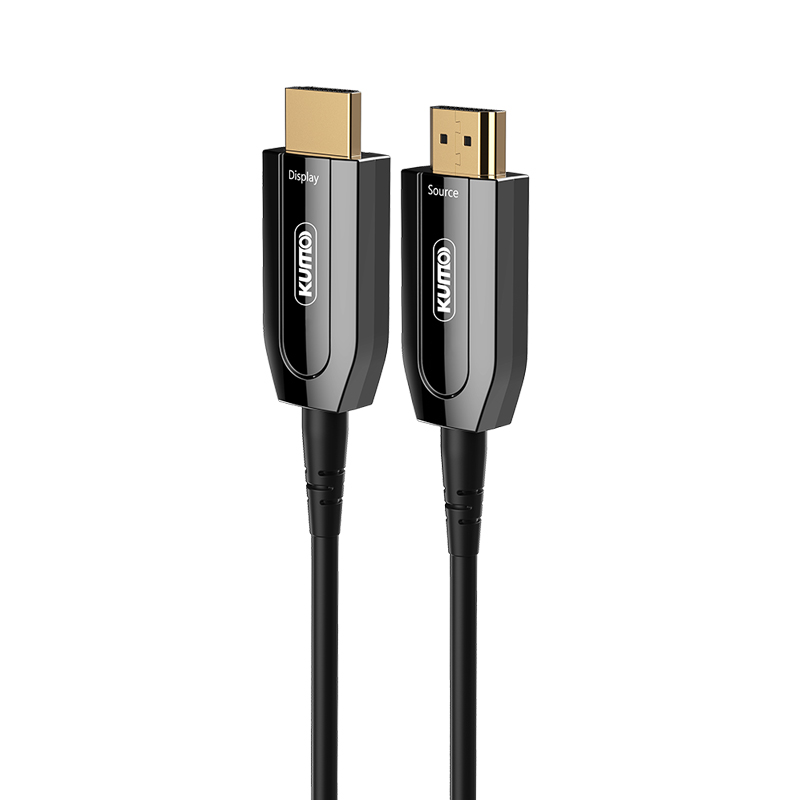 AOC HDMI Cable
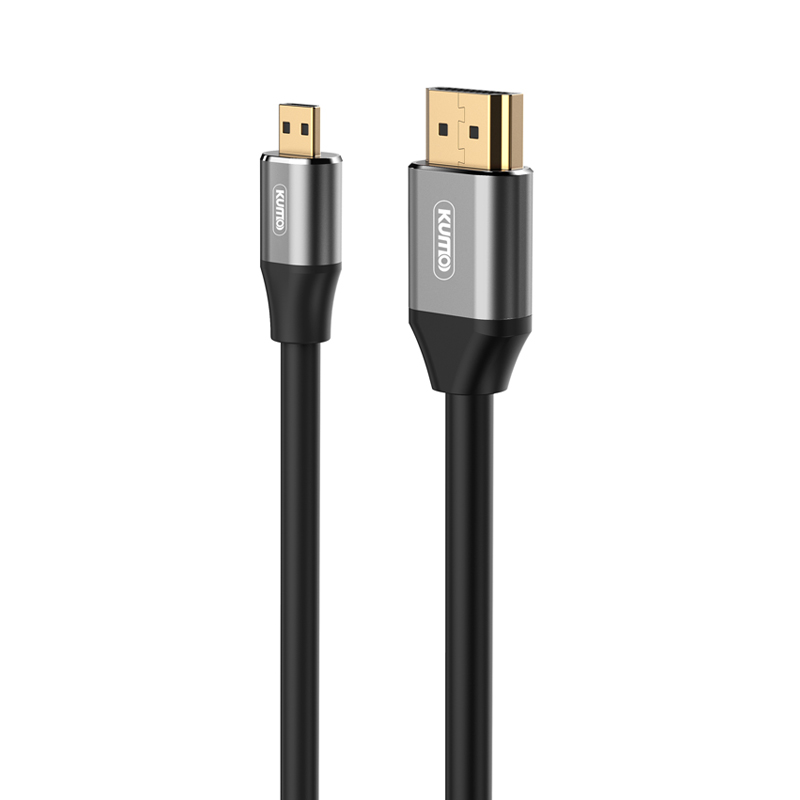 HDMI Conversion Cable
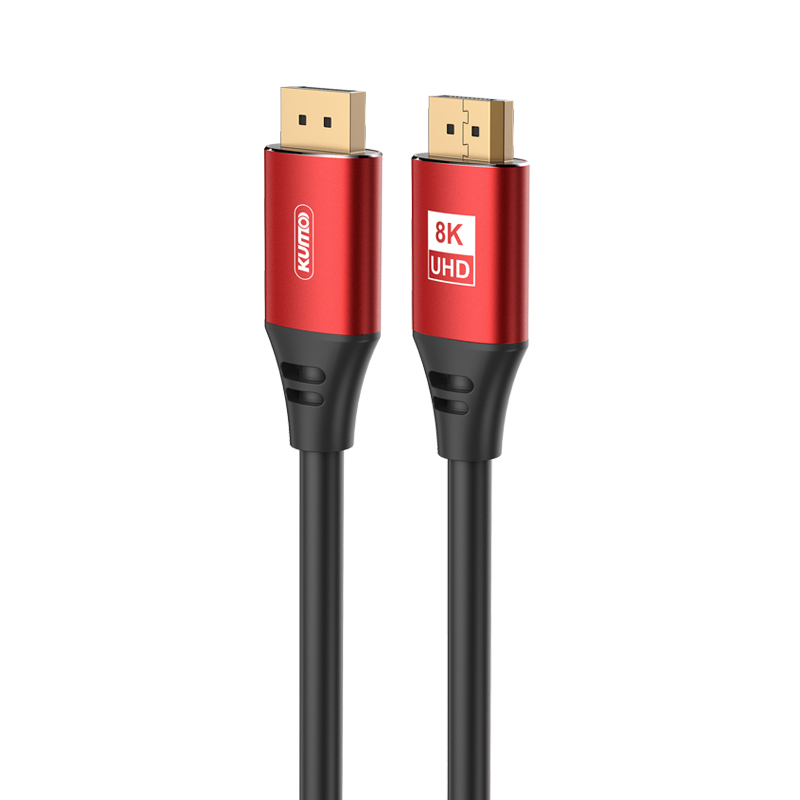 8K DisplayPort Cable
 16K DisplayPort Cable
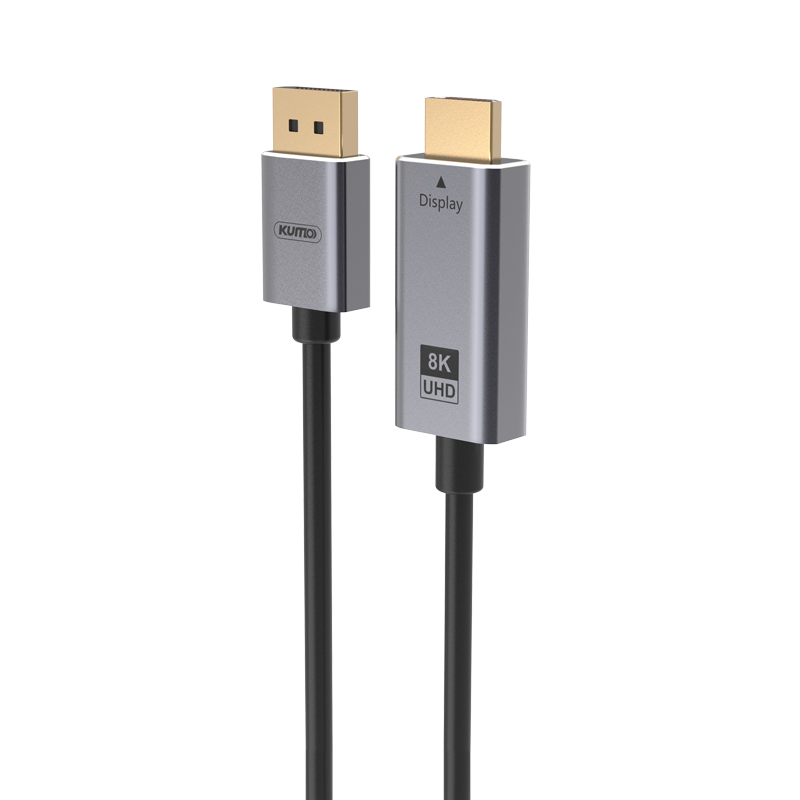 DisplayPort Conversion Cable
 XLR Cable
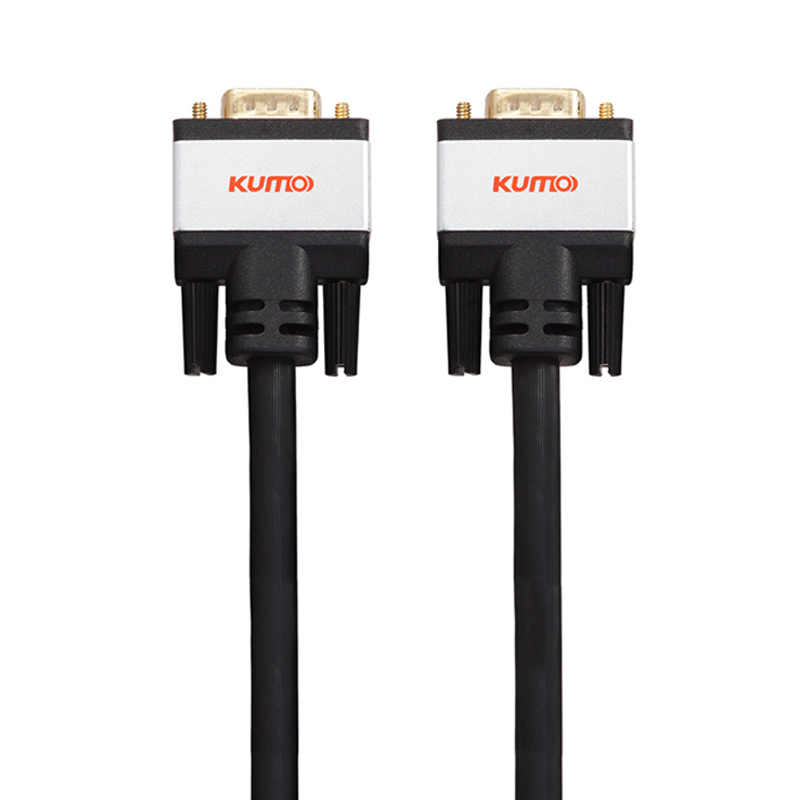 VGA Cable
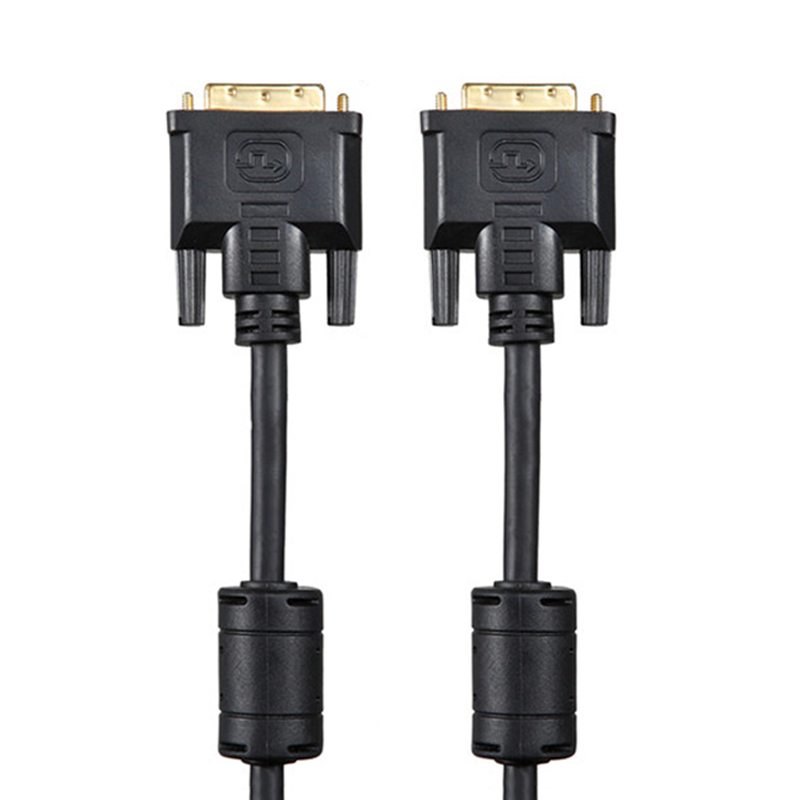 DVI Cable
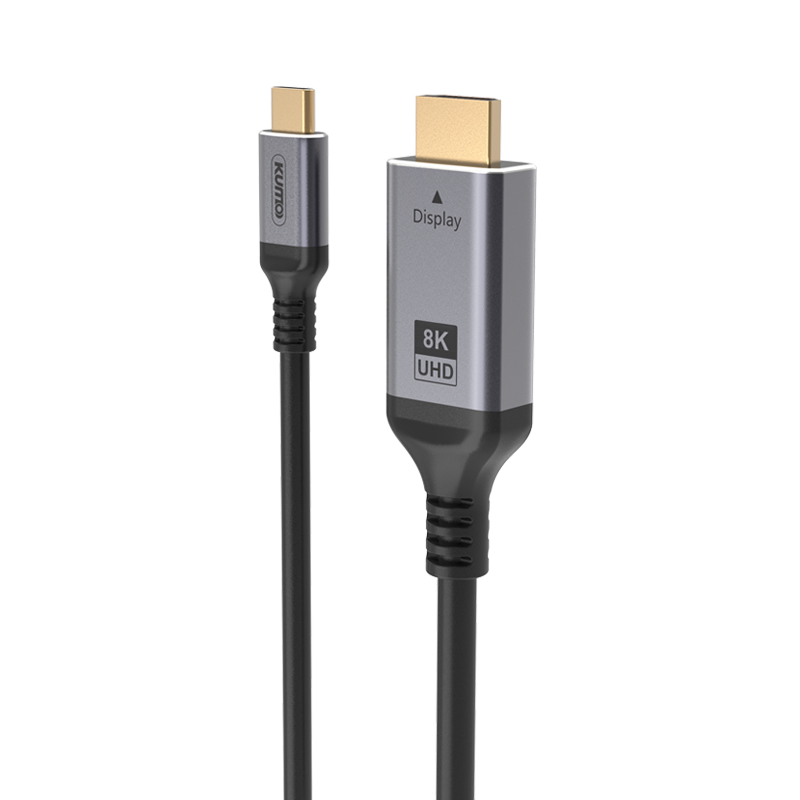 Type C To HDMI
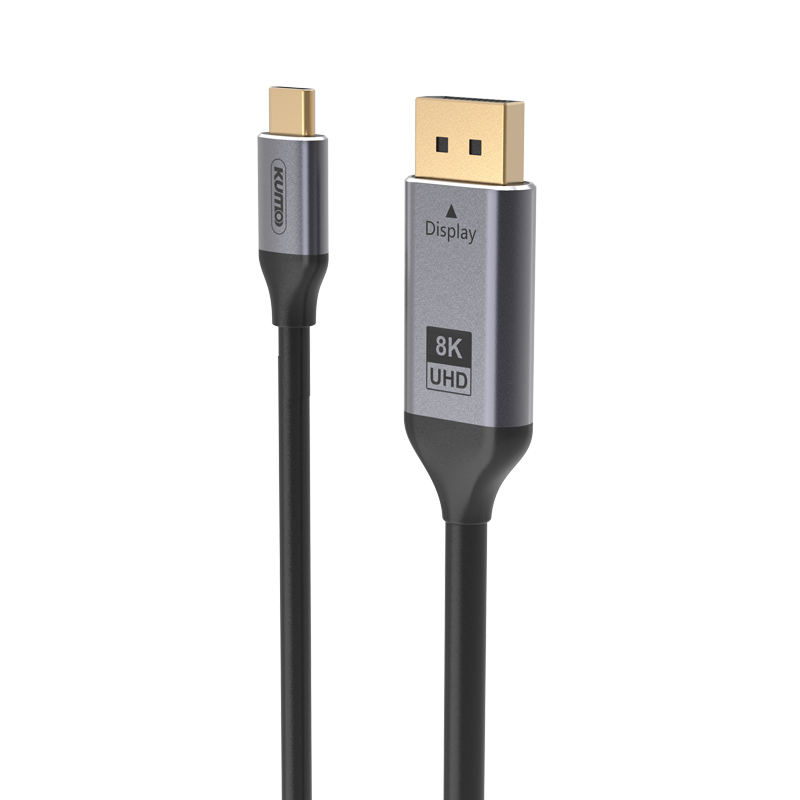 Type C to DP
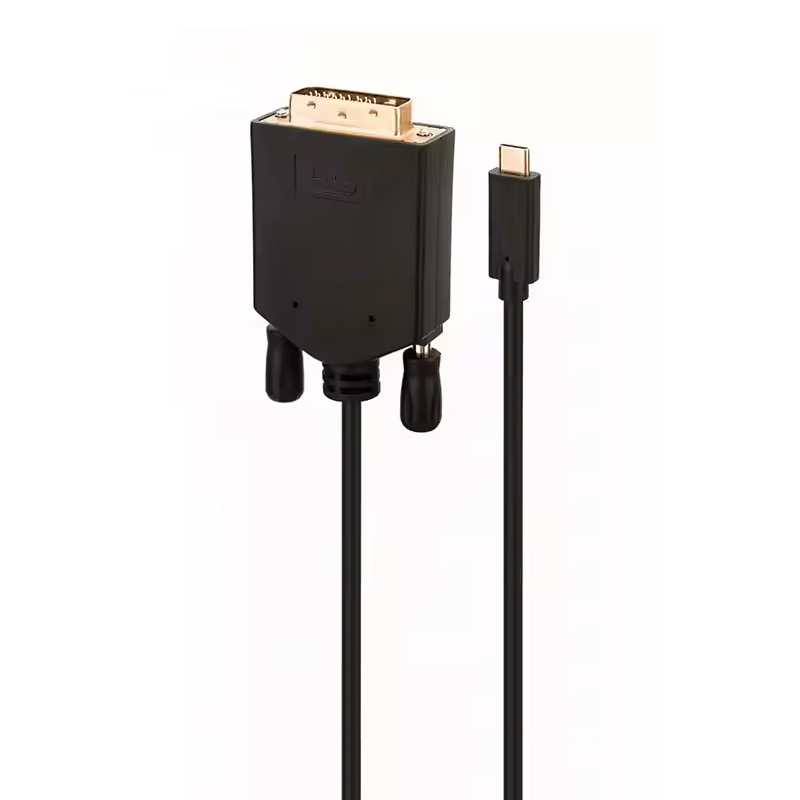 Type C to DVI
 Type C Adapter
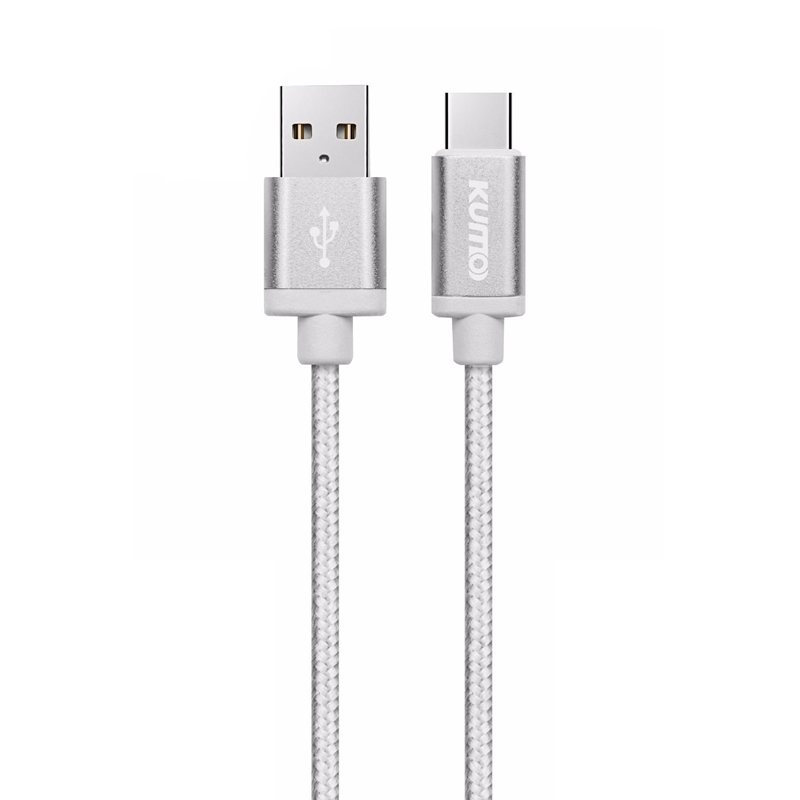 USB A to C Cable
 USB C to C Cable
 Micro USB Cable
 USB4 Cable


