
- Home
- Products
- About Us
- OEM&ODM
- News
- Contact Us
 USB C Docking & Hub
 USB C Docking Station
 USB C Hub-H Series
 USB C Hub-H Series High End
 USB C Hub-X Series High End
 HDMI Cable
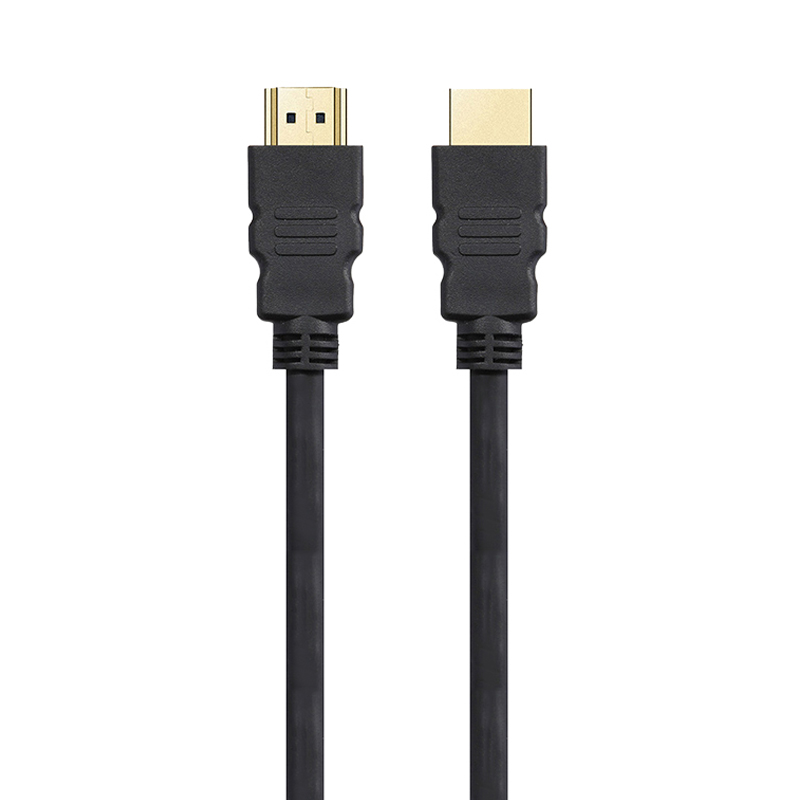 4K HDMI Cable
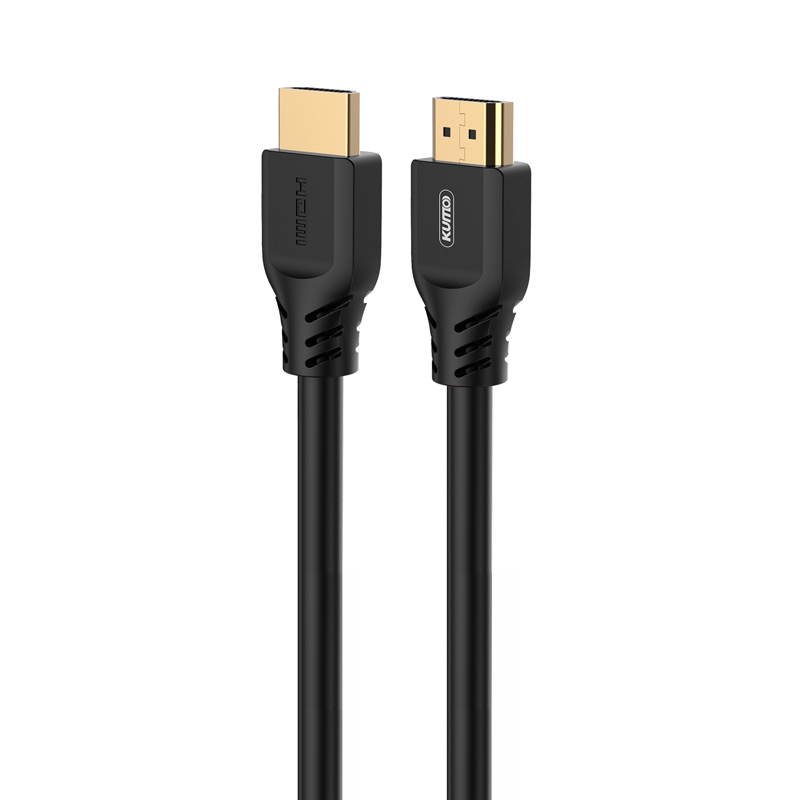 8K HDMI Cable
 16K HDMI Cable
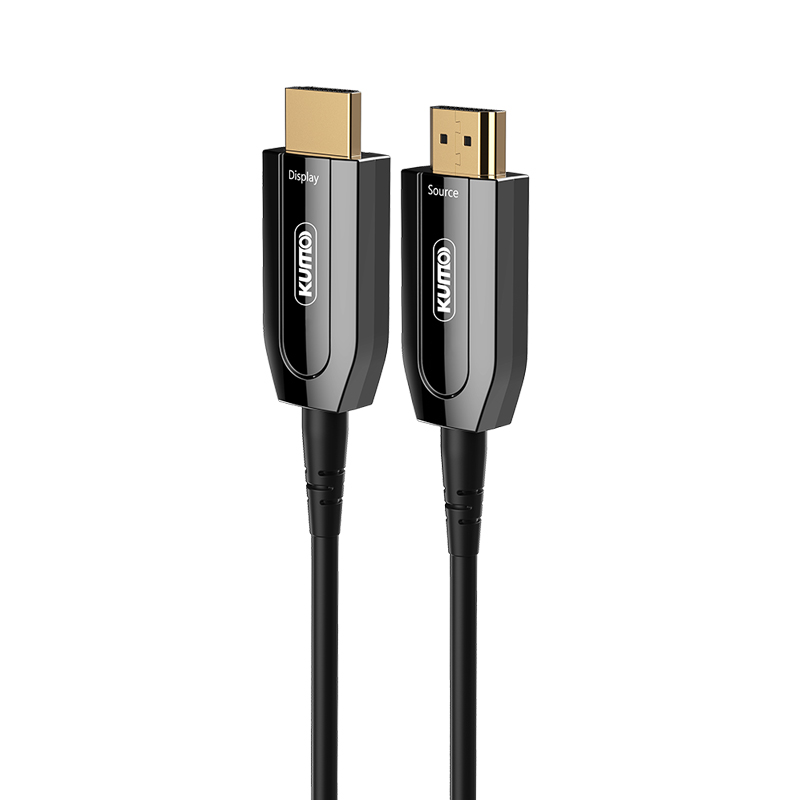 AOC HDMI Cable
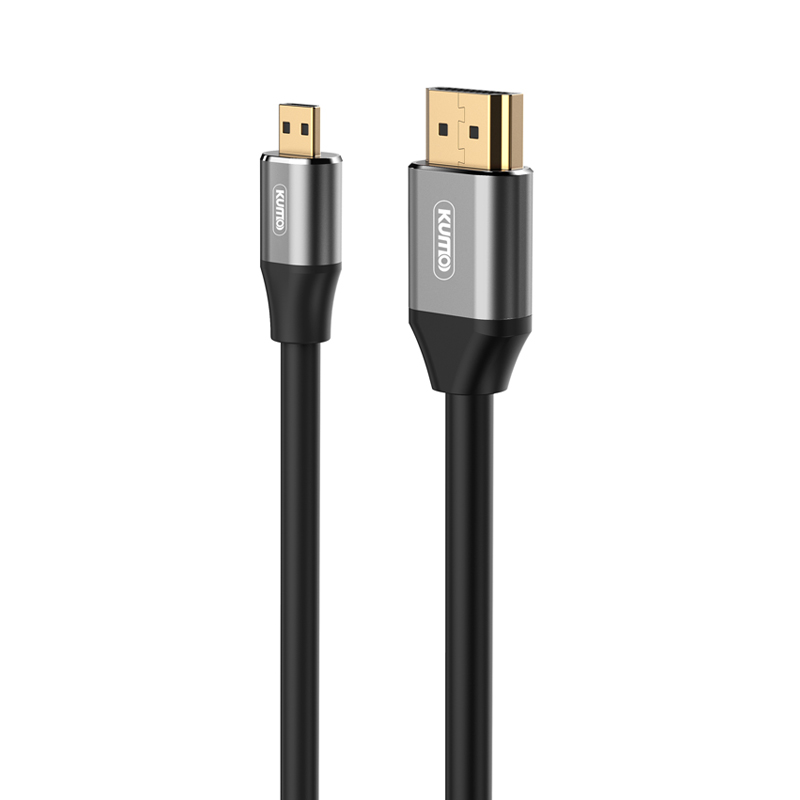 HDMI Conversion Cable
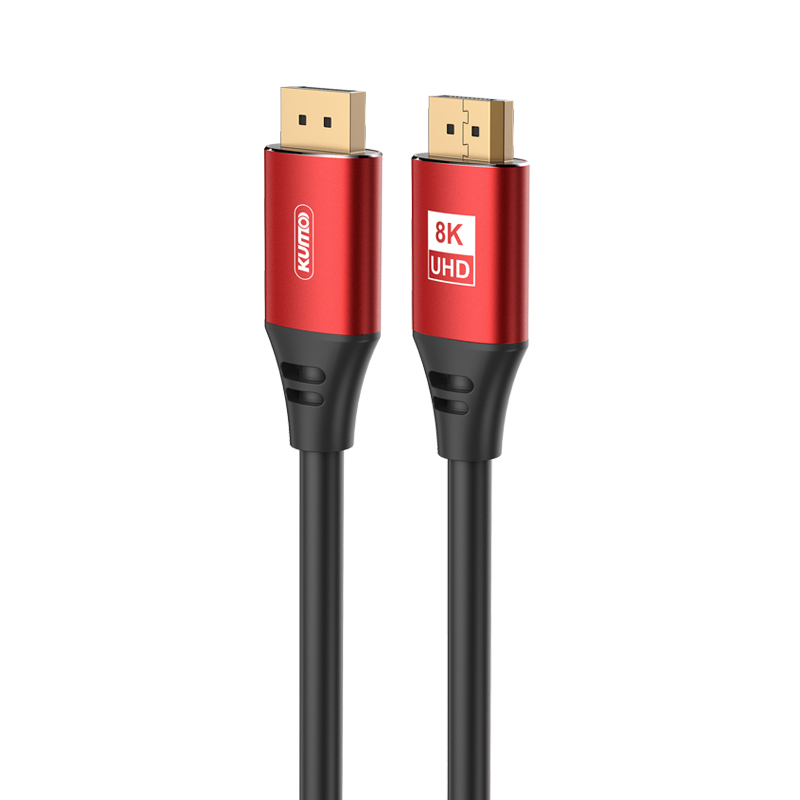 8K DisplayPort Cable
 16K DisplayPort Cable
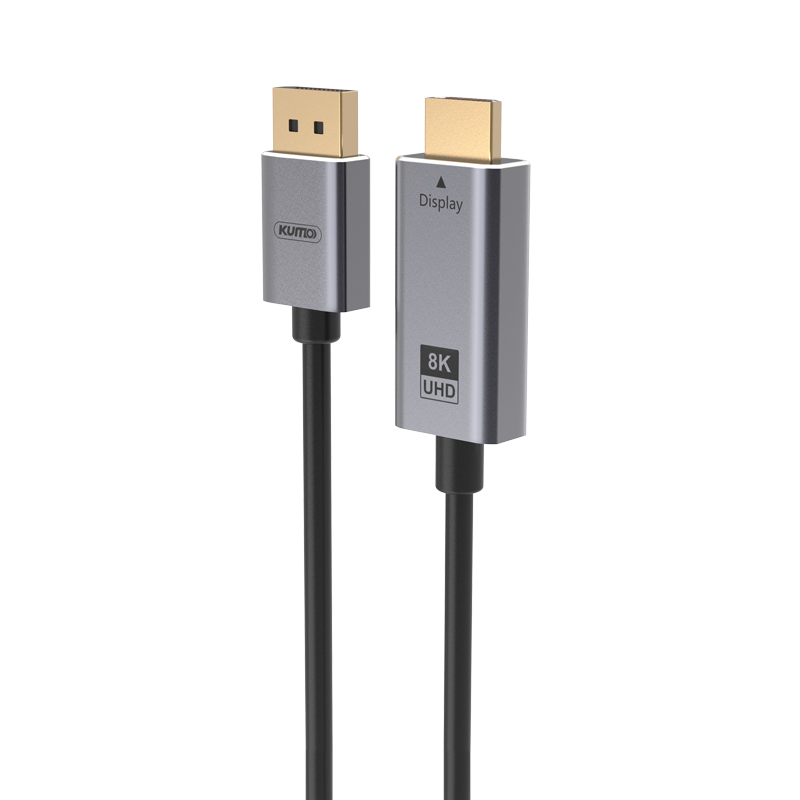 DisplayPort Conversion Cable
 XLR Cable
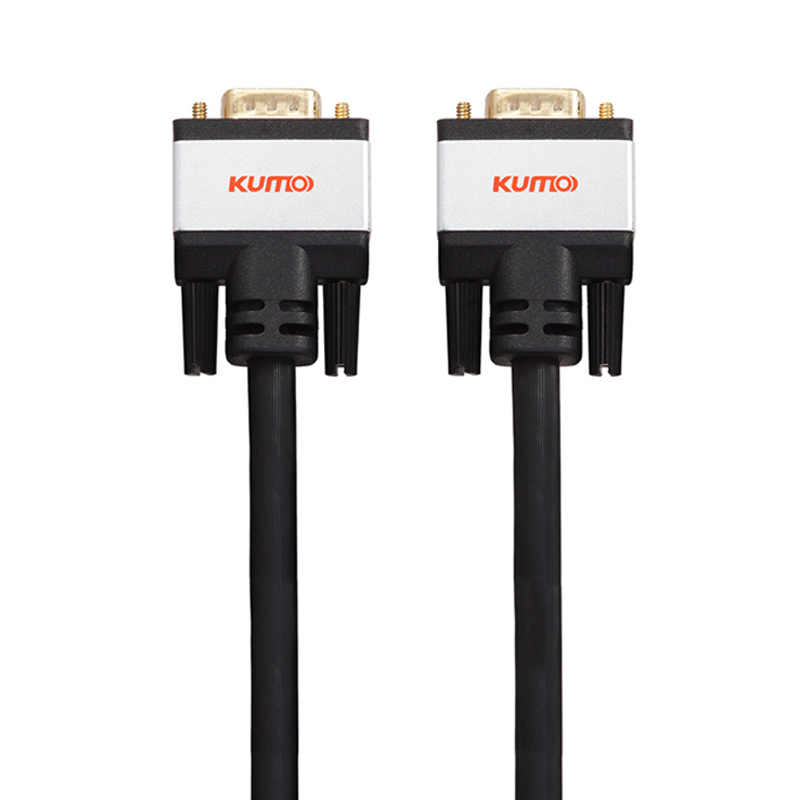 VGA Cable
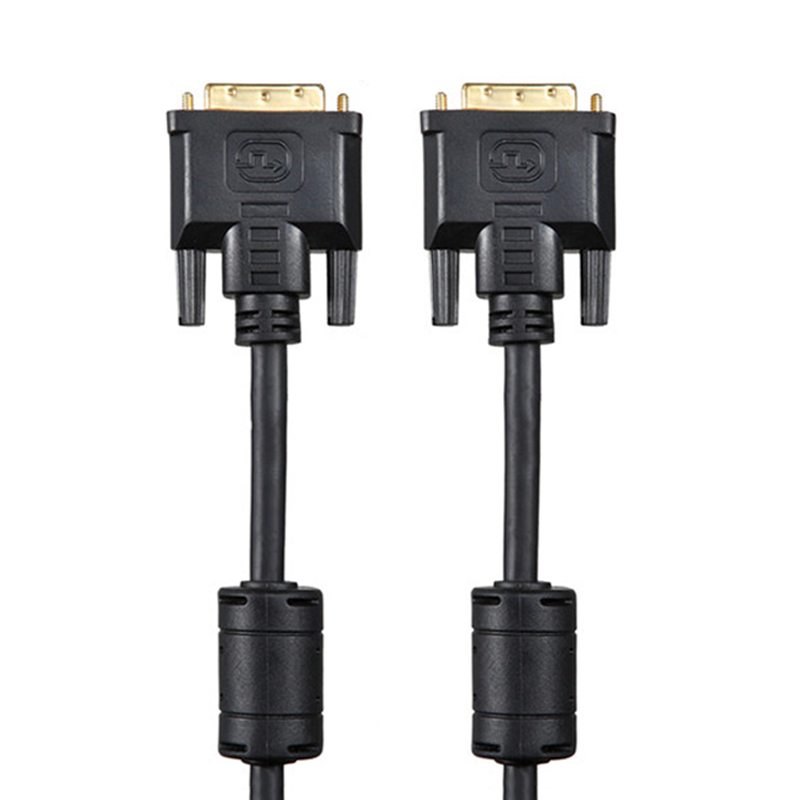 DVI Cable
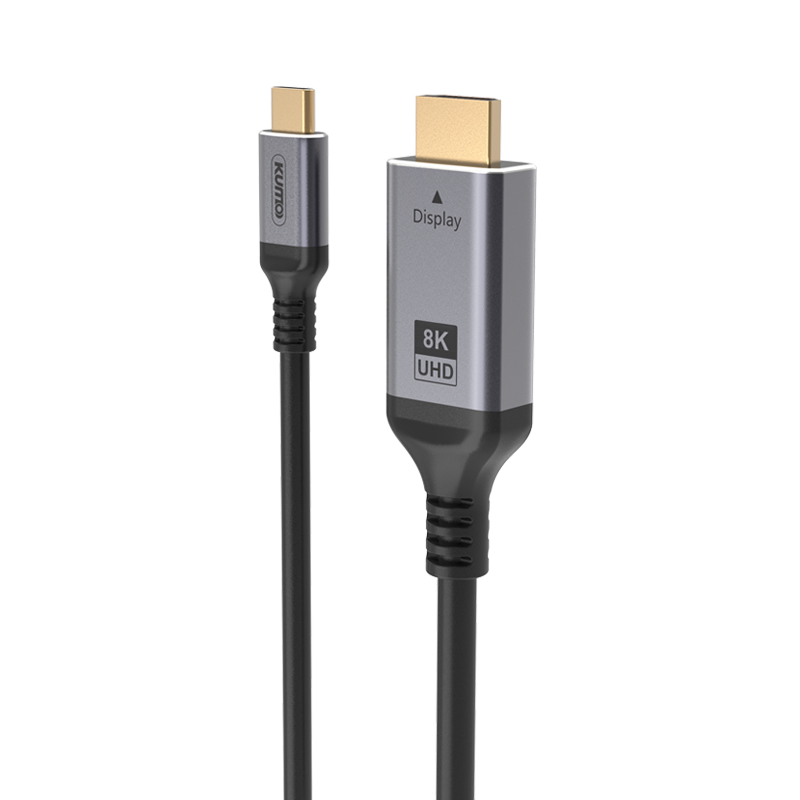 Type C To HDMI
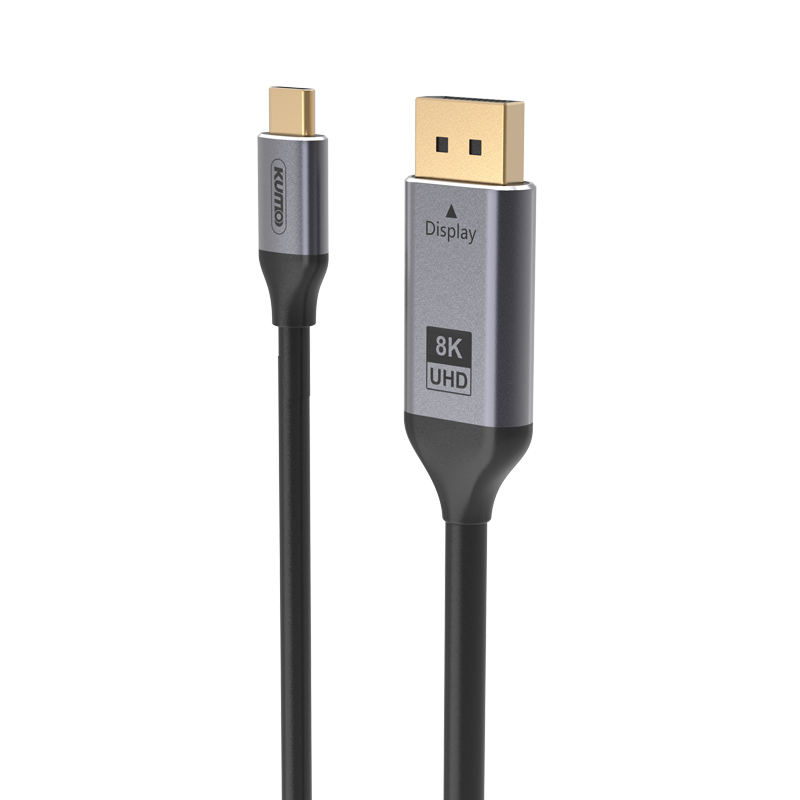 Type C to DP
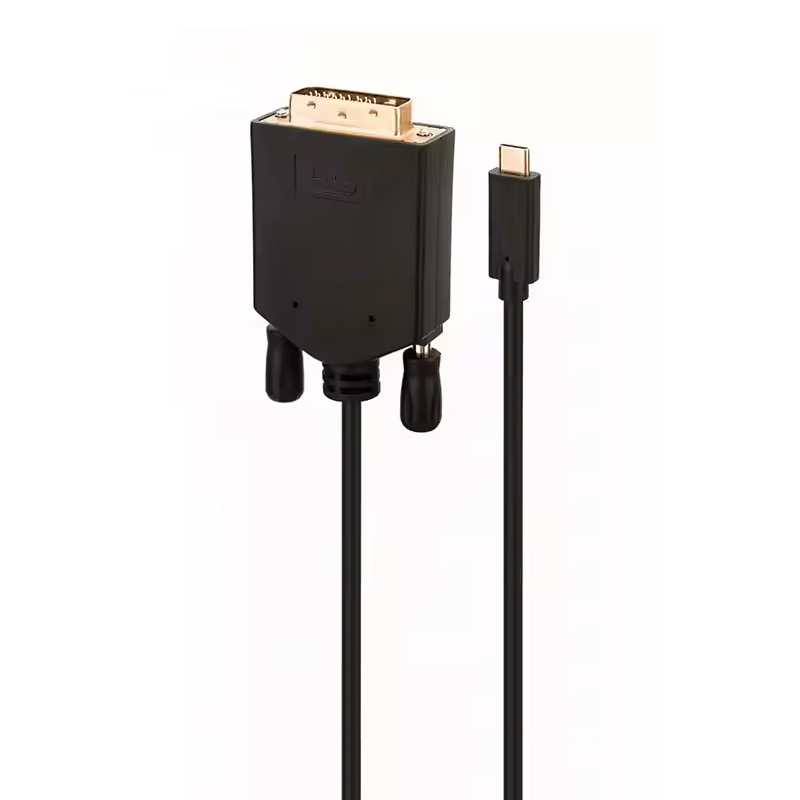 Type C to DVI
 Type C Adapter
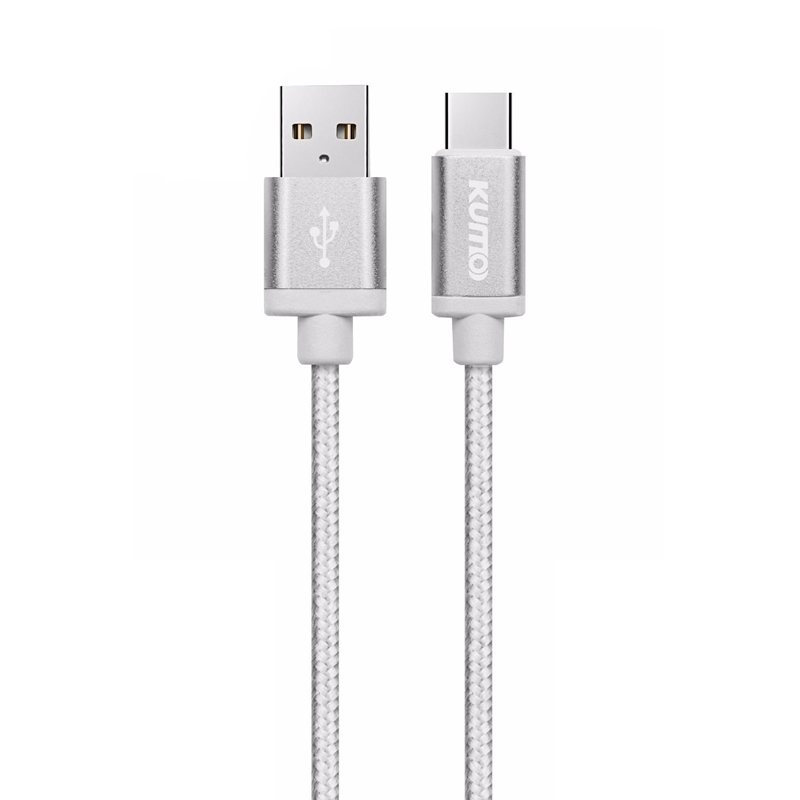 USB A to C Cable
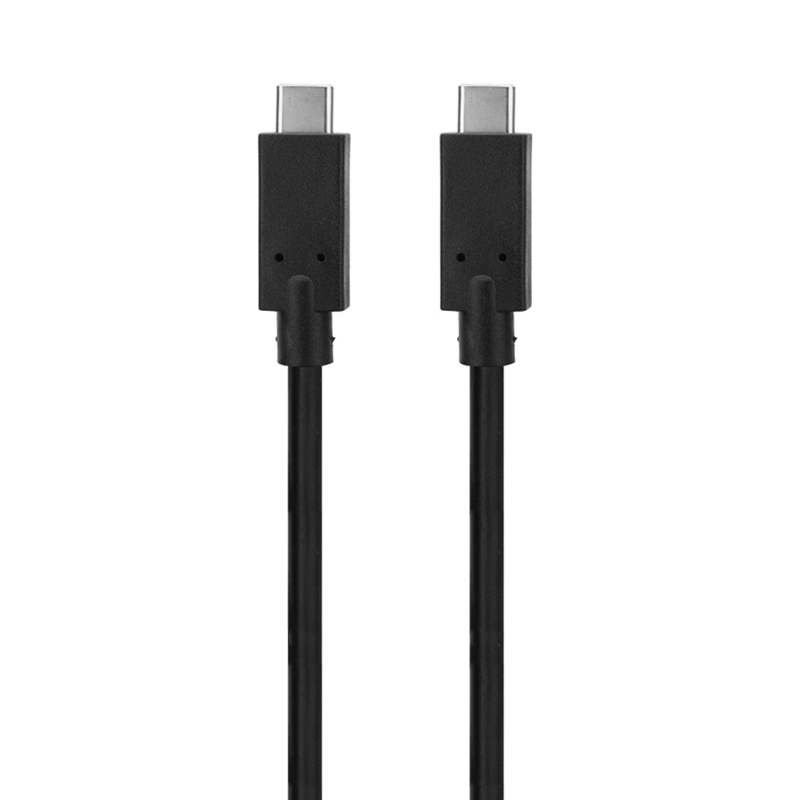 USB C to C Cable
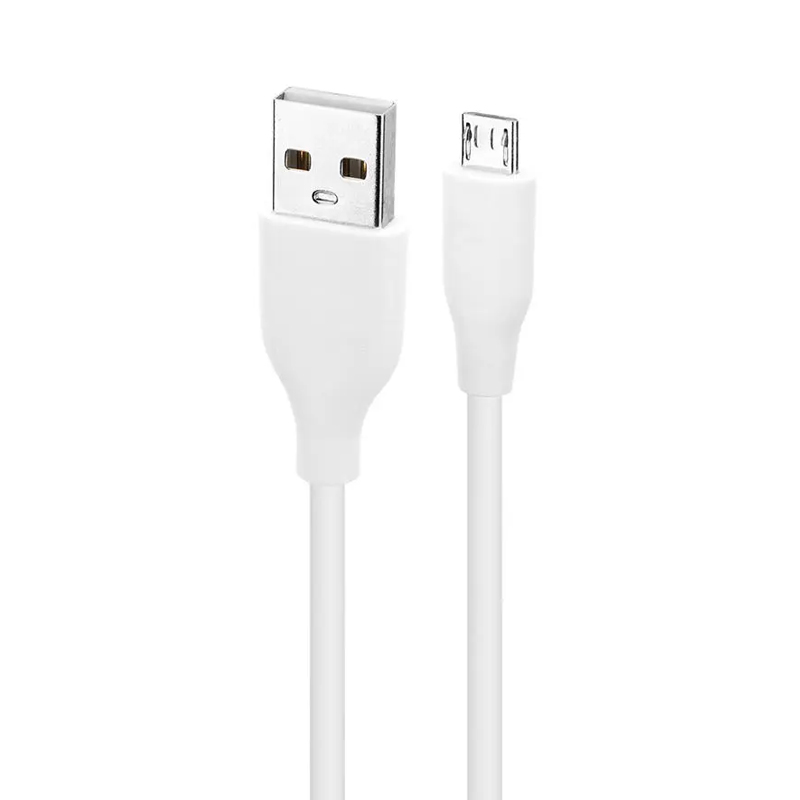 Micro USB Cable
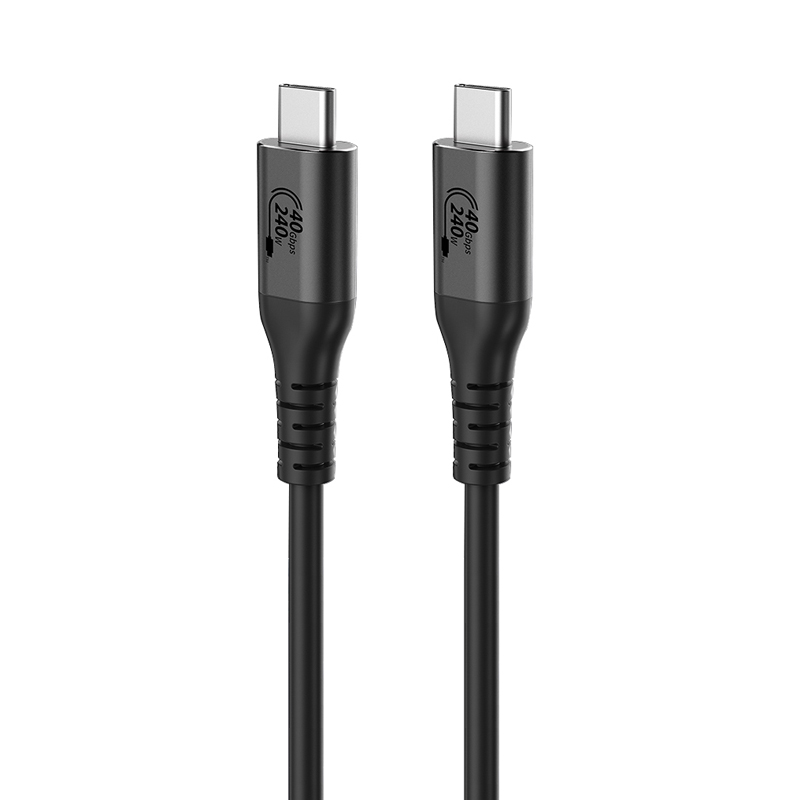 USB4 Cable
Inquiry
Form loading...
Nowadays, in a world that's always online, you really need gear you can rely on to keep devices in sync and powered. The USB Type C Hub Adapter sits right at the center of that shift. As USB Type-C spreads across phones, laptops, tablets, and more, people everywhere are looking for dependable hub adapters they can trust. At Zhongshan Sinseader Electronic Co., Ltd., we’ve been dedicated to delivering quality since 2007—creating products that boost connectivity, from USB hubs and docking stations to mobile phone accessories. This buying guide is designed to help you choose the best USB Type C Hub Adapter, spotlighting the features that actually matter and making sure it fits smoothly into your digital life. Join us as we unpack the key reasons and benefits of picking the right USB Type C Hub Adapter for your needs.

USB Type-C isn't just the latest gadget connector - it's quickly become the standard for modern gear. It combines speed, power, and versatility in one neat package. The USB Implementers Forum reports that more than a billion USB-C connectors were shipped in 2020 alone, a clear sign it's everywhere - from smartphones and laptops to keyboards, docks, and other peripherals. The magic lies in its data speeds: up to 40 Gbps, with Thunderbolt 3 compatibility, which makes it perfect for high-resolution video output and quick file transfers without the drama. On the power side, USB-C delivers up to 100 watts, so one cable can handle charging everything from your phone to your laptop. That single-cable convenience is exactly what Statista's research suggests will become even more common: by 2025, over 75% of electronic devices will use USB-C for charging and data transfer. As manufacturers keep embracing standardized connectivity, most of us can expect a smoother, plug-and-play experience powering and connecting our devices. USB-C's role in today's tech world feels pretty essential - and it's easy to see why.
| Feature | Importance | Compatibility | Price Range |
|---|---|---|---|
| Multiple Ports | Essential for connecting various devices | Laptops, Tablets, Smartphones | $15 - $100 |
| High-Speed Data Transfer | Crucial for fast file transfers | USB 3.0 and above compatible | $20 - $80 |
| Power Delivery | Important for charging devices quickly | Compatible with PD-enabled devices | $25 - $120 |
| HDMI Output | Needed for connecting to external displays | Laptops, Projectors, TVs | $30 - $100 |
| Compact Design | Ideal for portability | Ultrabooks, Travel users | $10 - $70 |
Maximizing your viewing experience has never been easier with the right tools at your disposal. The rise of 8K Ultra High Definition (UHD) displays has transformed how we consume content, offering stunning visuals that immerse viewers in an unparalleled way. An essential accessory to fully leverage this technology is the Display Port 1.4 to HDMI Adapter Cable. This innovative adapter supports remarkable video resolutions up to 8K at 60Hz, along with 4K at 120Hz. With a bandwidth of 32.4 Gbps, it ensures smooth and vibrant visuals that truly enhance your viewing experience.
Installation is seamless with the plug-and-play functionality—no drivers or software are needed. This user-friendly feature makes it easy for anyone to set up their system and dive right into their favorite movies, games, and presentations. Additionally, the adapter supports various modes, including Mirror Mode and Extend Mode, catering to different viewing preferences and setups. Whether you're assembling a home theater or upgrading your gaming rig, this adapter ensures that your 8K display performs at its best.
Certified with CE/RoHS/REACH/PAHS standards, the model (STA-ADPHF03) is also designed for durability and reliability. Measuring just 15CM, it's compact enough to fit seamlessly into your existing setup without clutter. Elevate your multimedia experience by integrating this 8K UHD DisplayPort male to HDMI female converter into your system, and witness the difference in clarity and detail right before your eyes.
: Consider how many devices you want to connect simultaneously and the specific ports you need, such as HDMI, Ethernet, or SD card readers, to enhance productivity.
Power delivery capability allows you to charge your laptop while using other peripherals, which is beneficial for users who need to stay mobile and maintain device operation without interruption.
Popular brands include Anker, Satechi, and HyperDrive, known for their reliable and feature-rich products designed to meet various connectivity needs.
Look for hubs that support USB 3.0 or higher to ensure faster performance for data-heavy tasks.
Make sure the hub supports your devices' specifications and is compatible with the operating systems you use, which ensures seamless operation.
Important features include multiple ports for connectivity, durable build quality, compact design for portability, built-in surge protection, heat resistance, fast data transfer rates, and efficient charging capability.
Yes, user reviews can provide insights into the performance and reliability of different models, helping you make a more informed choice.
Make a list of the devices you plan to connect and determine the necessary ports (USB, HDMI, Ethernet, etc.) to guide your selection.
A durable hub will withstand daily use, ensuring longevity, while a compact design enhances portability for on-the-go users.
It is recommended to look for hubs that support power delivery of at least 60W to ensure efficient charging and operation of your devices.


