In today's tech-driven world, staying connected without a hitch is more important than ever—especially for folks like professionals and gamers. One accessory that's been really gaining popularity is the Type C Docking Station for laptops. If you've been following industry trends, you might have noticed that the global market for USB docking stations is booming. It's expected to grow from about 1.2 billion USD in 2020 to a whopping 3 billion USD by 2026, with a CAGR of around 16%. That kind of growth just shows how much we all need reliable, efficient docking solutions that help us boost our productivity and keep us connected without hassle. Companies like Zhongshan Sinseader Electronic Co., Ltd., who've been around since 2007, are really leading the charge here. Specializing in USB hubs and docking stations, they’re all about solving common user problems and making the most out of Type C tech—changing how we connect and interact with our devices in the process.

Benefits of Type C Docking Stations: Enhancing Laptop Connectivity
Honestly, Type C docking stations have really become a game-changer for anyone with a modern laptop. They pack in tons of connectivity options, making life so much easier. These docks use the USB Type-C port—which, if you’re not familiar, can handle data transfer, charging your device, and even video output—all through just one port. According to a report by Statista, the market for these gadgets is expected to hit around $7 billion by 2025, so it’s clear that more and more folks are looking for better ways to connect everything smoothly.
One of the coolest things about Type C docking stations is how easily they let you hook up different devices. You can support dual 4K monitors, transfer data at lightning-fast speeds up to 10 Gbps, and even charge your laptop at the same time—pretty handy, right? Because of all that, they’ve become pretty much essential for both pros working from home and students trying to stay productive. In fact, a survey from TechRadar found that over 60% of remote workers rely on these docks to keep their workspace tidy and boost their productivity.
Pro tip: To make sure you get the most out of your docking station, double-check that your laptop has a USB-C port that can handle video output, not just charging or data. It’s also a good idea to choose a dock with plenty of USB ports so you can connect all your favorite peripherals without fuss. And don’t forget—keeping the firmware updated helps keep everything running smoothly and makes sure your dock plays well with new devices as they come out.

Key Features of Type C Docking Stations: What to Look For
Thinking about grabbing a Type C docking station for your laptop? Well, there are a few key things you’ll want to keep in mind if you really want to boost your productivity. First off, check out the number and variety of ports it offers. A decent dock should have a mix of connections like HDMI, USB-A, USB-C, and Ethernet—these let you hook up multiple devices all at once. That kind of flexibility is a game-changer if you’re plugging in monitors, external drives, printers—you know, the works.
Here's a little tip: before you make the leap and buy one, write down all the gadgets you plan to connect. Then double-check that the docking station offers the right ports—you don’t want any surprises!
Another thing to look at is how much power the dock can deliver to your laptop. Many Type C docks can charge your device as you use it, but not all are created equal. Pay attention to the wattage—they vary a lot. If the dock doesn’t put out enough power, your laptop might charge super slowly, or worse, its battery could drain while you're working. Aim for a dock that offers at least 60W of power, so you’re covered during long sessions.
And here’s a quick tip: look up your laptop’s power needs first, then pick a dock that can match or beat those specs. That way, you’ll keep everything running smoothly without hiccups.
Industry Statistics on Type C Adoption Rates in Laptop Technology
You know, as technology keeps moving forward, more and more folks are jumping on the Type C docking station bandwagon for their laptops. It’s kind of a big deal these days because everyone seems to want gadgets that are versatile and efficient, right? If you peek at the latest stats, you'll see that over 60% of new laptops now come with a Type C port — that’s a pretty clear sign of a real shift in what people are looking for. And it’s not just about how they look; this is actually a huge step up in terms of connectivity. With Type C, you get faster data transfer, and the best part? You can charge your device and connect multiple peripherals all through one single port. Honestly, it makes life so much easier when your setup is streamlined like that.
But, let’s be real — this transition isn’t perfect. Both manufacturers and users are running into some hiccups. One major pain point is that not all devices and docks play nicely together, which can be super frustrating. Plus, if you’ve got older peripherals, they might not be compatible with Type C at all, so you might need adapters or even buy new gear. According to some recent numbers, nearly 30% of users have run into compatibility issues with their current equipment, which just goes to show we really need some standardization fast. As Type C tech keeps improving, solving these issues will be essential if we want everyone to adopt it smoothly and stay happy with their gear.
Comparative Analysis: Type C vs. Traditional Docking Solutions
When you're looking at docking stations for laptops these days, it’s hard not to notice how much hype there is around Type C solutions compared to the old-school docks. You know, the ones that need a bunch of different ports like HDMI, USB-A, Ethernet—you end up with a jumble of cables everywhere. Honestly, that can get pretty annoying, especially if you’re constantly plugging in and taking out your device.
On the flip side, Type C docks are kinda a game-changer because they let you connect multiple peripherals all through this one super versatile port. It’s a real lifesaver when it comes to cutting down on cable clutter and making things easier, especially for folks juggling multiple devices or working in a busy setup.
Common Challenges Faced When Using Type C Docking Stations
Using Type C docking stations for your laptop can be super convenient, but let’s be honest—sometimes the experience isn’t all smooth sailing. A common headache is compatibility. Not all laptops play nicely with the USB-C standard, which means you might run into connection issues or have certain features just not work. Interestingly, a recent report from IDC mentioned that about 30% of laptop users faced problems when trying to connect theirs to docking stations. This issue hits especially hard if you’ve got an older model that doesn’t support cool stuff like fast charging or speedy data transfer.
Then there’s the whole port situation. Even though many Type C docks come with a bunch of ports, not all of them are usable at the same time. According to a Gartner survey, around 25% of folks get pretty annoyed having to constantly unplug and replug devices just to switch between different functions. Finding a dock that actually matches all your needs—like high-res video output or fast USB speeds—can also feel like hunting for a needle in a haystack.
Quick tips: To dodge some of these headaches, make sure to double-check your laptop’s specs with what the dock offers before buying. If you’re juggling multiple devices and need to switch things up often, it might be worth investing in a dock with a bunch of different ports so you don’t have to keep disconnecting everything. And hey, keeping your laptop and dock firmware updated can save you from a lot of weird bugs and keep things running smoothly overall.

Future Trends: How Type C Docking Stations Will Evolve in the Tech Landscape
As technology keeps advancing, you’re probably noticing that Type C docking stations are becoming pretty common in the world of laptop accessories. One cool thing happening is that they’re starting to support higher power delivery, so you can charge your laptop while plugging in multiple peripherals—talk about convenience, right? This upgrade not only makes life easier by reducing all those messy cables but also means a single Type C dock can connect to lots of devices with just one cable. Plus, with smarter power management features, these docks will make sure your devices charge efficiently, helping cut down energy waste and be a bit more eco-friendly.
On top of that, there’s a lot of buzz about smart features being added to Type C docks. As IoT gadgets become more popular, these stations are expected to turn into kind of intelligent hubs. They’ll be able to prioritize data traffic and manage power like pros. So, you’ll see faster data transfers and better performance—great news for things like video editing or gaming. Some of these docks might even include built-in software to keep an eye on connected devices, making sure everything runs smoothly without any hassle. It’s pretty exciting to think how these evolving docks are going to shape the future of laptop connectivity, making our lives a lot simpler and more efficient.
Challenges and Expected Trends in Type C Docking Stations
FAQS
: Over 60% of new laptops are equipped with Type C ports.
Type C docking stations offer faster data transfer rates and the convenience of connecting multiple devices through a single port, reducing cable clutter.
Users may encounter compatibility issues with older peripherals that do not support Type C, leading to the need for additional adapters or new purchases.
Nearly 30% of users experience compatibility problems with their existing equipment.
Future Type C docking stations will likely support higher power delivery capabilities, allowing users to charge their laptops while connecting multiple peripherals.
Type C docking stations are expected to incorporate smart features that prioritize data traffic and manage power distribution intelligently for better performance.
Not all Type C docks support the full range of functionalities, so users must ensure their devices are compatible to avoid limitations in performance.
As technology advances, Type C docking stations will evolve to become more adaptable and multifunctional, shaping the landscape of laptop accessories and connectivity.
Type C technology improves user experience by providing faster data transfer rates and simplifying connections with just one versatile port.
Advanced power management features in Type C docking stations will improve charging efficiency and reduce energy waste, contributing to sustainability.
Conclusion
So, I recently came across a blog titled "Understanding the Challenges of Using Type C Docking Stations for Laptops," and honestly, it’s a pretty eye-opening look at how important these Type C docks are becoming. They’re really changing the game when it comes to connecting your laptop—more convenience, more versatility, and honestly, a smoother experience overall. The article talks about things to keep in mind before picking one, like whether it’s compatible with your device, how many ports it has, and its overall design—stuff that really helps you find the perfect fit for your needs.
That said, it’s not all perfect, right? There are some hurdles to watch out for, especially if you’re trying to use these docks with older laptops or if you’re concerned about power delivery. Still, it’s pretty exciting to see the industry moving toward more widespread adoption of Type C tech—it's changing from a nice-to-have to a must-have. And looking ahead, the trends are promising. As technology keeps evolving, we’ll probably see even cooler, more innovative docking solutions coming from manufacturers like Zhongshan Sinseader Electronic Co., Ltd., who seem to be really leading the charge when it comes to making these docks more tailored to what modern laptop users actually need.
Overall, it’s a fascinating shift in how we connect our devices, and I think we're just getting started!

 USB C Docking & Hub
 USB C Docking Station
 USB C Hub-H Series
 USB C Hub-H Series High End
 USB C Hub-X Series High End
 HDMI Cable
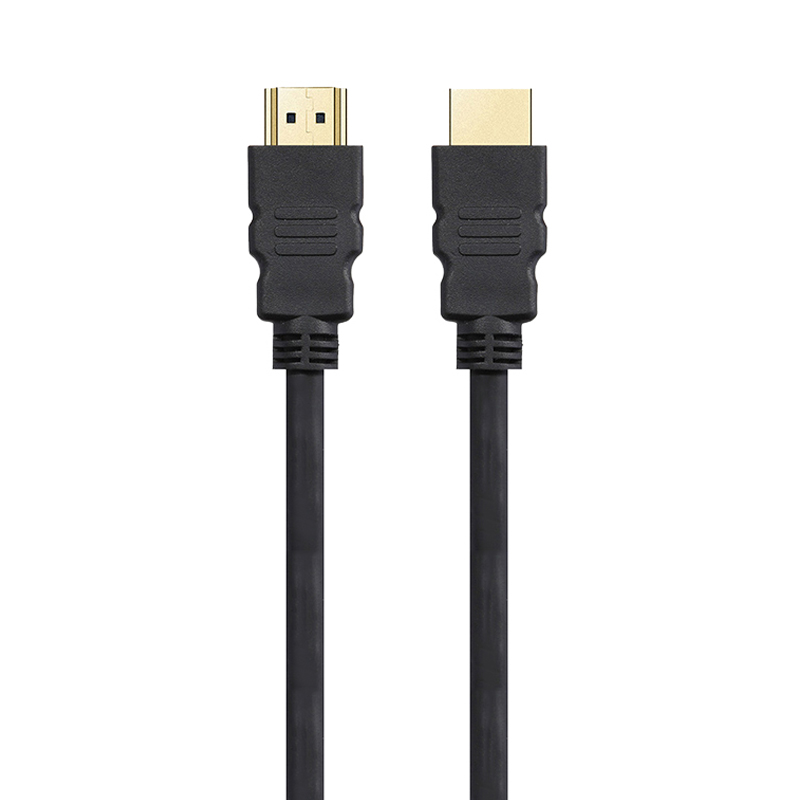 4K HDMI Cable
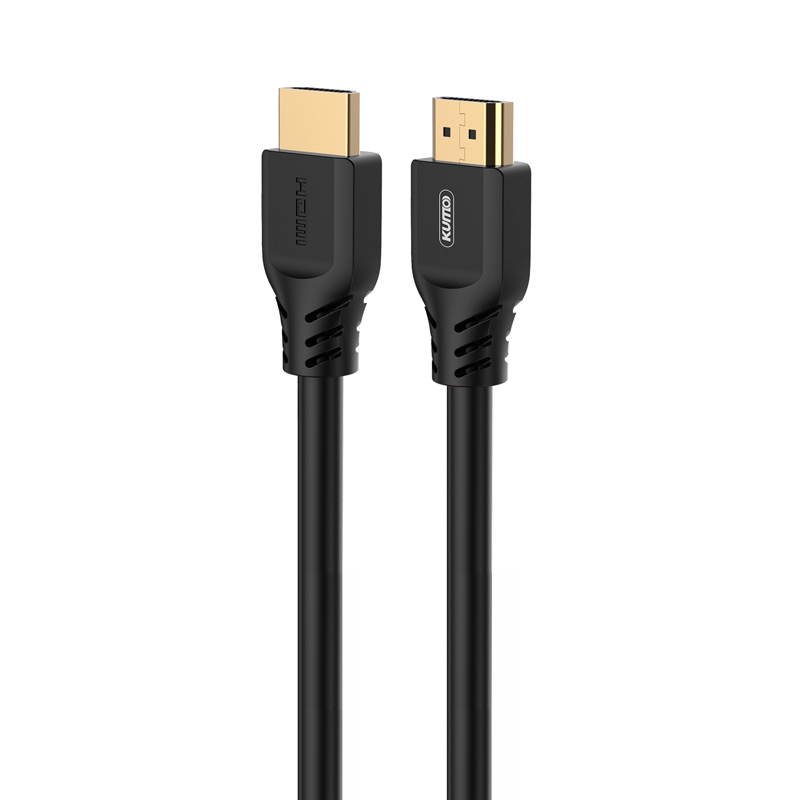 8K HDMI Cable
 16K HDMI Cable
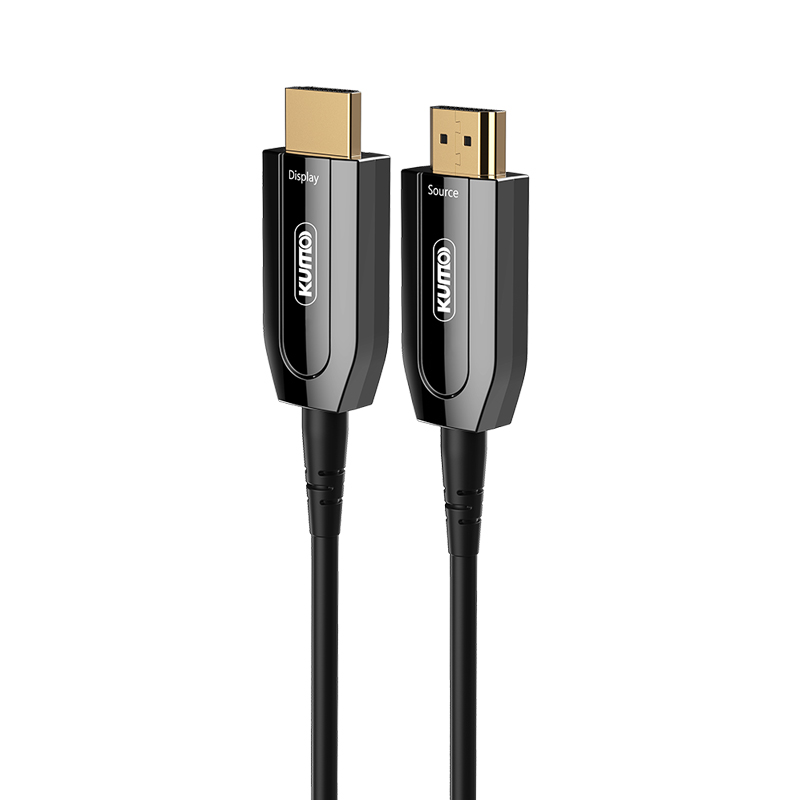 AOC HDMI Cable
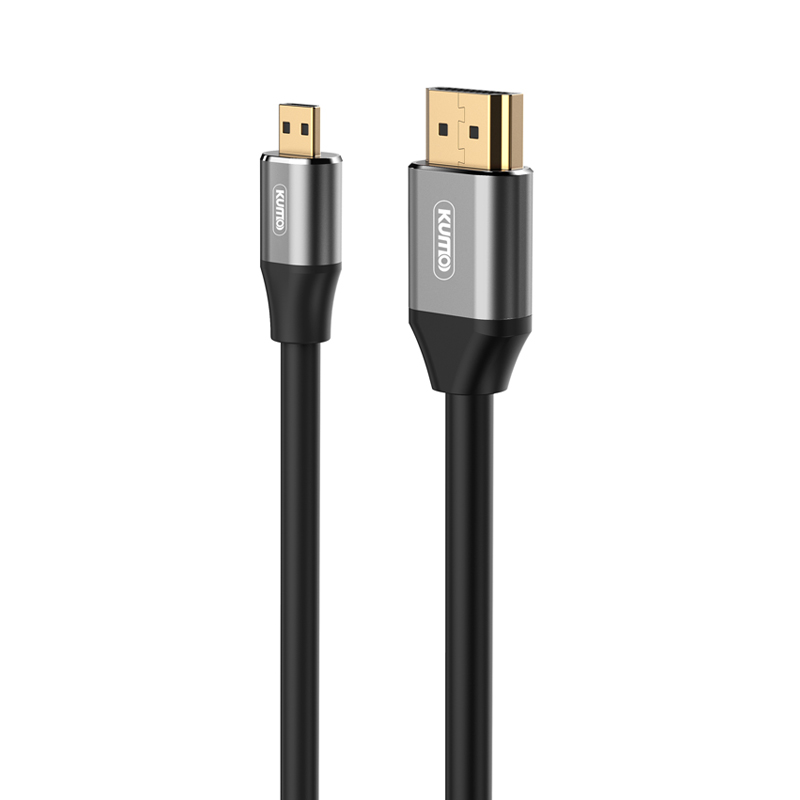 HDMI Conversion Cable
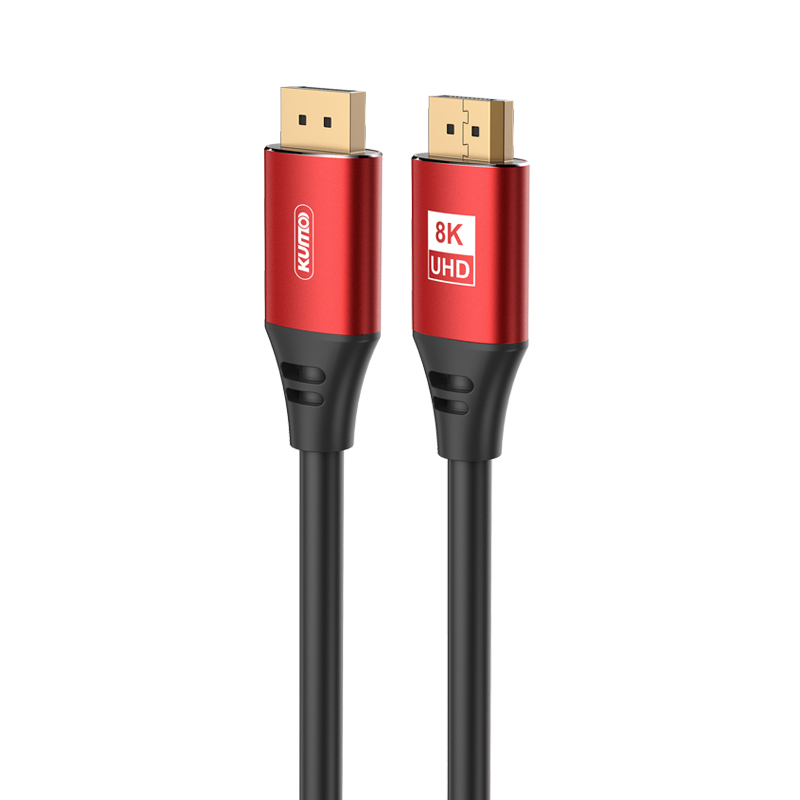 8K DisplayPort Cable
 16K DisplayPort Cable
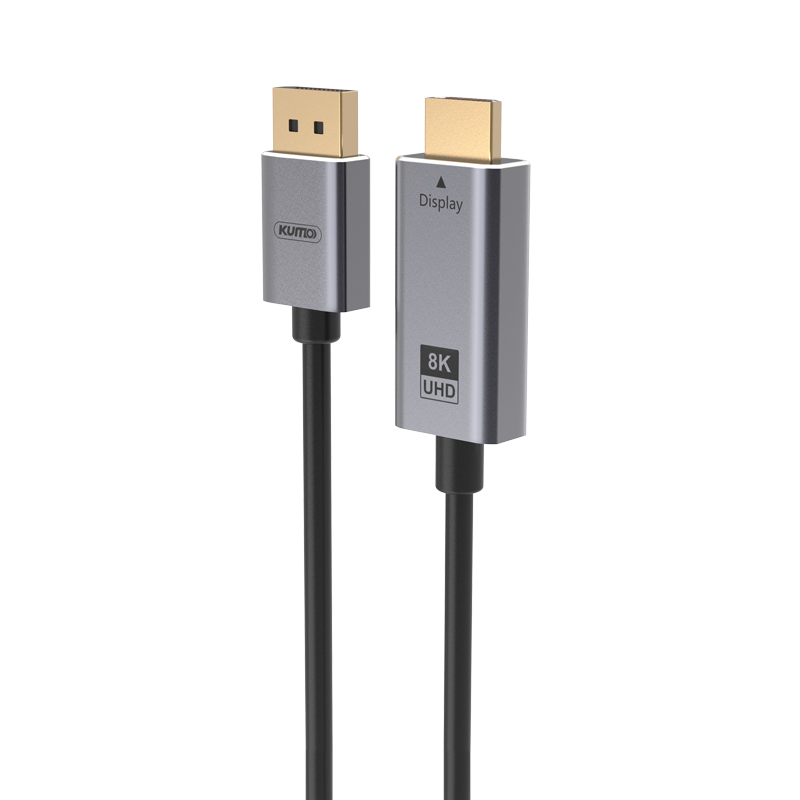 DisplayPort Conversion Cable
 XLR Cable
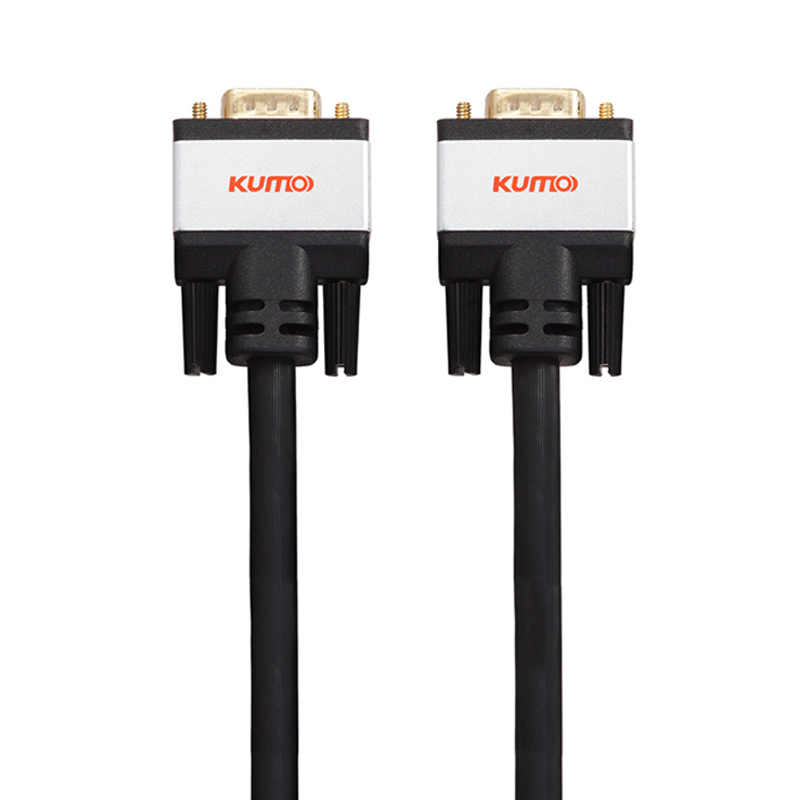 VGA Cable
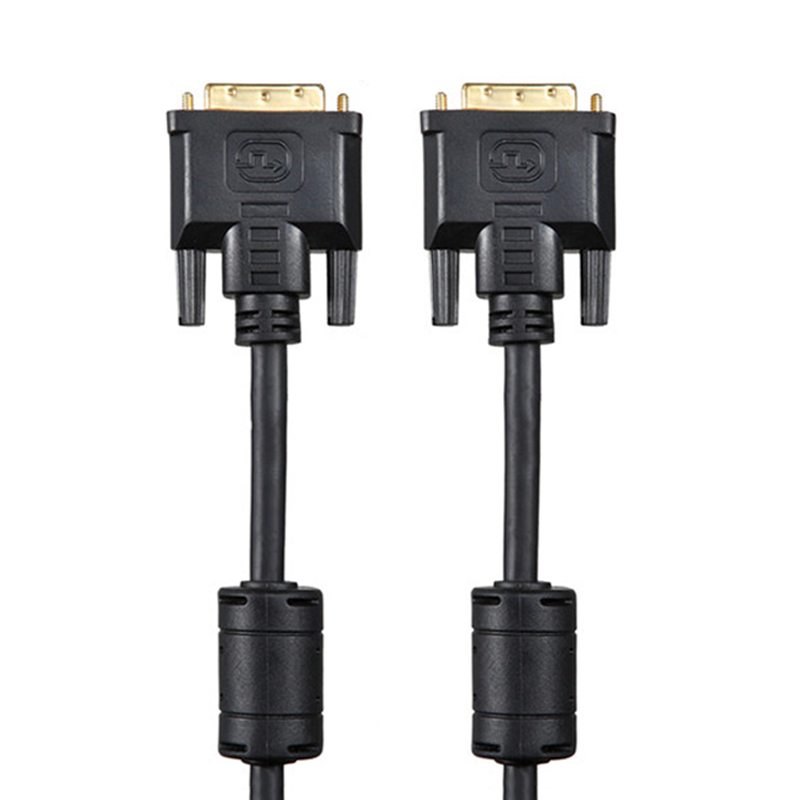 DVI Cable
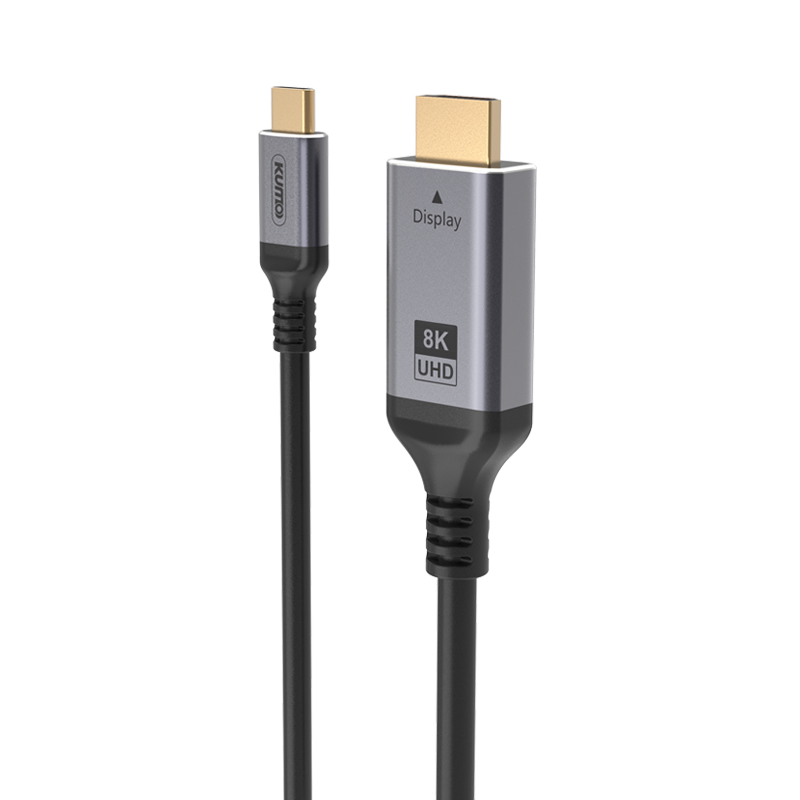 Type C To HDMI
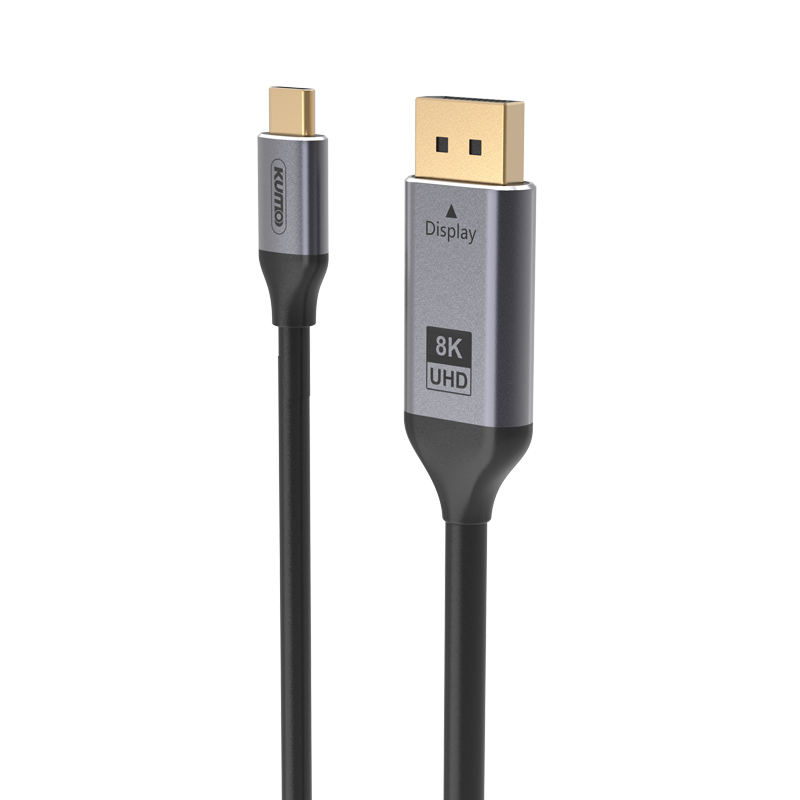 Type C to DP
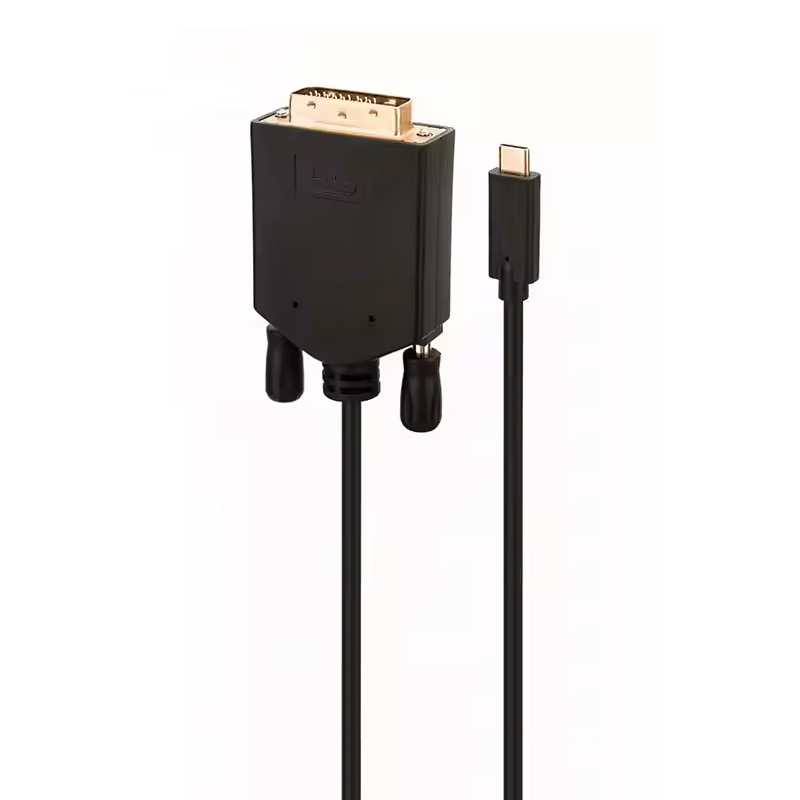 Type C to DVI
 Type C Adapter
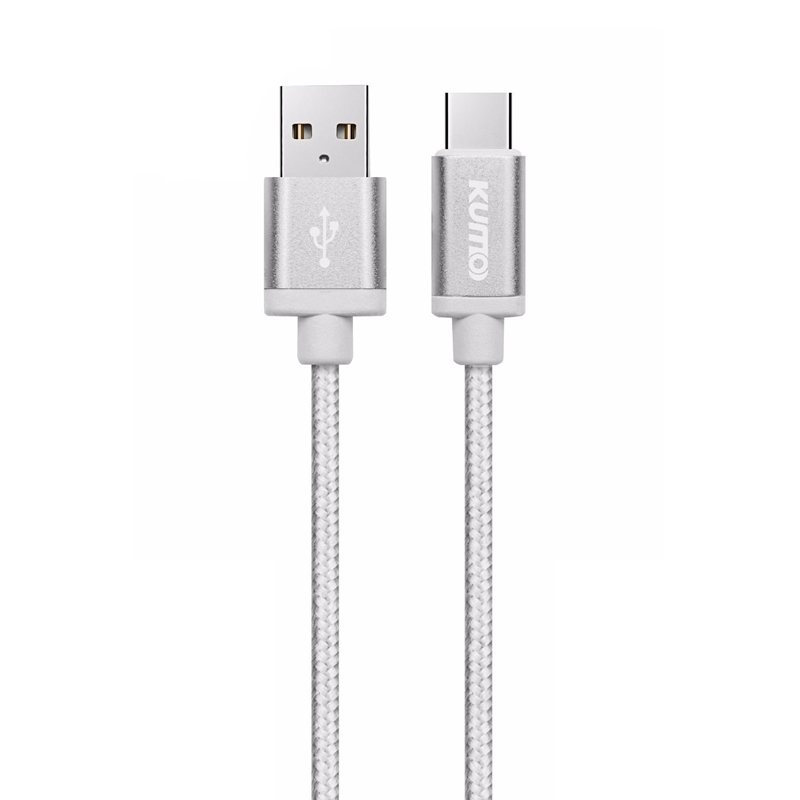 USB A to C Cable
 USB C to C Cable
 Micro USB Cable
 USB4 Cable


