Picking out the right USB hub for your phone can actually be a bit tricky. Like Michael Davis, a well-known expert in mobile accessories, once said, “Getting the right USB hub can seriously improve your mobile experience.” With so many options out there, it’s easy to get overwhelmed. You’ll want to think about stuff like how functional it is, how portable, and if it works well with your device.
Honestly, a lot of people rush their decisions and miss some key details—like how fast it charges or how many ports it has. Sometimes, the hubs just don’t have enough power to support several devices at once, and that can be super frustrating when you really need it.
Also, it’s helpful to get what all those data transfer rates really mean. Not every USB hub for your phone is built the same. Some are faster, especially for transferring large files or doing data-heavy tasks. In today’s fast-moving world, having a reliable hub isn’t just a nice-to-have—it’s kinda essential.

Factors to Consider When Selecting a USB Hub for Mobile Devices
When selecting a USB hub for mobile devices, consider the number of ports. More ports mean more devices can connect. Look for hubs with at least three ports. If you use multiple peripherals, this is essential. Also, check the types of ports available. USB-C ports are becoming very common, but USB-A is still widely used. Depending on your devices, find a hub that matches your needs.
Power delivery is another crucial factor. Some USB hubs can charge your mobile devices while transferring data. This feature is particularly useful for smartphones and tablets. Ensure the hub supports fast charging if that’s important for you. Remember, not all hubs have this capability, and it can be disappointing to find out later.
Tips: Test the hub before making a purchase. If possible, ensure it fits well with your devices. Read reviews carefully. Not all products live up to their promises. Look for any recurring issues mentioned by users. Reflect on your habits too. Do you travel often? If so, a compact hub might be necessary. Make choices aligned with your real-life usage.
Understanding USB Standards: Types and Speed Requirements for Phones
Choosing the right USB hub for your mobile phone involves understanding USB standards. These standards dictate speed, compatibility, and functionality. For example, USB 2.0 offers a max speed of 480 Mbps. This is sufficient for basic tasks like charging and data transfer. However, for power users, USB 3.0 and 3.1 provide speeds of up to 5 Gbps and 10 Gbps, respectively. High-speed options are increasingly necessary as phone capabilities expand.
Another factor is cable quality and length. A longer cable can reduce speed and make charging less efficient. Several reports indicate that shorter cables typically provide better performance. Not all hubs are created equal; some have multiple ports while others might have power delivery options. Ensure the hub meets your data transfer needs and power requirements. Some users overlook these factors, leading to frustration.
Last, consider future-proofing your setup. Newer standards, like USB4, promise even faster speeds. Transitioning might be necessary as technology evolves. It’s easy to focus on current needs and neglect future compatibility. Investing in the right hub now could save you headaches later. Balancing speed, power, and versatility is key.
The Importance of Power Delivery in USB Hubs for Mobile Charging
Power delivery (PD) in USB hubs has become essential for mobile charging. This technology allows devices to draw more power through a USB connection. Many smartphones require a minimum of 18W for fast charging. Some reports estimate that up to 60% of mobile phone users rely on power delivery for faster charging times. Without PD support, charging can become frustratingly slow.
When choosing a USB hub, consider the wattage it provides. A hub with sufficient power delivery can charge multiple devices efficiently. For instance, hubs supporting up to 100W can power laptops and smartphones simultaneously. However, it’s crucial to note that not all USB hubs are created equal. Many users overlook specifications and end up with inadequate options. Inadequate power delivery can lead to overheating and inefficient charging.
Ensure the hub has safety features like overcurrent protection. It’s common for users to face compatibility issues. Some hubs may not work well with certain devices. Test compatibility before relying on a hub for daily use. This can prevent inconvenient situations, especially when you are in a hurry. Relying on proper power delivery is vital for a seamless mobile experience.
Port Variety: Matching USB Hub Connectors with Mobile Phone Models
When choosing a USB hub for your mobile phone needs, understanding port variety is essential. Many phones today support USB-C, but older models may still use micro-USB. A recent industry survey indicated that over 60% of smartphones are now transitioning to USB-C. This trend makes it vital to match your hub connectors accordingly. A hub with a mix of USB-C and USB-A ports can accommodate both current and legacy devices.
The right hub should also offer power delivery capabilities. Many mobile phones can charge through their data ports. Research shows that USB hubs with power delivery support can charge devices at up to 100W. This ensures that your devices remain powered while in use. However, not all hubs deliver the same charging speeds. It is worth checking specifications to avoid disappointment.
Some users may find their current hubs lack sufficient ports or compatibility for peripherals. A 2022 report found that 40% of users feel limited by their hub choices. Reflecting on your needs can help avoid this frustration. Look for hubs with at least three ports and mixing types. This could enhance functionality significantly and support a smoother user experience.
How to Choose the Best USB Hub for Your Mobile Phone Needs
| USB Hub Model |
Port Types |
Compatible Mobile Phones |
Transfer Speed |
Price Range |
| Model A |
USB-C, USB-A |
Samsung Galaxy, iPhone 12, OnePlus |
10 Gbps |
$20 - $30 |
| Model B |
USB-C, HDMI, USB-A |
iPhone 13, Pixel, Motorola |
5 Gbps |
$25 - $35 |
| Model C |
USB-A, USB-C, Ethernet |
Huawei, Xiaomi, LG |
1 Gbps |
$15 - $25 |
| Model D |
USB-C, SD Card Reader |
iPhone 11, Oppo, Sony |
10 Gbps |
$30 - $40 |
Compatibility Considerations: Ensuring USB Hub Works with Your Phone
When selecting a USB hub for your mobile phone, compatibility is vital. Many devices may not support universal USB standards. It’s crucial to check if your phone can work with the hubs on the market. Research from industry experts indicates that nearly 30% of consumers experience compatibility issues with their USB accessories. This is often due to different USB versions or power requirements.
Tips: Always verify the specifications of the hub. Look for hubs that explicitly mention compatibility with your phone’s model. User reviews can provide insight into compatibility experiences.
Understanding the types of USB connections is also essential. USB-C, USB-A, and micro-USB have different functionalities. Some hubs may not support data transfer while others prioritize charging. Notably, reports show that 25% of users unknowingly purchase hubs that only serve one of these functions.
Tips: Consider your primary use—data transfer or charging. Choose a hub that aligns with your needs. User manuals often highlight these distinctions.
Top Brands and Models: Industry Recommendations for Quality USB Hubs
When selecting a USB hub for your mobile phone, considering quality brands is crucial. A well-constructed hub can make a difference in performance. Look for models that offer multiple ports. This feature allows you to connect several devices at once. Some hubs even support fast charging. However, not all USB hubs are created equal. Many cheaper options might compromise on build quality. A flimsy design can lead to frustrating disconnections.
Research is essential. Check industry reviews and user feedback. High-rated products usually provide better reliability. Keep an eye on the data transfer speeds listed. Some hubs may promise speed but underdeliver in real use. Compatibility is another factor. Ensure your mobile phone can easily connect with the chosen hub. Inconsistent connection can disrupt your workflow.
While many choices exist, make sure the hub meets your specific needs. Pack compatibility and reliability into your budget. Consider your frequent tasks. If you often transfer large files, a hub with high speed is necessary. Take the time to evaluate options. Rushed decisions often lead to regrettable purchases. Balancing quality with affordability will yield the best results.
User Reviews and Performance Ratings: Analyzing Real-World USB Hub Use
When selecting a USB hub for your mobile phone, user reviews can be invaluable. Many users highlight the efficiency of hubs with multiple ports. They report that these hubs simplify connection to various devices, like keyboards and external drives. Performance ratings often reflect real-world scenarios. Some customers appreciate faster data transfer speeds, while others find the speed to be inconsistent. It’s essential to investigate these reviews closely.
Many users also note durability as a critical factor. Hubs taking frequent travel often show wear and tear. Some hubs break easily, which leads to frustration. Reading reviews about build quality can save future hassle. A few users experienced issues with overheating, specifically during heavy use. This feedback emphasizes the need to assess thermal performance.
Battery consumption is another concern. Some hubs drain phone batteries quickly, which disrupts usability. Users recommend hubs that have power-saving features. Analyzing these real-world experiences can guide you to a better choice. People often overlook essential details like cable length or weight. A good USB hub should meet your specific needs. Always use user feedback to refine your selection process.
Enhance Your Viewing Experience: The Ultimate Guide to USB Type-C to HDMI Adapters for HDTV and Laptops
When looking to enhance your viewing experience, a USB Type-C to HDMI adapter is an essential accessory for connecting your laptop or mobile device to an HDTV or monitor. These adapters allow for seamless communication between your USB-C device and an HDMI-equipped display, making it easy to enjoy movies, games, and presentations on a larger screen. One standout feature of many high-quality adapters is their support for video resolutions up to 4K at 60Hz, ensuring that you can relish an ultra-high-definition visual feast with stunning clarity and detail.
For versatility, USB Type-C to HDMI adapters come in various lengths—ranging from 0.5M to 3M—catering to different setups and preferences. This flexibility ensures that you can find the right length to suit your workspace or entertainment setup. Furthermore, compatibility with devices that support DisplayPort Alternate Mode is crucial, allowing users to connect a wide range of computers and mobile phones without any hassle. Additionally, these adapters often have certifications such as HDMI ATC, CE, ROHS, REACH, and PAHS, which ensure that they meet high standards for safety and performance.
Investing in a reliable USB Type-C to HDMI adapter not only boosts your viewing experience but also enhances productivity, enabling you to make the most of your devices. Whether you're streaming your favorite show, conducting a video conference, or giving a presentation, this simple but effective tool brings a new level of clarity and convenience to your digital life.
FAQS
: The main goal is to engage participants in meaningful discussions.
The activity typically lasts for about two hours.
Participants may need to bring personal items or relevant materials.
Yes, the activity is open to everyone interested in participating.
Participants should think about their experiences and ideas to share.
There is no formal dress code; casual attire is acceptable.
It’s common to feel nervous; sharing in small groups may help.
Yes, a facilitator will guide discussions and ensure everyone gets a chance to speak.
It’s okay; listening is just as valuable as sharing in discussions.
Participants are encouraged to share feedback through a quick survey.
Conclusion
When selecting a USB hub for mobile phone needs, several key factors must be considered. Understanding the various USB standards, including types and speed requirements, is crucial, as it ensures compatibility with your device and optimal performance. Additionally, power delivery plays a significant role in mobile charging, making it important to choose a hub that can efficiently supply power to your phone. Port variety is also essential; select a USB hub for mobile phones that matches the connectors of your device to enhance versatility and connectivity.
Compatibility is another critical aspect, as not all USB hubs work seamlessly with every mobile phone model. Industry recommendations can guide users toward reliable choices, while user reviews and performance ratings provide insight into real-world functionality. By considering these elements, you can confidently select a USB hub for mobile phone use that meets your specific requirements and enhances your overall experience.

 USB C Docking & Hub
 USB C Docking Station
 USB C Hub-H Series
 USB C Hub-H Series High End
 USB C Hub-X Series High End
 HDMI Cable
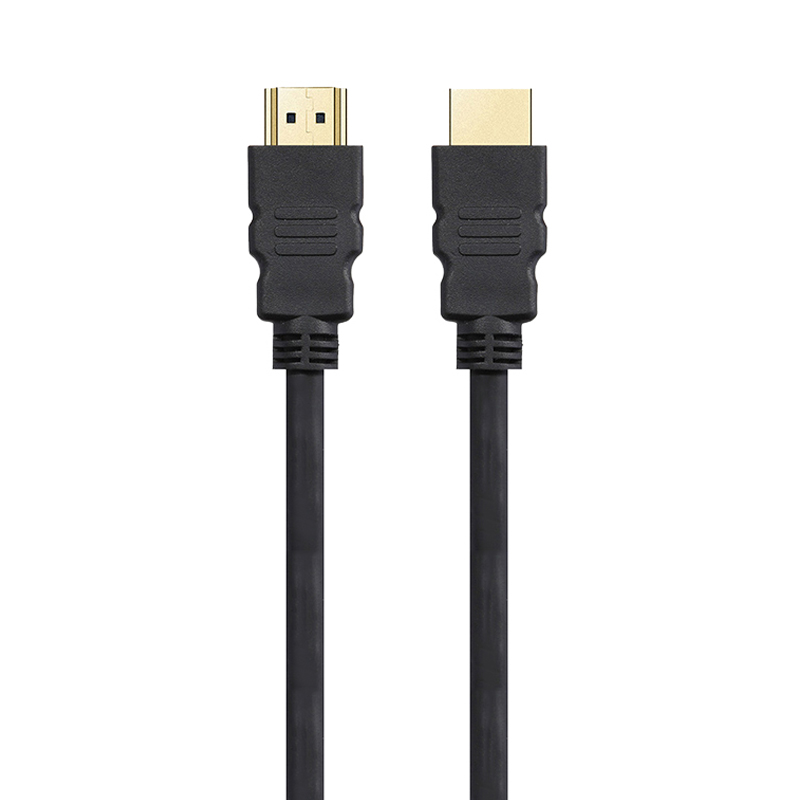 4K HDMI Cable
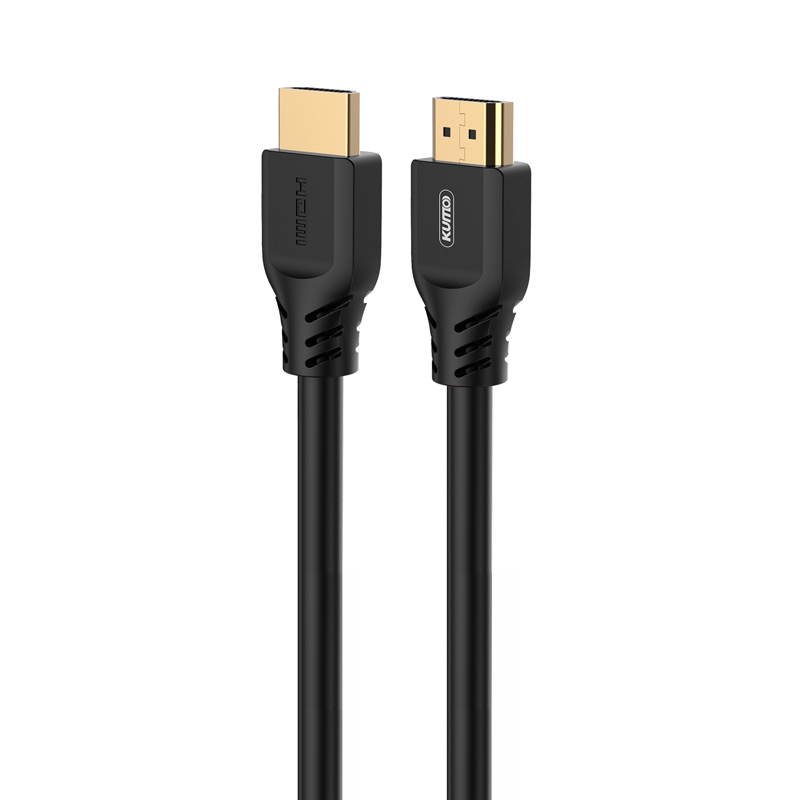 8K HDMI Cable
 16K HDMI Cable
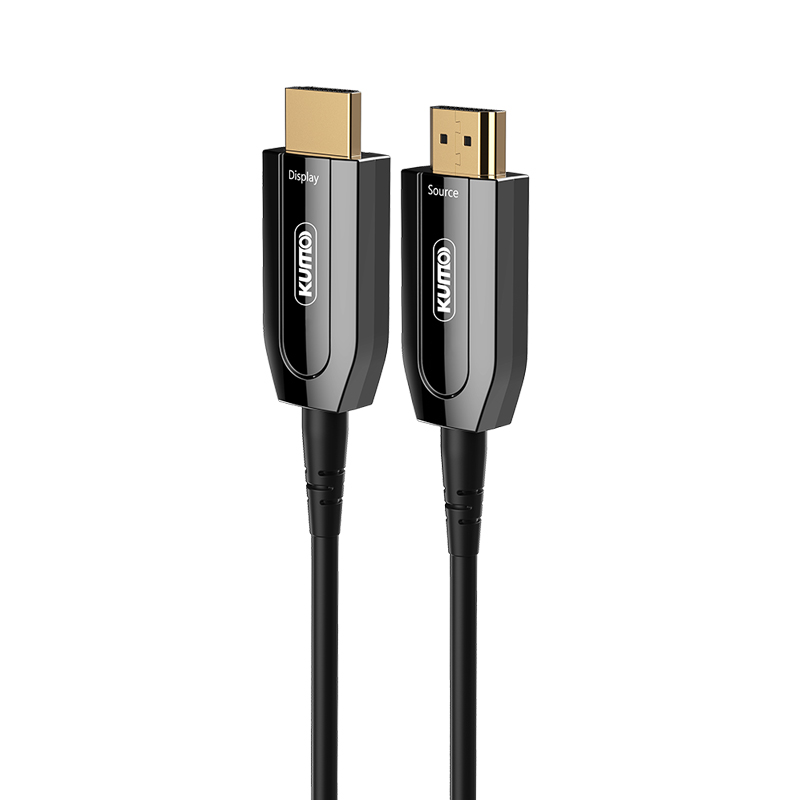 AOC HDMI Cable
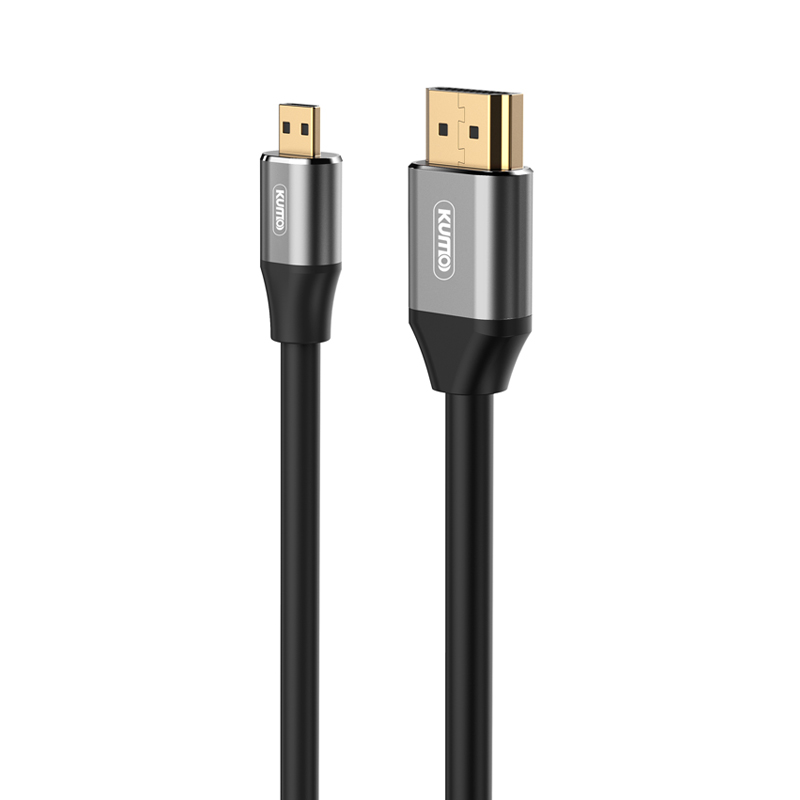 HDMI Conversion Cable
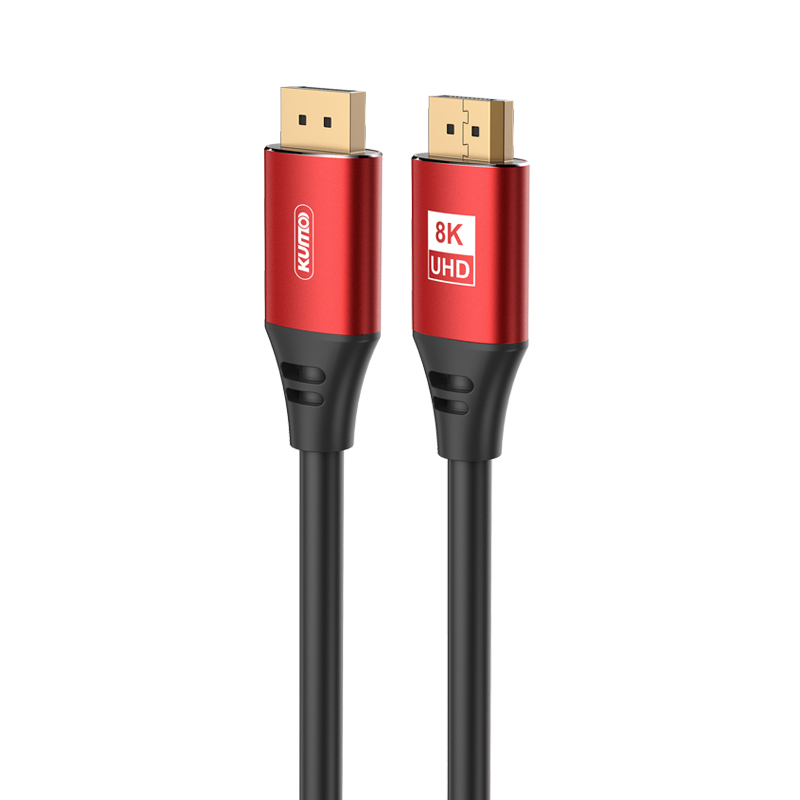 8K DisplayPort Cable
 16K DisplayPort Cable
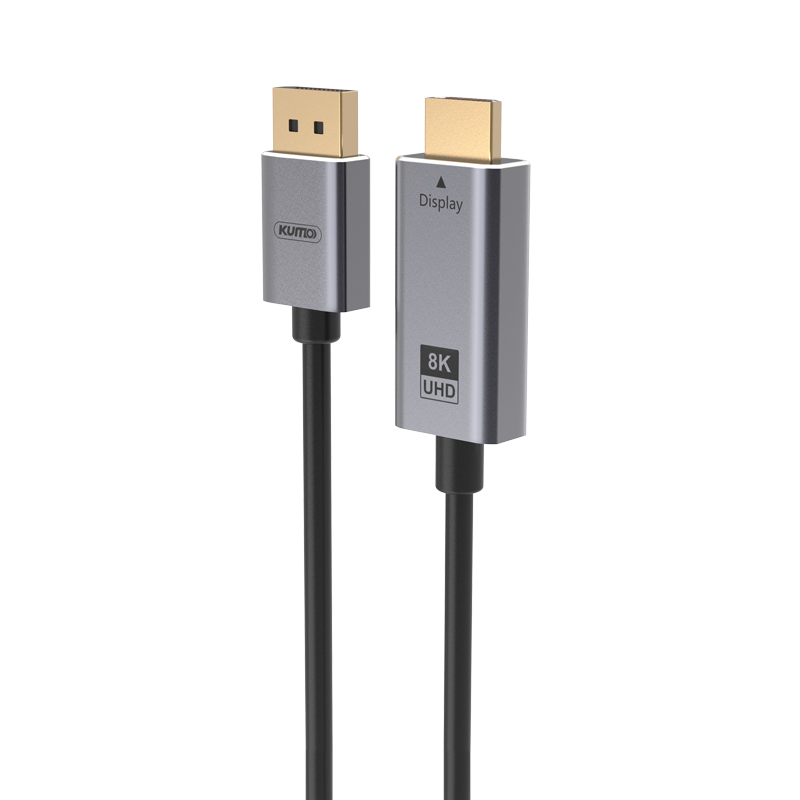 DisplayPort Conversion Cable
 XLR Cable
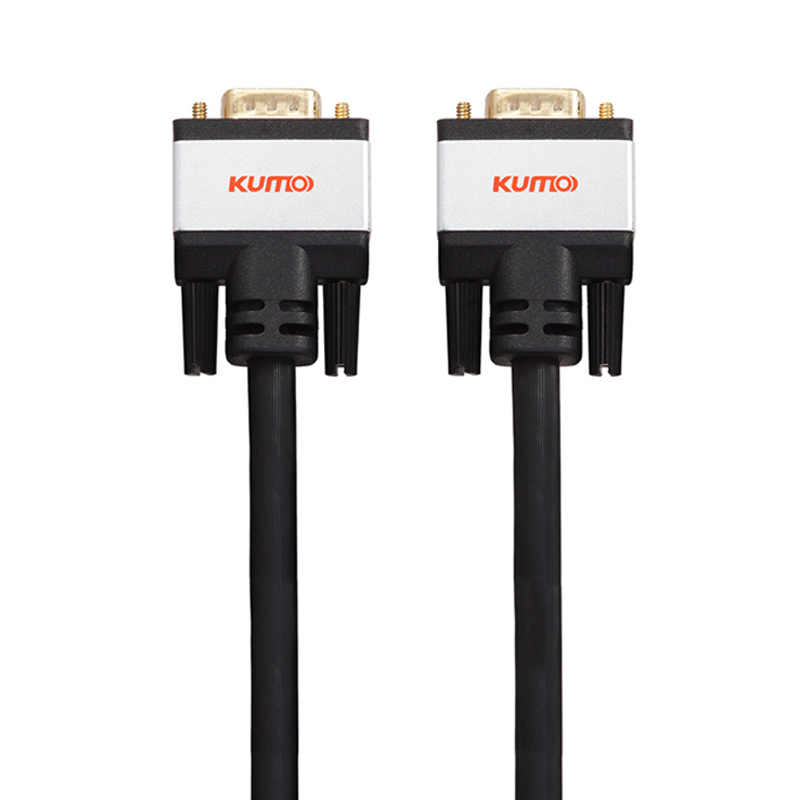 VGA Cable
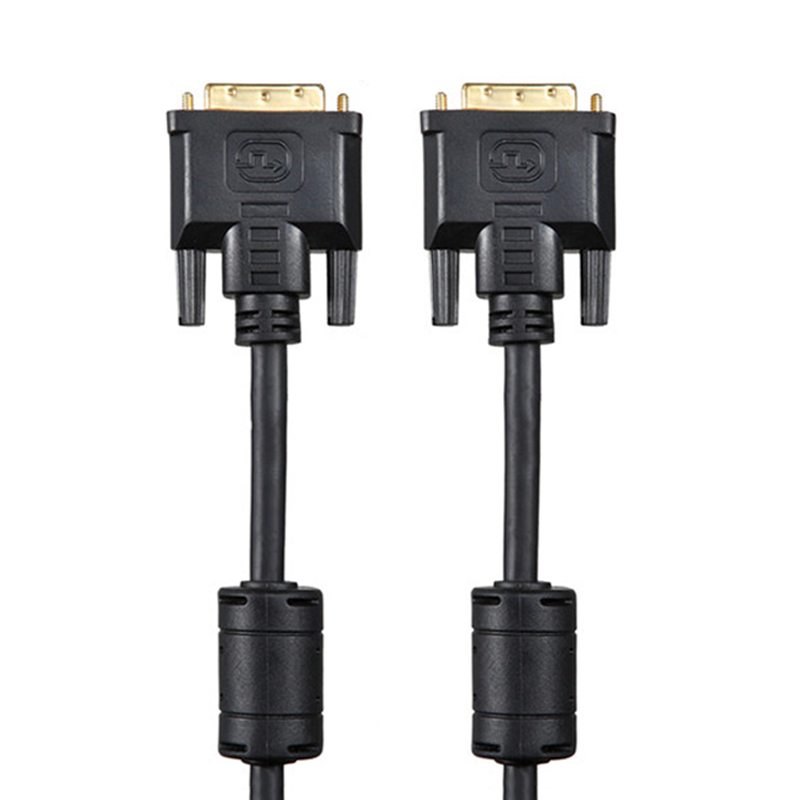 DVI Cable
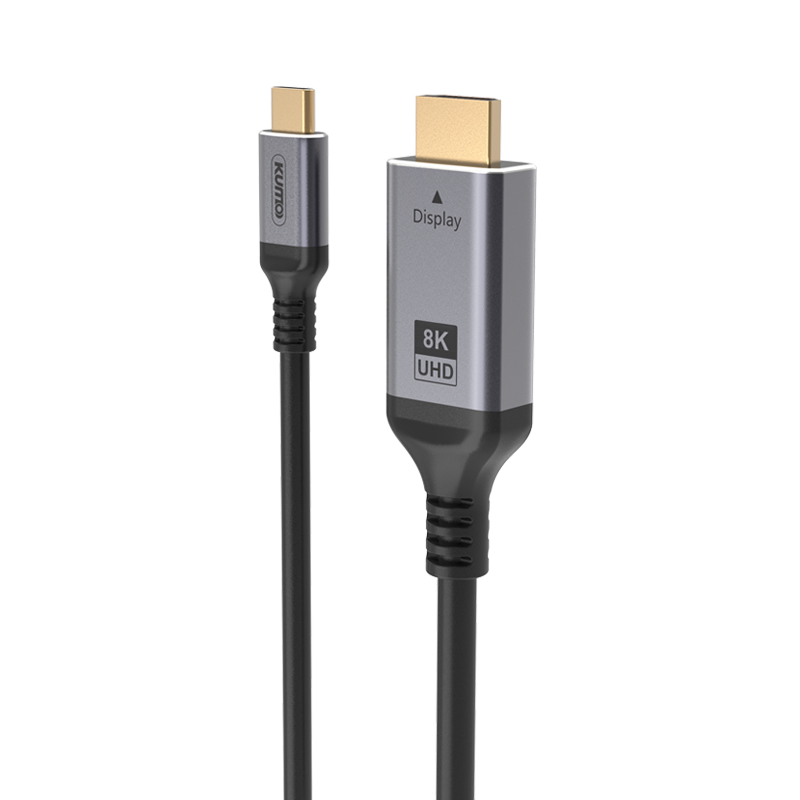 Type C To HDMI
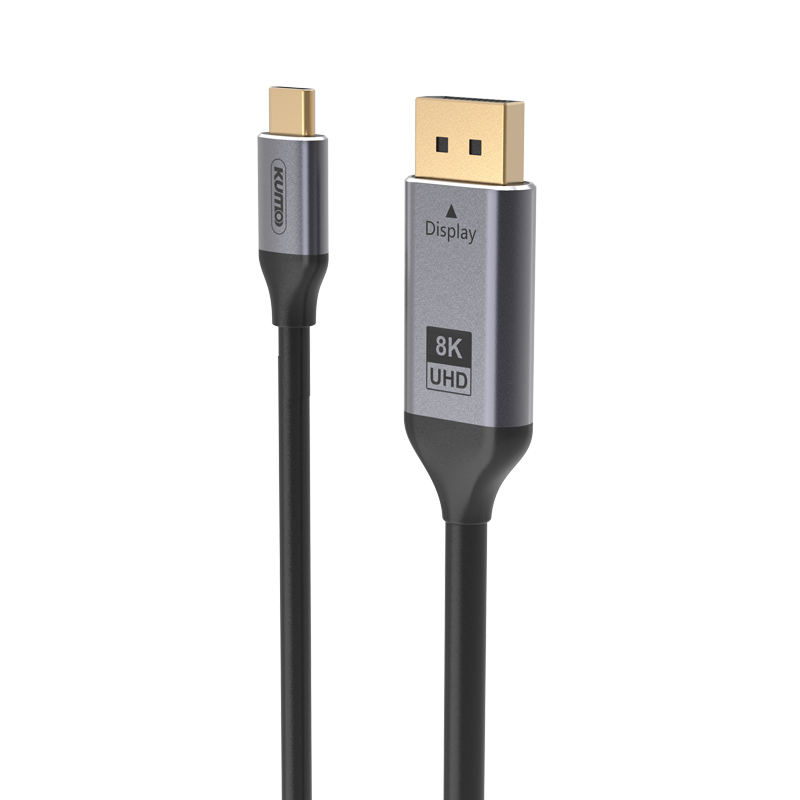 Type C to DP
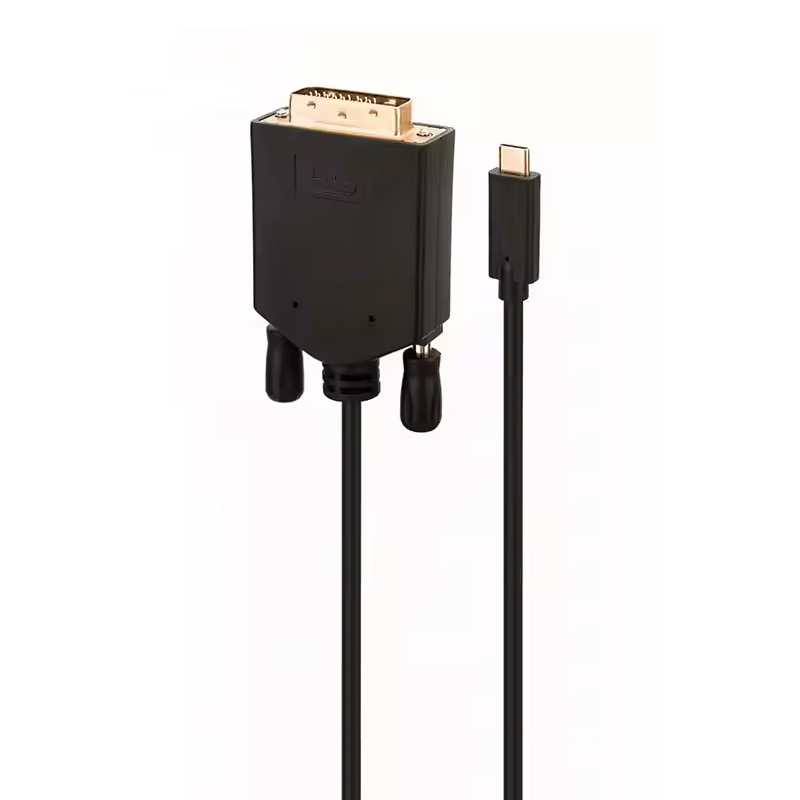 Type C to DVI
 Type C Adapter
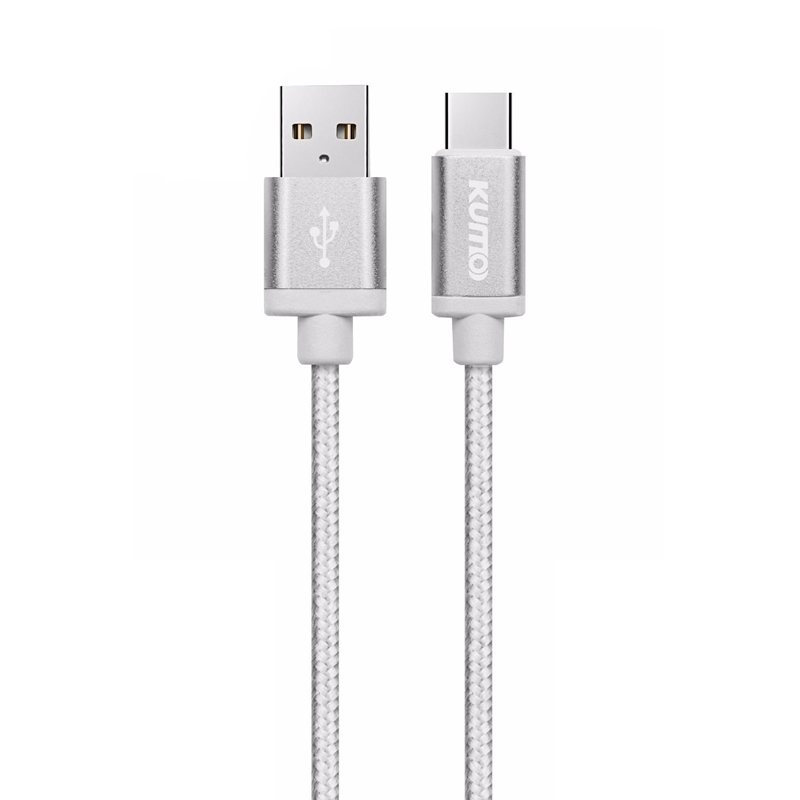 USB A to C Cable
 USB C to C Cable
 Micro USB Cable
 USB4 Cable


