Hey there! You know, in our super connected world today, the need for fast and efficient ways to transfer data is just skyrocketing. I mean, with cool new technologies like Type C Hub Ethernet popping up everywhere, it’s no surprise! A recent report from MarketsandMarkets says that the global market for USB hubs could hit a whopping $2.5 billion by 2025. That’s mostly because folks are craving more versatile ways to connect their devices, whether it’s for their gadgets or computers. So, meet Zhongshan Sinseader Electronic Co., Ltd. — they’ve been around since 2007 and are really leading the charge in this space. They’re all about crafting top-notch USB hubs, docking stations, and other computer gear.

But here's the thing: even though Type C Hub Ethernet is awesome for its speedy data transfers and ability to connect multiple devices, it's super important to keep in mind its limitations too. So, in this blog, let's dive into the nitty-gritty of the drawbacks you might face with different Type C Hub Ethernet options. We’ll chat about stuff like compatibility issues and performance variations so that you can make the best choice for your needs.
Exploring the Limitations of Generic Type C Hub Ethernet Alternatives
You know, with everyone needing better connectivity these days, a lot of folks are turning to those generic Type C Hub Ethernet alternatives for their devices. They can be super tempting because they’re affordable and pretty versatile. But here’s the thing: they often come with some big downsides. According to a 2022 report from TechRadar, about 30% of users ran into connectivity issues when using these generic hubs. Why? Well, it mostly boils down to poor build quality and performance that can be all over the place. This can lead to slower data transfer rates and iffy internet access, which is a total nightmare if you’re depending on a stable connection for work or even just catching up on your favorite shows.
When you're on the hunt for a Type C hub, it's a good idea to splurge a little on quality from brands that you trust. Generally speaking, those higher-quality hubs provide better shielding against interference and usually manage heat better too. Definitely, check if it supports the latest Ethernet standards; ideally, look for ones that promise at least 1000 Mbps to keep your performance on point. A tip? Peek at user reviews and make sure there’s decent warranty coverage to dodge the headaches that come with generic models.
And let’s not forget: some of these generic hubs don’t even get the firmware updates they need to function well. With how fast tech is changing these days, missing out on updates can quickly make a hub feel outdated. So, by doing a little homework and focusing on durability, you can really boost your connectivity experience and make choices that suit your needs much better.
Comparing Active vs. Passive Type C Hub Ethernet Solutions
When we're talking about boosting connectivity with Type C hubs, it’s really important to grasp the differences between active and passive Ethernet solutions. You know, active Type C hubs come with built-in circuitry that actually amplifies the signal. This is super handy for those longer distances and higher data rates, making sure you've got a solid connection even in places where there might be some interference hanging around. If you’re into high-bandwidth stuff like video streaming or online gaming, then you'll probably want to go for an active hub since it’s likely to give you the performance you need.
On the flip side, passive Type C hubs don’t have that extra circuitry, which means they can be a bit cheaper and less complicated. They work just fine for shorter runs and everyday data transfers, but don’t expect them to handle longer cables or hefty data loads without a hitch. You might end up with dropped connections and slower speeds if you push them too hard. So, before you dive in, think about what you’ll actually be using it for. Passive hubs can definitely do the trick for your regular tasks, but if you’re looking for solid performance, it might be wise to shell out a little more for an active solution to dodge the headaches.
Evaluating Performance Issues in Low-Cost Type C Hub Options
When you're checking out low-cost Type C hubs, it's really important to keep an eye on potential performance hiccups, especially when it comes to connection quality and data transfer speeds. You know, a report from the International Telecommunications Union pointed out that cheaper hubs might struggle with bandwidth management, which can seriously slow things down and throw a wrench in your productivity. For instance, if you've got a USB-C hub that can't handle the full 10 Gbps throughput, you're likely to hit bottlenecks—especially if you’re using multiple devices at the same time.
And here’s another thing: while some budget hubs advertise Ethernet connectivity, they often skimp on the hardware needed for a stable internet connection. A study by the IEEE found that many of these economical options fall short when it comes to latency and packet loss, which can really mess with online activities like video calls and gaming. So, it’s a smart move to consider shelling out a little more for a trusted brand—doing so could really elevate your performance and make your overall experience way better.
Understanding the Drawbacks of Various Type C Hub Ethernet Options
| Hub Model |
Ethernet Speed |
Price Range |
Performance Issues |
Recommended Use Case |
| Model A |
10/100 Mbps |
$15 - $25 |
High latency, unstable connection |
Basic browsing, light use |
| Model B |
1 Gbps |
$30 - $50 |
Overheating with prolonged use |
Office applications |
| Model C |
2.5 Gbps |
$45 - $70 |
Inconsistent speeds during peak usage |
Gaming and streaming |
| Model D |
10 Gbps |
$70 - $100 |
Compatibility issues with older devices |
High-performance tasks |
Understanding Compatibility Challenges with Various Type C Hubs
You know, when you're diving into the world of Type C hubs, compatibility issues can really be a pain point for a lot of folks. Different devices come with all sorts of specs, and figuring out the specifics can feel pretty overwhelming. Sure, many Type C hubs are packed with features like data transfer and charging, but that doesn't mean every device will take full advantage of them. Trust me, running into problems like that can be super frustrating, especially if you totally rely on a smooth connection for getting work done or just enjoying some entertainment.
And let’s not forget about quality and design — those can throw another wrench into the works. Like, some hubs might say they support Ethernet connections, but realistically, you might only get partial support or speeds that just don’t add up to what they promised. It’s a hassle, and you might find yourself either shelling out for pricier options that actually work or spending way too much time trying to fix things. That's why it's really important to nail down these compatibility issues before you go all-in on a Type C hub, so you can pick one that actually fits your needs and matches your devices.
Analyzing the Impact of Hub Design on Ethernet Speed and Stability
You know, the way Type C hubs are designed can really make a difference when it comes to how well your Ethernet connections perform, especially in terms of speed and stability. There’s this report by the International Data Corporation (IDC) that says a well-crafted hub can boost data throughput by as much as 90%! That’s pretty impressive and it really helps cut down on latency and congestion. It turns out that features like good shielding and smart circuit design are super important for keeping the signal strong, especially in places where there's a lot of electromagnetic interference floating around.

But wait, there's more! A study from the Ethernet Alliance found that hubs with built-in power delivery and slick heat dissipation techniques don’t just handle faster data rates; they also make your connections a lot more reliable overall. If you’ve ever run into stability issues, chances are it’s because of cheap materials and shoddy design, which can lead to spotty bandwidth and more packet loss than you'd like. They did some real-world testing and found that good ventilation and careful component choice in hub design can actually improve stable connection times by about 30%. That really shows how thoughtful engineering can elevate Ethernet performance, right?
Identifying Security Risks Associated with Different Type C Ethernet Hubs
You know, as more and more folks start using Type C hubs, there's definitely a growing concern about security vulnerabilities that can come with different Ethernet options. I recently stumbled upon a report from Cybersecurity Ventures, and it’s pretty alarming. They’re predicting that by 2025, cybercrime could end up costing the global economy a whopping $10.5 trillion every year! That really highlights how crucial it is to have solid security measures in place when we're using Type C hubs to get online.
If you’re connecting through these hubs, just a heads-up: your devices might be at risk for things like unauthorized access and data interception, especially if your hub doesn’t have built-in security features.
A study done by the Ponemon Institute back in 2022 found that a striking 60% of organizations reported an uptick in vulnerabilities because of peripheral devices like Type C hubs. The kicker? Many of these hubs aren’t even encrypting data traffic, which makes it way too easy for cybercriminals to snoop on sensitive information as it’s being sent. Plus, if the firmware on these hubs is outdated, that just leaves the door wide open for hackers to exploit any unpatched vulnerabilities. As remote work becomes more common, it’s super important to get a grip on these security risks tied to different Type C Ethernet hub options. It’s all about keeping your sensitive data safe and making sure your network stays secure.

Unlocking Efficiency: The Impact of 5Gbps Transfer Speed with Hot Sale Type-C to USB Type-A Cables in 2023
In the fast-paced digital era, the demand for enhanced data transfer speeds is more critical than ever before. The recent advent of 5Gbps transfer speeds, particularly with the popular Type-C to USB Type-A cables, has unlocked new levels of efficiency for a plethora of applications. Whether connecting your computer to a projector, charging your iPod, or transmitting audio signals from a microphone, these cables are engineered to support high-speed data transmission, ensuring that every moment counts in today's multimedia-focused landscape.
The innovative twisted pair design of these cables minimizes interference and maximizes performance, making them ideal for both personal and professional use. With applications spanning from speakers to monitors, the versatility of the USB Type-C connectors—specifically designed as male-to-male—makes these cables indispensable for a variety of devices. They come beautifully packaged in polybags, blisters, or gift boxes, making them suitable not only for personal use but also as thoughtful gifts for tech enthusiasts. As we navigate through 2023, investing in these high-speed cables is a strategic move for anyone looking to elevate their tech setup to new heights of efficiency.
FAQS
: Users often experience connectivity issues, with up to 30% reporting problems, mainly due to poor build quality and inconsistent performance.
The design and quality of a Type C hub can significantly influence data transfer rates, with well-engineered hubs capable of increasing throughput by up to 90%.
Look for hubs that support at least 1000 Mbps to ensure reliable performance and consider options from reputable brands for better quality.
Some generic hubs lack necessary firmware updates, which can lead to compatibility issues and render devices obsolete as technology evolves.
Quality shielding, optimal circuit design, integrated power delivery, and advanced heat dissipation methods enhance both speed and stability of Ethernet connections.
Checking user reviews and warranty coverage can help in choosing a high-quality hub and avoid the shortcomings of generic models.
A well-designed hub can improve connection stability, reducing fluctuating bandwidth and packet loss, with empirical testing showing up to 30% improvement in stable connection duration.
Conduct thorough research on hubs, prioritize durability, and select models from reputable brands to enhance connectivity experiences.
Hubs in environments with high electromagnetic interference benefit from quality shielding and engineering, which helps maintain signal integrity and minimizes latency.
Investing in a higher-quality hub typically results in better shielding against interference, improved heat management, and access to firmware updates, ensuring better long-term performance and reliability.

 USB C Docking & Hub
 USB C Docking Station
 USB C Hub-H Series
 USB C Hub-H Series High End
 USB C Hub-X Series High End
 HDMI Cable
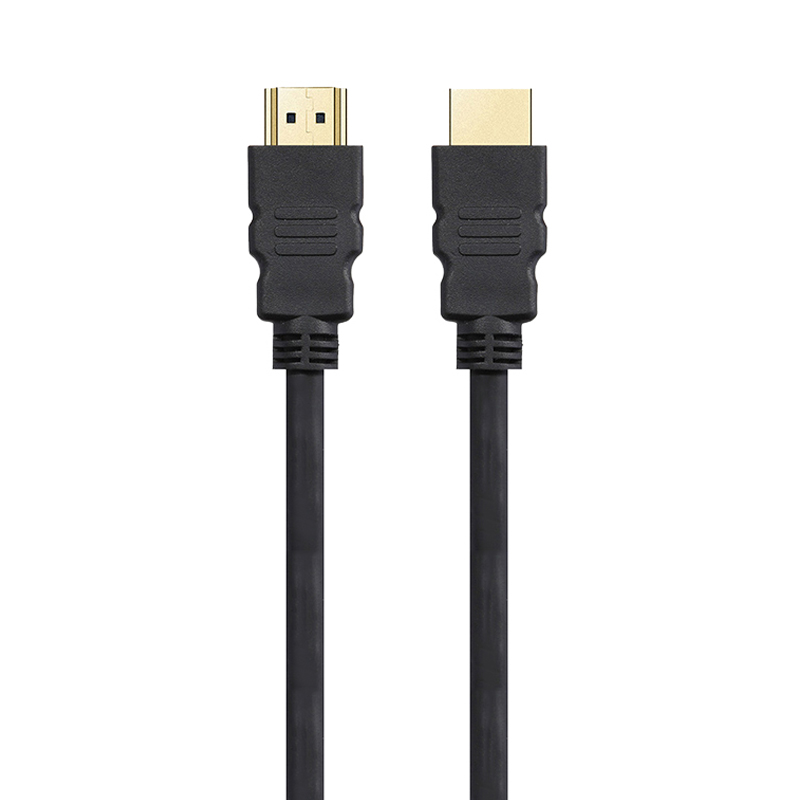 4K HDMI Cable
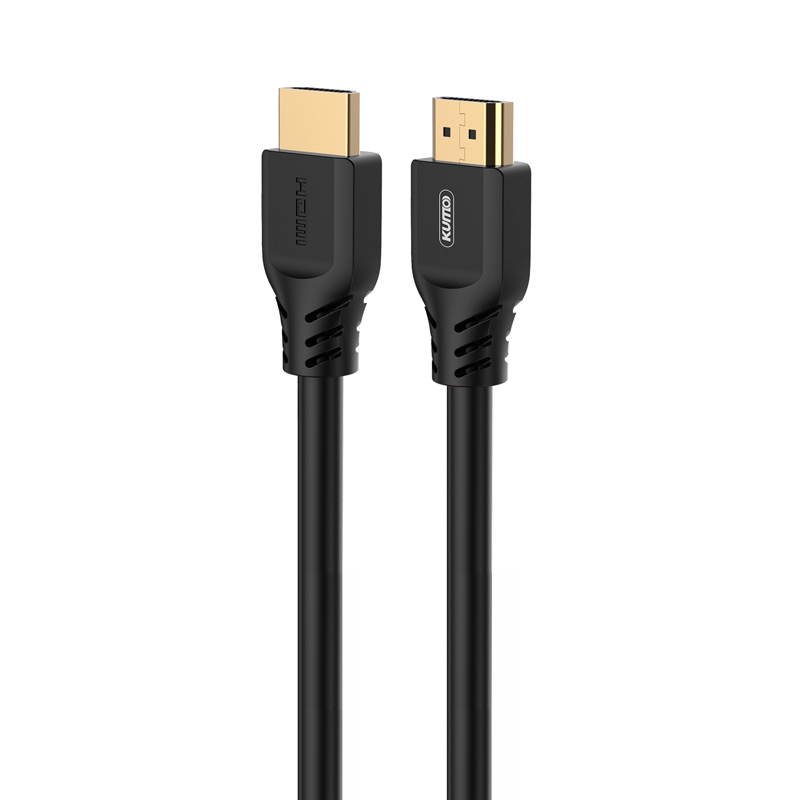 8K HDMI Cable
 16K HDMI Cable
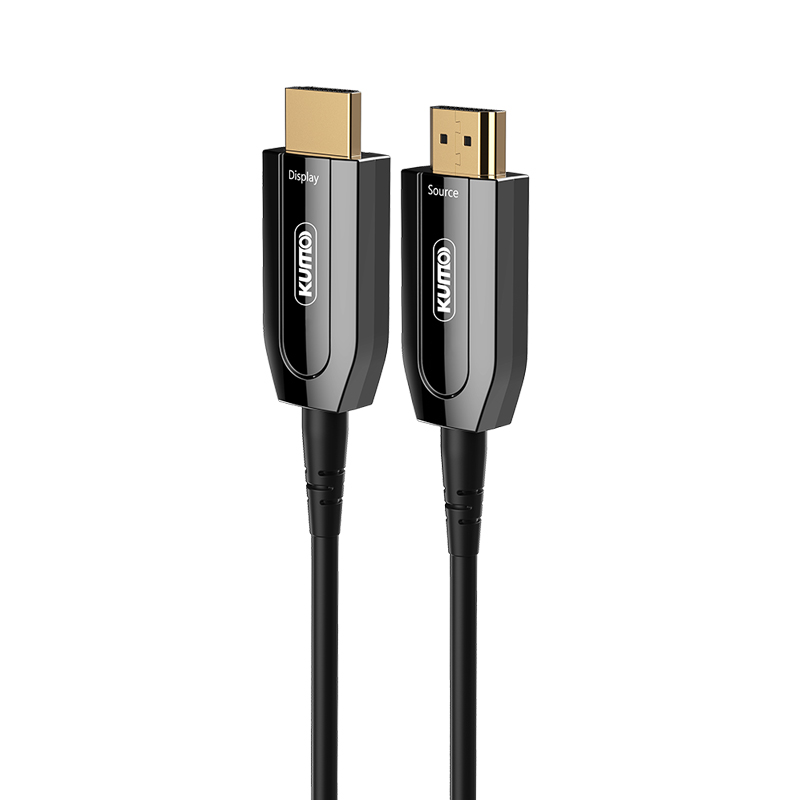 AOC HDMI Cable
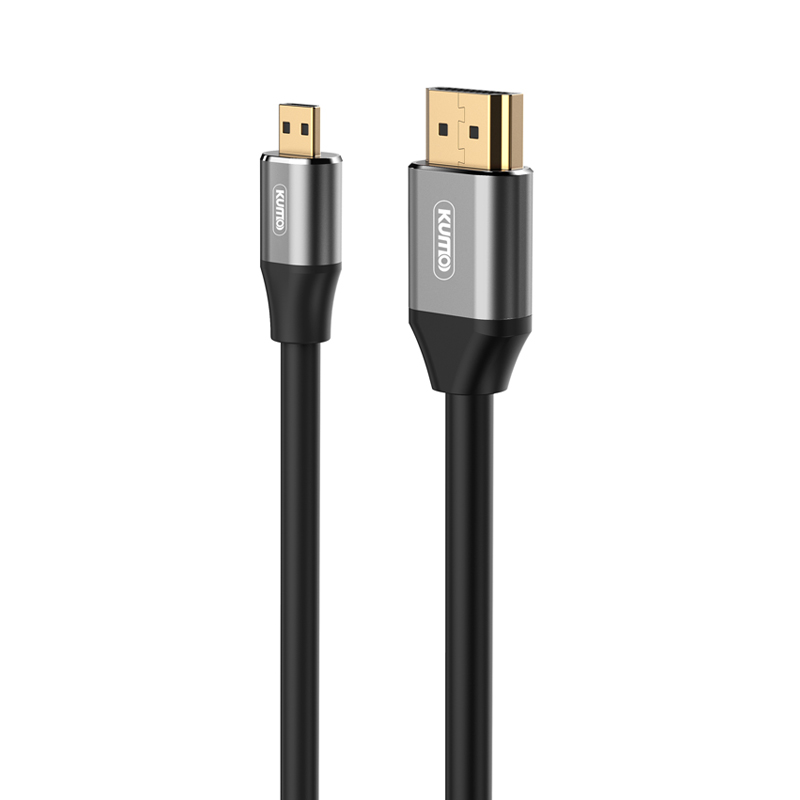 HDMI Conversion Cable
 8K DisplayPort Cable
 16K DisplayPort Cable
 DisplayPort Conversion Cable
 XLR Cable
 VGA Cable
 DVI Cable
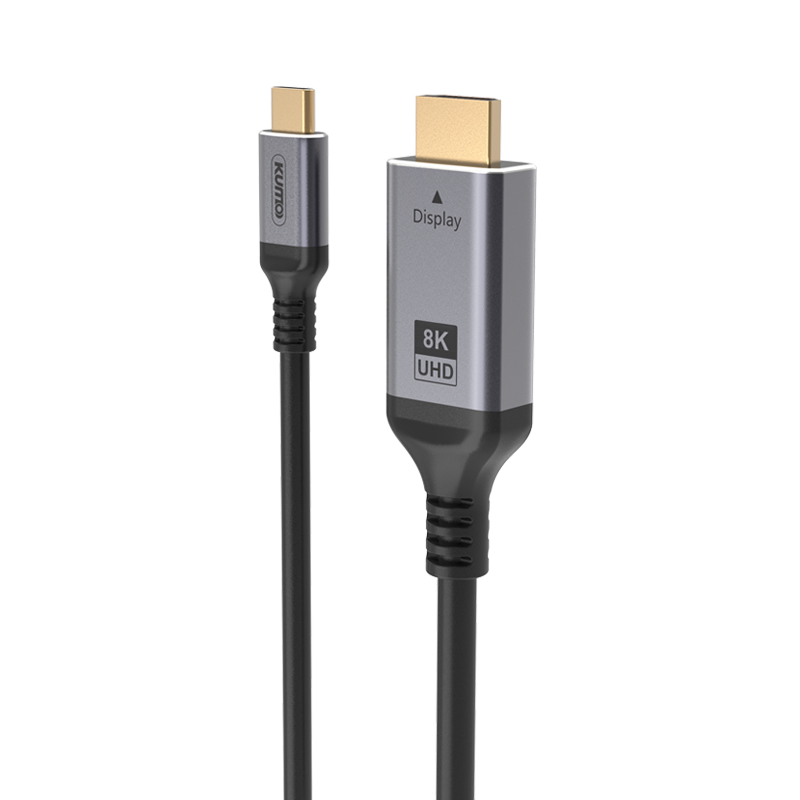 Type C To HDMI
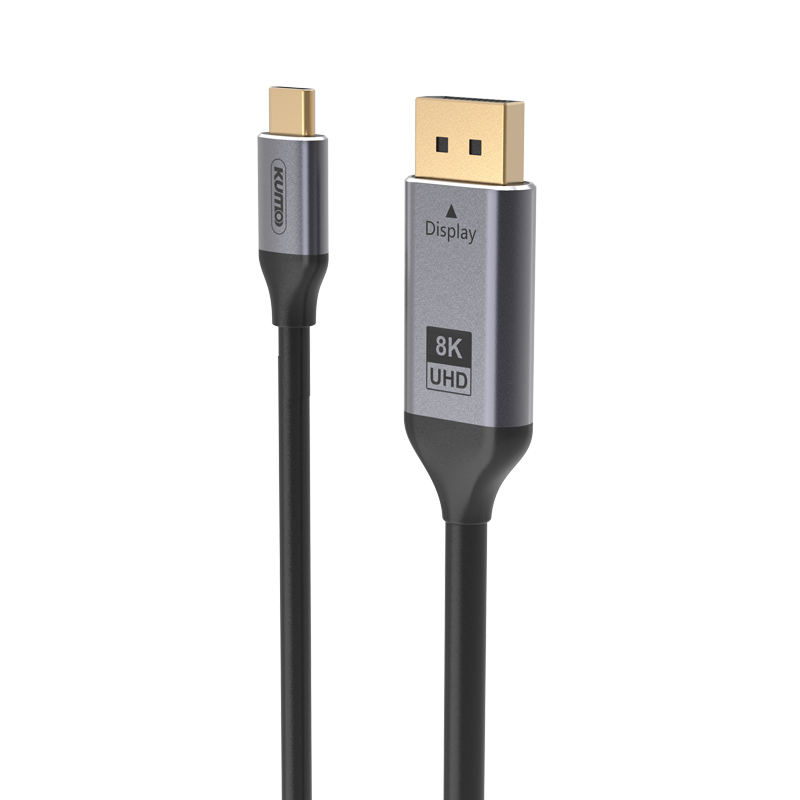 Type C to DP
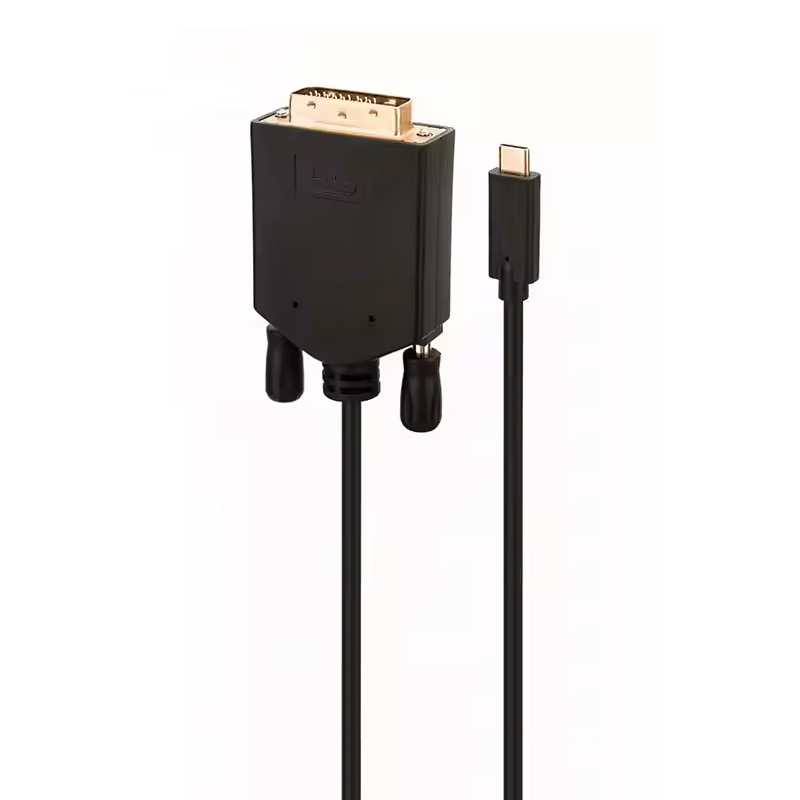 Type C to DVI
 Type C Adapter
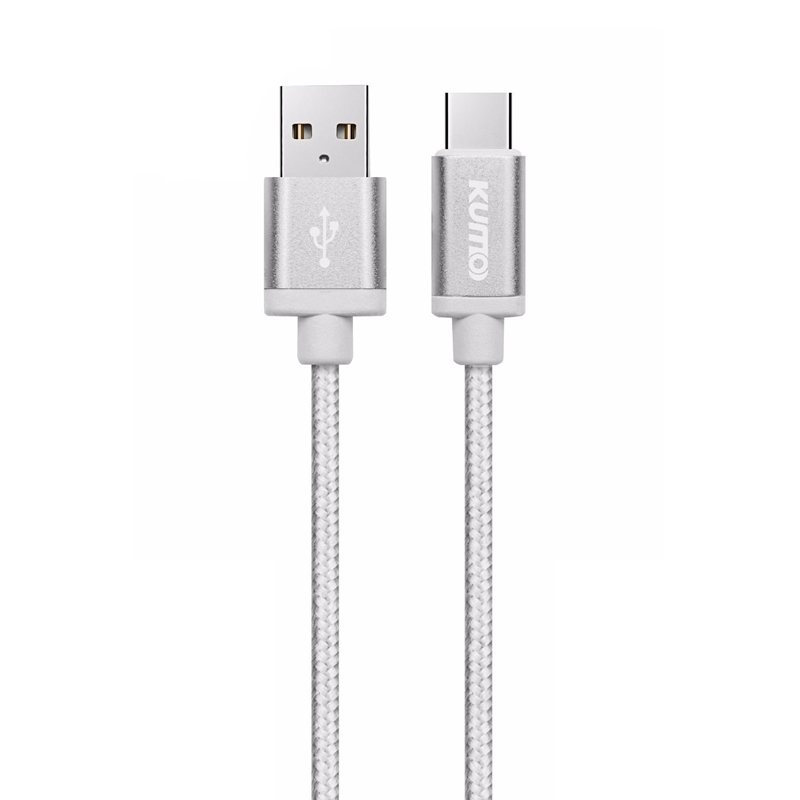 USB A to C Cable
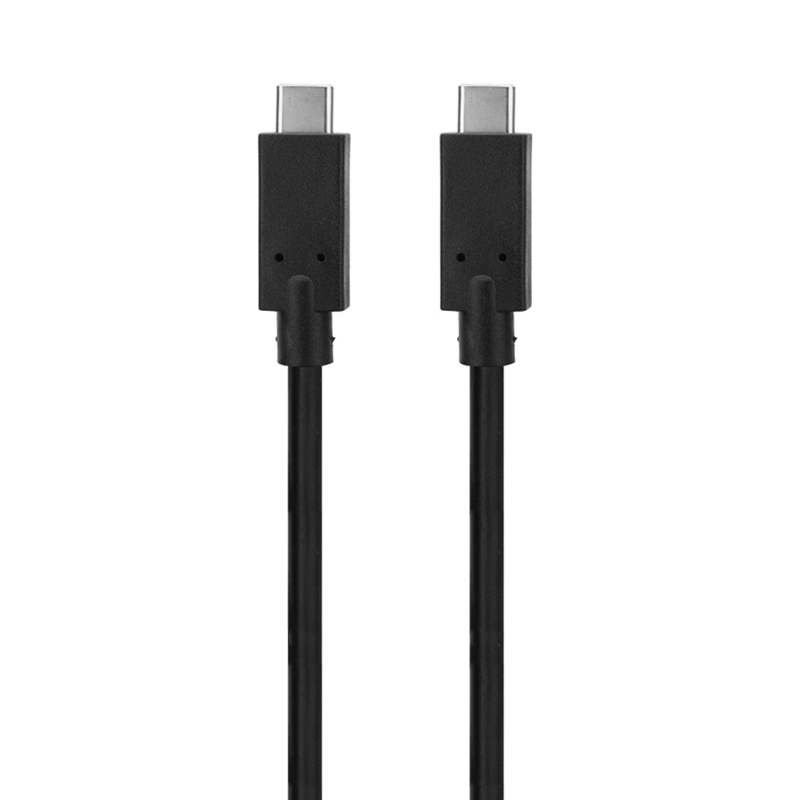 USB C to C Cable
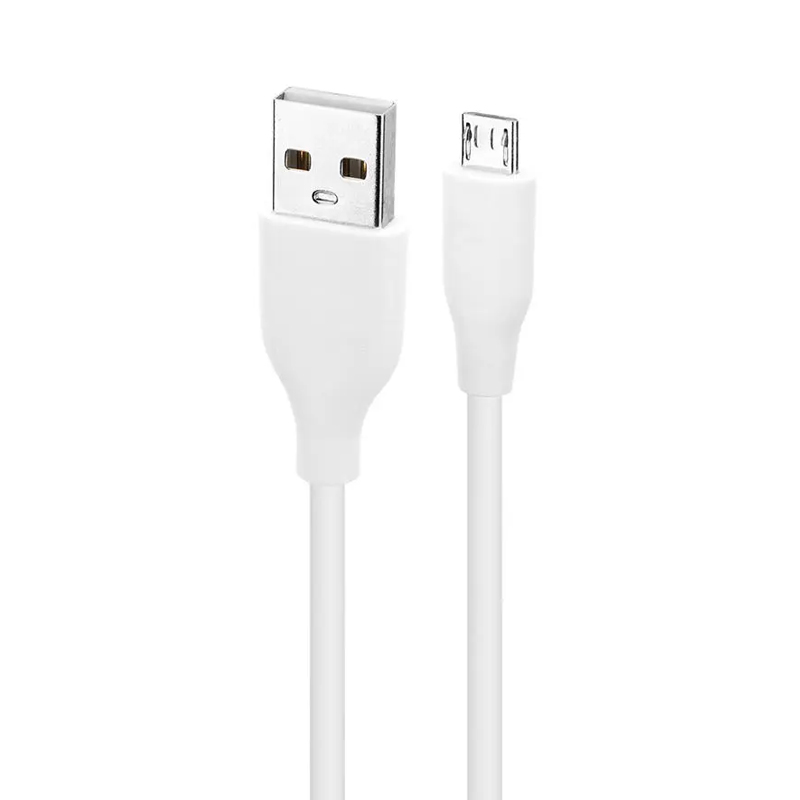 Micro USB Cable
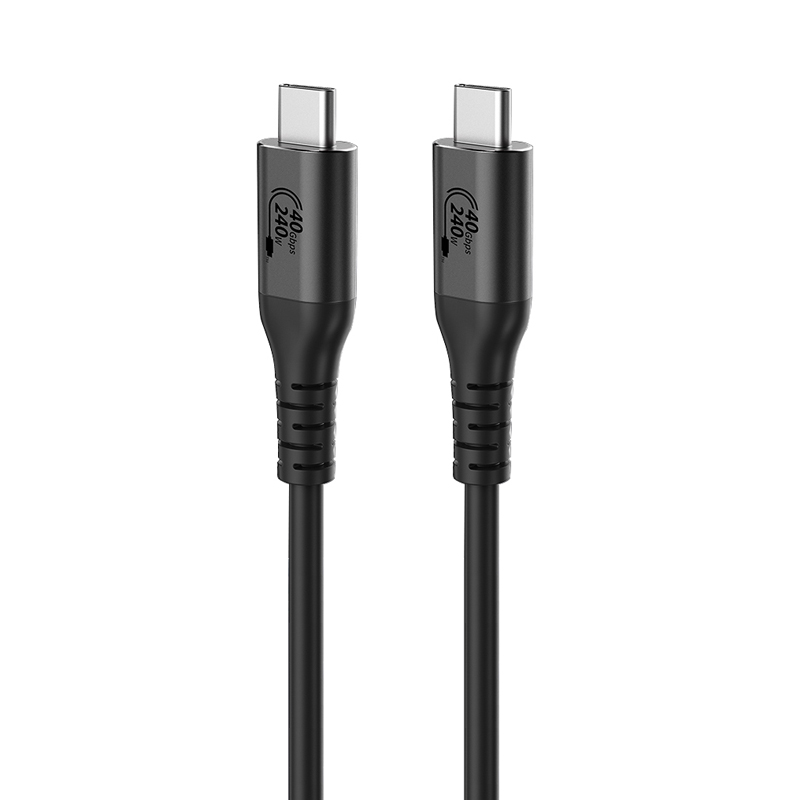 USB4 Cable


