In today’s fast-moving world of tech, staying connected is more important than ever for getting things done and having a smooth user experience. That’s where the 'Hub USB Type C' comes in — it’s a pretty clever gadget that makes your life easier by letting you connect multiple devices to just one USB-C port. Here at Zhongshan Sinseader Electronic Co., Ltd., we’ve been around since 2007, and we’re all about creating high-quality products like USB hubs, docking stations, audio and video cables, adapters, phone accessories, and computer peripherals. We’re always pushing the envelope with research and development, so our Hub USB Type C isn’t just good — it’s designed to go above and beyond what you might expect. This guide is all about helping you get the most out of your tech with the right use of USB-C hubs, making sure everything works smoothly whether you’re using it for work or just for fun.
Understanding the Basics of USB Type C Technology
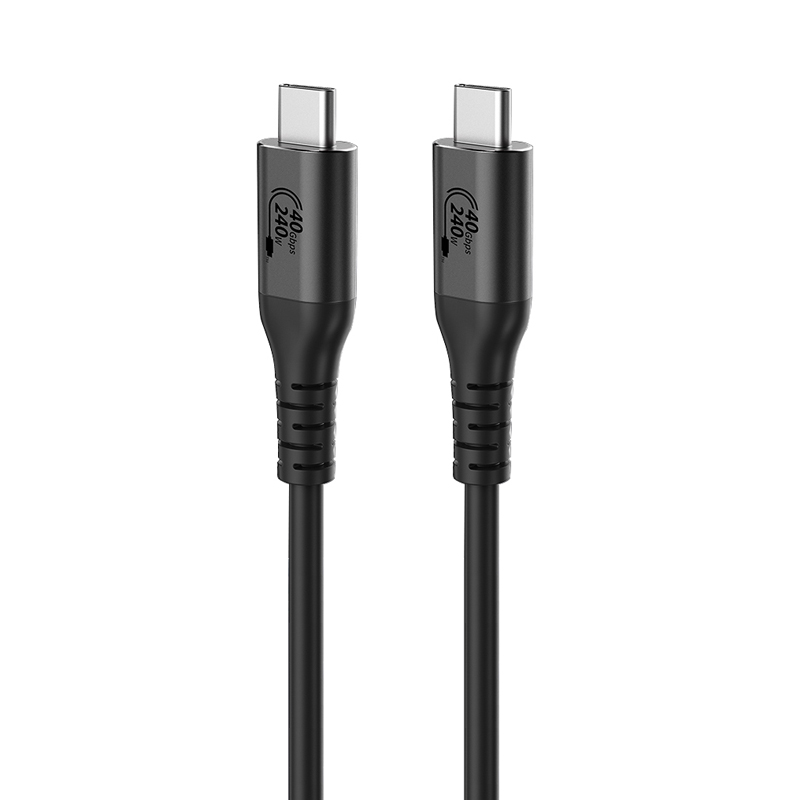
 USB Type-C has truly changed how we connect our devices. It’s not just about faster data transfers anymore — now it also delivers a whole lot more power. With the new USB PD 3.1 standard, you’re looking at some serious improvements: charging that can go up to 240W. That’s a game-changer, opening up new possibilities for powering laptops, monitors, and other high-demand gadgets without much fuss. It’s like the connector landscape just got a whole lot simpler and more streamlined.
If you’re shopping for USB Type-C cables, I’d honestly recommend going for ones marked PD 3.1 compliant. That way, you’re pretty much guaranteed to get the best performance, especially if your devices need a lot of juice. Also, multi-purpose cables that can connect different devices through one port? Total win. They help cut down on cable clutter and make your setup way more flexible, especially if you’re always on the move.
And here’s an interesting bit — the market for USB Type-C chargers is expected to hit over $7 billion by 2025. That just goes to show how much this tech is growing and evolving. So, understanding the basics of USB-C can actually help you make smarter choices. With new chip tech and faster charging options coming out all the time, staying in the loop is pretty much necessary to get the most out of your gadgets and enjoy a smoother, more efficient connectivity experience.
Benefits of Using Hub USB Type C Connectivity
Lately, it’s been pretty clear that everyone wants faster, more reliable connectivity options—especially with all the devices now using USB Type C. I came across a report by MarketsandMarkets that estimates the USB hub market will grow at about 10.5% annually between 2021 and 2026. That just shows how much folks are depending on USB Type C hubs for smooth, hassle-free connections. A big part of this boom is due to people needing quick data transfer speeds and flexible charging options—both absolute must-haves whether you're working from home or in a busy office.
Using a USB Type C hub really can make your life easier. It’s great how you can hook up multiple devices through just one port—suddenly, your workspace looks less cluttered, and you don't have to deal with a jumble of cables everywhere. Plus, these hubs often support different protocols like HDMI and Ethernet, so you can easily connect to external displays and networks without breaking a sweat. Companies like Zhongshan Sinseader Electronic Co., Ltd. are really onto something—they’re experts at creating top-notch USB hubs and docking stations that meet what users actually need today. Basically, they’re making it easier for us to stay connected with plenty of convenience and confidence in what we’re using.
Essential Features of a High-Quality USB Type C Hub
So, when you're on the hunt for a good USB Type C hub, there are a few important things to keep in mind to make sure you’re getting one that’s both reliable and versatile. First off, look at how many ports it has and what kinds. A solid hub should have a mix—think USB-A, HDMI, Ethernet, and SD card slots—to cover all your devices and connection needs. And don’t forget about power delivery! That’s a game-changer because it lets you charge your laptop or phone while you're plugged in, so you don’t need to lug around multiple chargers.
A quick tip: when shopping, try to find hubs that support the latest USB standards — this means faster data transfer speeds, which can save you a lot of waiting. Also, brands that focus on durability, especially those made with high-quality materials, tend to last longer, so it’s worth the investment.
Another thing to keep in mind is whether the hub works smoothly with both Windows and Mac systems. Compatibility is key here. It's also super helpful to read some reviews—people often share real-world tips about overheating or stable connections, which can save you from headaches.
And here’s an extra tip: see if the hub comes with a warranty or good customer support. That way, if something goes wrong, you’re not left hanging. Basically, spending a bit more on a decent quality hub can really improve your setup and make your tech life so much easier.
Common Compatibility Issues with USB Type C Devices
USB Type-C has definitely become a hot topic over the past few years. Everyone’s talking about it, yet, oddly enough, compatibility issues are still pretty common. You know how it is — plugging in a USB-C charger and wondering if it’s actually going to work as expected. Part of the problem is that not all USB-C ports are created equal; they don’t all support the same features or standards. So, sometimes your device will charge just fine via USB Power Delivery, but other times, it might only transfer a limited amount of power. And honestly, that can be super frustrating, especially when your charger doesn’t do what you thought it would.
Then again, with so many different peripherals now using USB-C, it gets even messier. It’s like, how many cables and adapters do I need before I find one that actually works? This whole lack of standardization really throws a wrench in the works and adds to the confusion. Still, the USB Type-C market is booming—expected to hit around $7.1 billion by 2025—and it’s growing steadily, with a projected annual growth rate of about 4.2%. So, fixing these compatibility headaches is pretty important, not just for end users but also for the overall market. If they can sort out these issues, we’re all going to get way more out of this tech and enjoy a smoother, more reliable experience across devices.
Compatibility Issues with USB Type C Devices
Tips for Optimizing Performance with USB Type C Hubs
When you're looking to boost your device's performance, getting the most out of your USB Type C hubs is pretty important. First off, double-check that your hub supports the latest USB standards. Trust me, using a hub with USB 3.1 or newer can really speed things up—especially if you're dealing with big files or doing things like video editing. Plus, it helps you stay compatible with more devices. Oh, and don’t forget to look at power delivery (PD) support. That way, you can charge your devices while transferring data—super handy when you're working on the go.
Another thing to keep in mind is the number of devices plugged into your hub. Overloading it can slow things down because all the bandwidth gets divided. So, try to prioritize what you're using at the moment. For example, connect your external drives or high-res monitors only when you need them, and unplug stuff you're not using. Also, invest in good quality USB-C cables—cheap ones can cause signal issues and mess with performance. Follow these simple tips, and you’ll get way more out of your USB hub, making your tech setup smoother and more efficient overall.
Future Trends in USB Type C Connectivity and Technology
You know, the way USB Type-C tech is evolving really seems to be shaping how we connect and do things across different areas. I read that the USB connector market was worth around $923 million in 2022, but it's expected to jump to about $1.746 billion by 2030—pretty impressive! That’s roughly an 8.5% growth rate each year. Most of this growth? Well, it’s because more folks are switching to USB-C, which offers faster data transfers and quicker charging compared to the older versions.
And then there's Thunderbolt 5, which recently got introduced and works smoothly with the latest USB4 V2 specs. This is a game-changer, especially with its crazy-fast 80Gbps bandwidth in symmetrical mode—double what Thunderbolt 4 offered. It really points to a future where transferring huge files or powering devices at lightning speeds will become the norm, making USB Type-C even more useful, whether you’re at home or in industrial settings. Experts also say that the global USB-C charger market could hit around $7.1 billion by 2025—showing just how much we’ve come to depend on this super versatile connector in our tech lives.
The Essential Guide to Choosing the Right 5A USB Type-C to Type-C Charging and Data Sync Cable
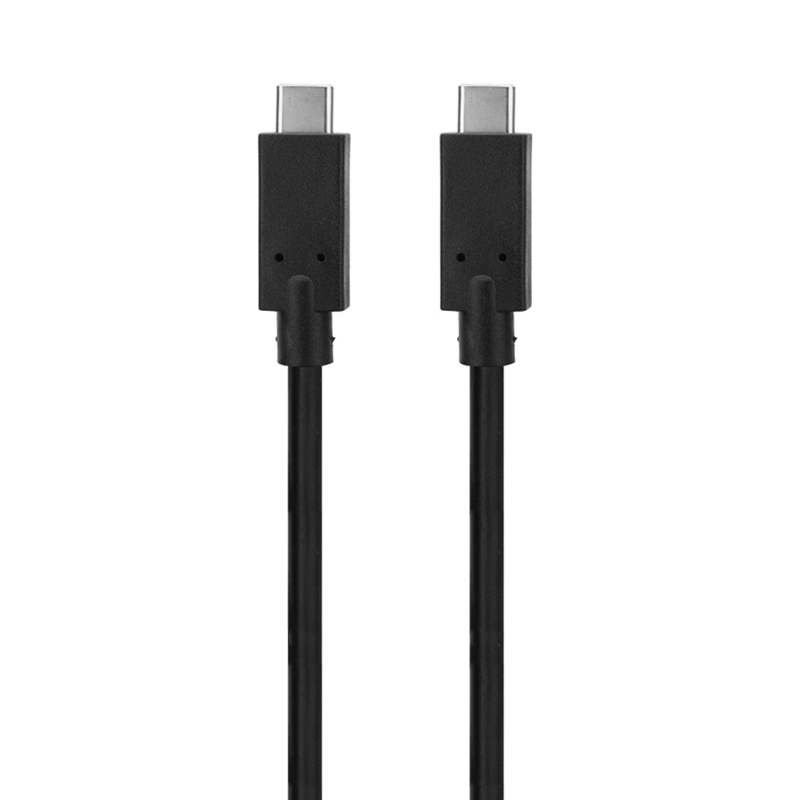
When it comes to selecting the ideal USB Type-C to Type-C charging and data sync cable, a few critical factors come into play to enhance your technology experience. The market offers a variety of options, but focusing on quality, length, and charging capability will ensure you make the right choice. For instance, a factory wholesale range of cables includes different lengths such as 0.5M, 1M, 2M, 3M, and 5M, catering to diverse usage scenarios, whether you need a short cable for your desk or a longer one for comfortable charging from a distance.
One essential aspect of a good USB Type-C cable is its ability to support fast charging. Choosing cables specifically designed for high-speed data transfer and charging can significantly reduce downtime, allowing users to power their devices efficiently. The recommended cables not only deliver impressive charging speeds but also assure durability, ensuring they withstand the rigors of daily use. With options available that prioritize fast charging capabilities, users can confidently connect their devices without worrying about slow performance or wear and tear.
FAQS
: Hub USB Type C connectivity allows users to connect multiple devices through a single port, enhancing productivity and reducing cable clutter. It supports various protocols like HDMI and Ethernet, facilitating easy connections to displays and networks.
Focus on the number and type of ports, including USB-A, HDMI, Ethernet, and SD card slots. Also, check for power delivery capabilities for charging devices, compatibility with different operating systems, and user reviews regarding performance.
Yes, look for hubs that support the latest USB standards to ensure faster data transfer speeds. Durability should also be a consideration, so choose brands that use premium materials.
Yes, compatibility issues can arise due to variations in standards and specifications among USB Type-C devices. Not all USB Type-C ports support the same functionalities, which can confuse users.
When choosing a hub, make sure it is compatible with both Windows and macOS devices. Checking user reviews can also provide insights into compatibility success.
Besides port variety and power delivery features, consider hubs that come with a built-in warranty or customer support, which can be very helpful in case of issues.
The increasing variety of peripherals using USB Type-C can lead to compatibility challenges, as not all devices may work interchangeably with the same cables and adapters.
Addressing compatibility is crucial to foster consumer confidence and.ensure the full potential of USB Type-C connectivity is realized across devices and peripherals.
The USB hub market is projected to grow at a CAGR of 10.5% from 2021 to 2026, while the USB Type-C charger market is expected to reach $7.117 billion by 2025, indicating a growing reliance on these products.
Conclusion
So, I came across this article called "Maximizing Your Tech: The Ultimate Guide to Hub USB Type C Connectivity," and honestly, it’s pretty insightful. It dives into all things USB Type C, pointing out why it’s such a game-changer—think faster data transfers, wide compatibility with different devices, and the ability to connect multiple peripherals at once without breaking a sweat. It’s like having a mini hub that simplifies everything. The guide also touches on some common issues people run into with compatibility and tosses in some really handy tips to help get the most out of your USB Type C hubs.
Looking ahead, it’s pretty exciting to see how this tech is going to keep evolving. Staying in the loop about the latest trends is definitely a good idea, especially since companies like Zhongshan Sinseader Electronics are really pushing the envelope with top-notch USB hubs and accessories. So, whether you’re a tech junkie or just wanting smoother connections, there’s plenty to look forward to in this fast-changing world of connectivity.

 USB C Docking & Hub
 USB C Docking Station
 USB C Hub-H Series
 USB C Hub-H Series High End
 USB C Hub-X Series High End
 HDMI Cable
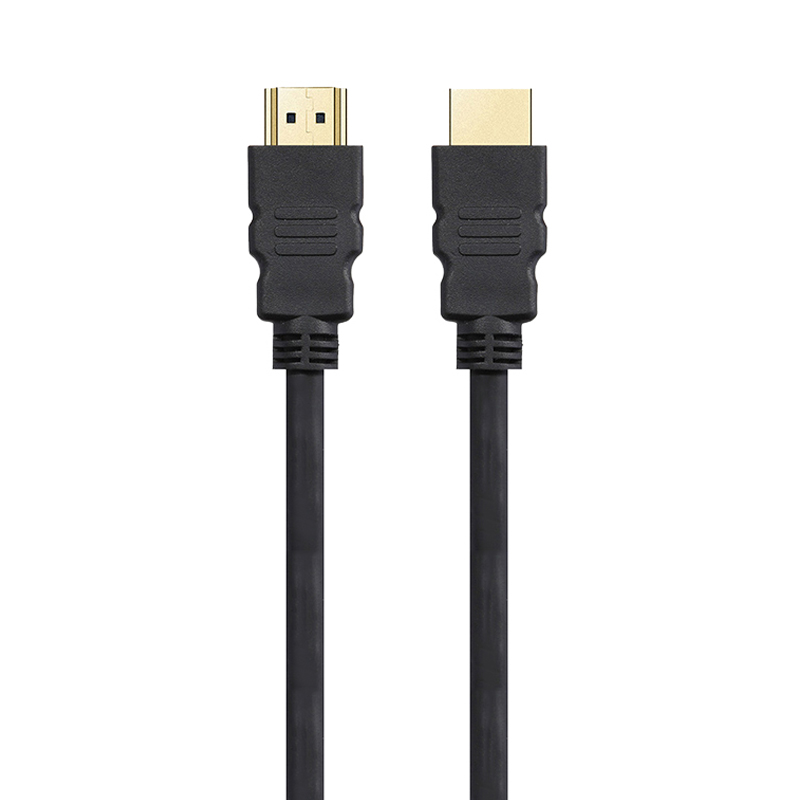 4K HDMI Cable
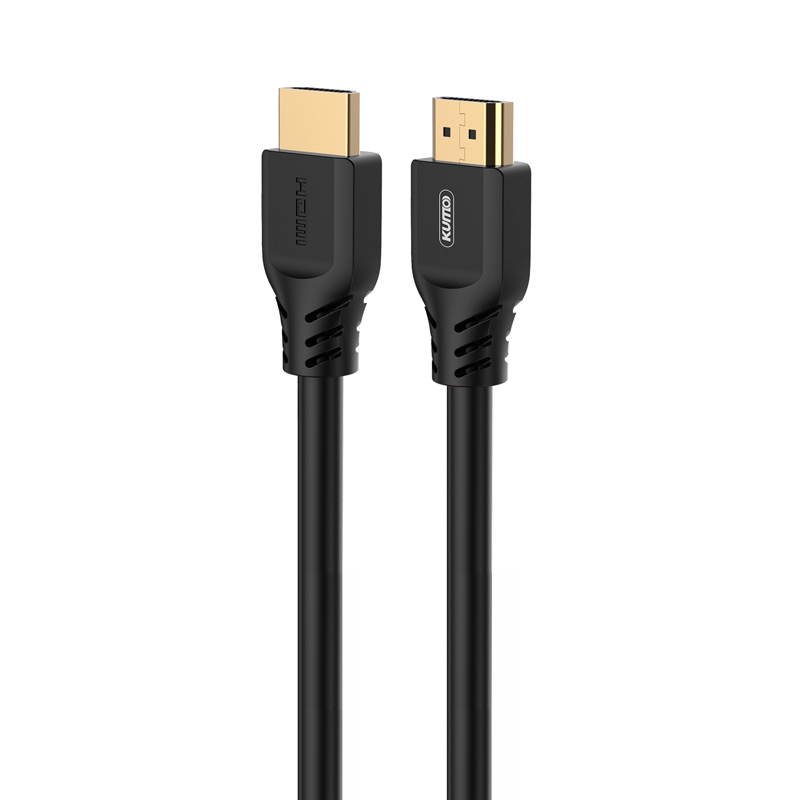 8K HDMI Cable
 16K HDMI Cable
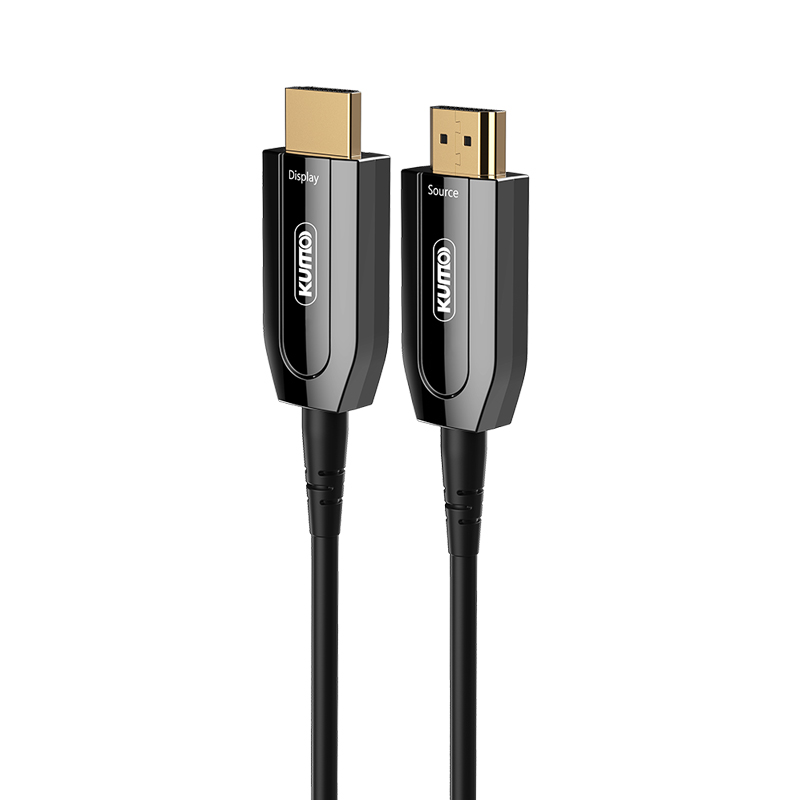 AOC HDMI Cable
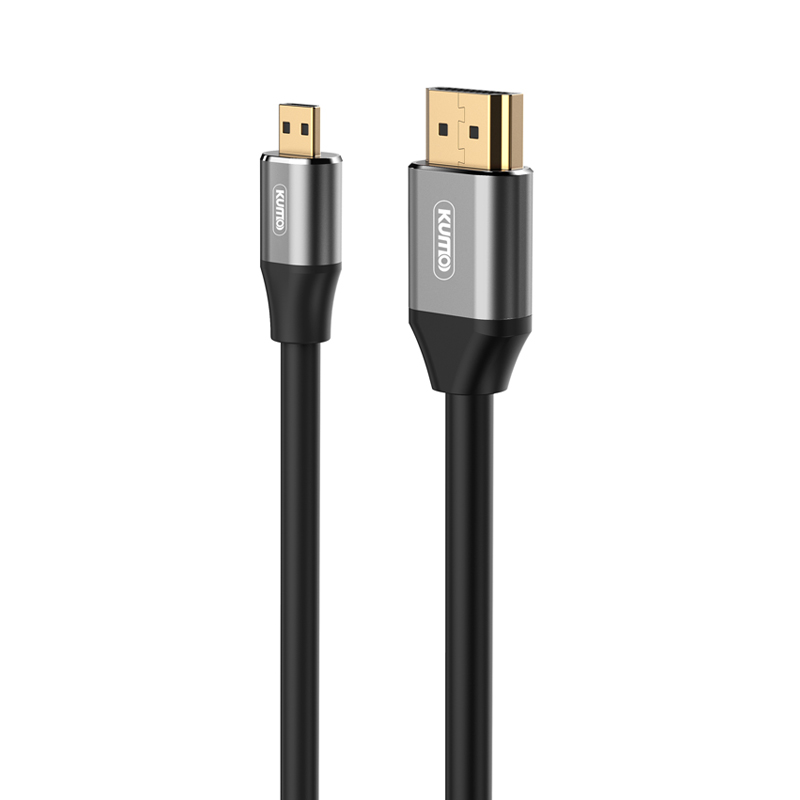 HDMI Conversion Cable
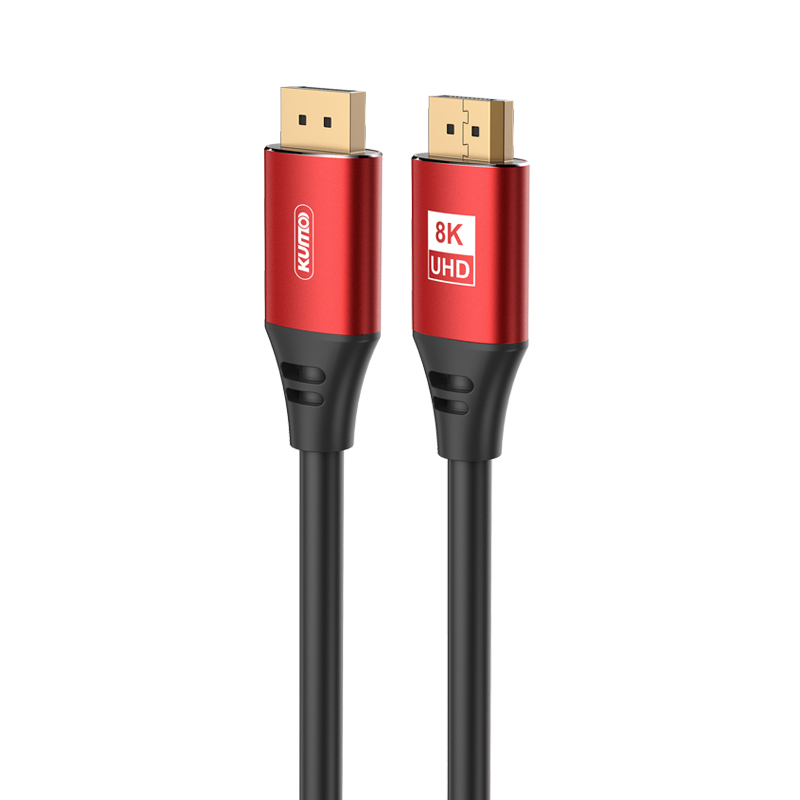 8K DisplayPort Cable
 16K DisplayPort Cable
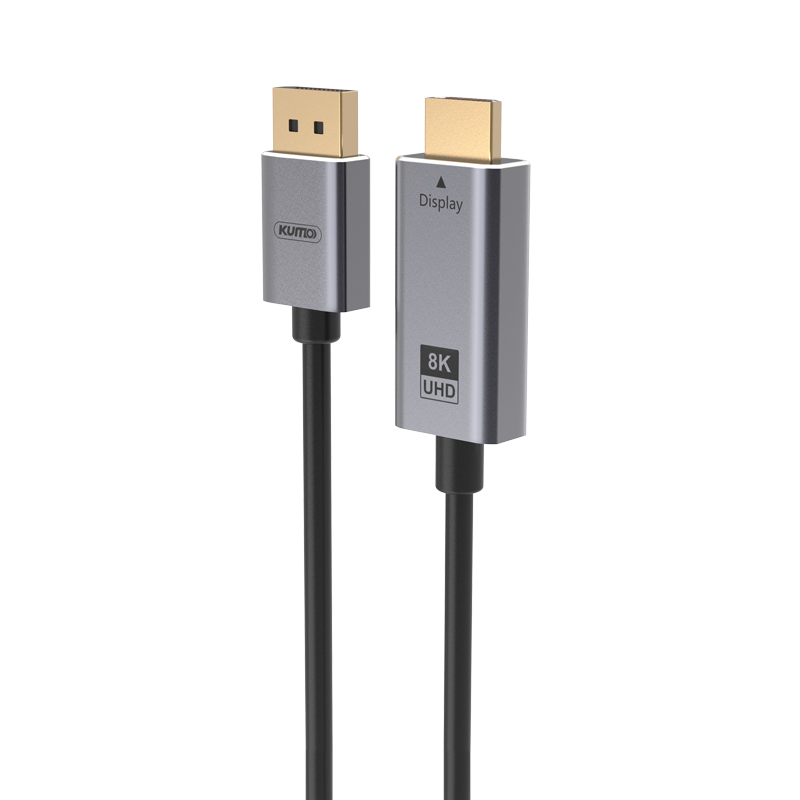 DisplayPort Conversion Cable
 XLR Cable
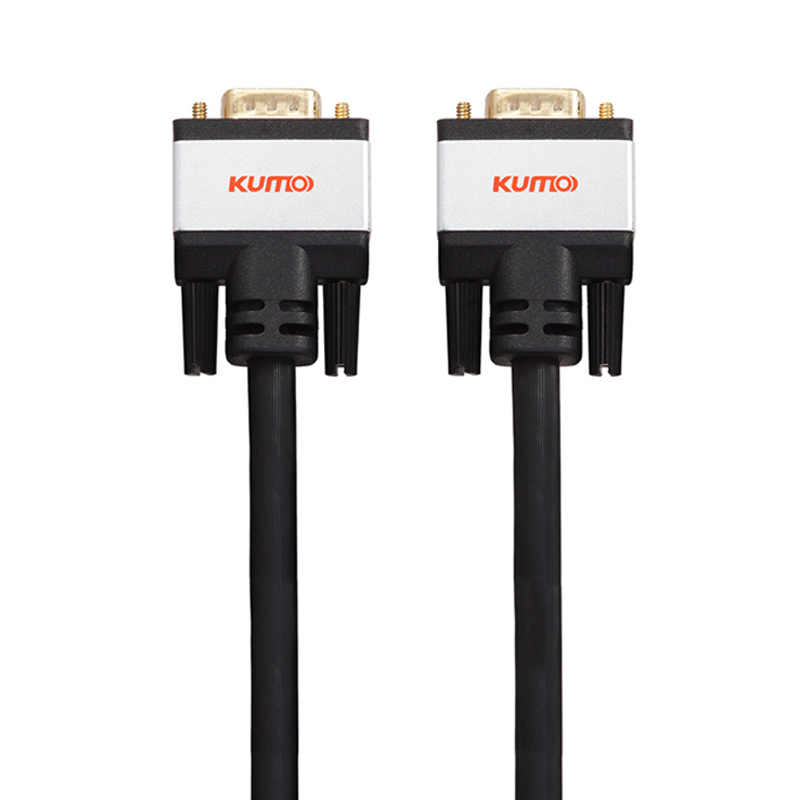 VGA Cable
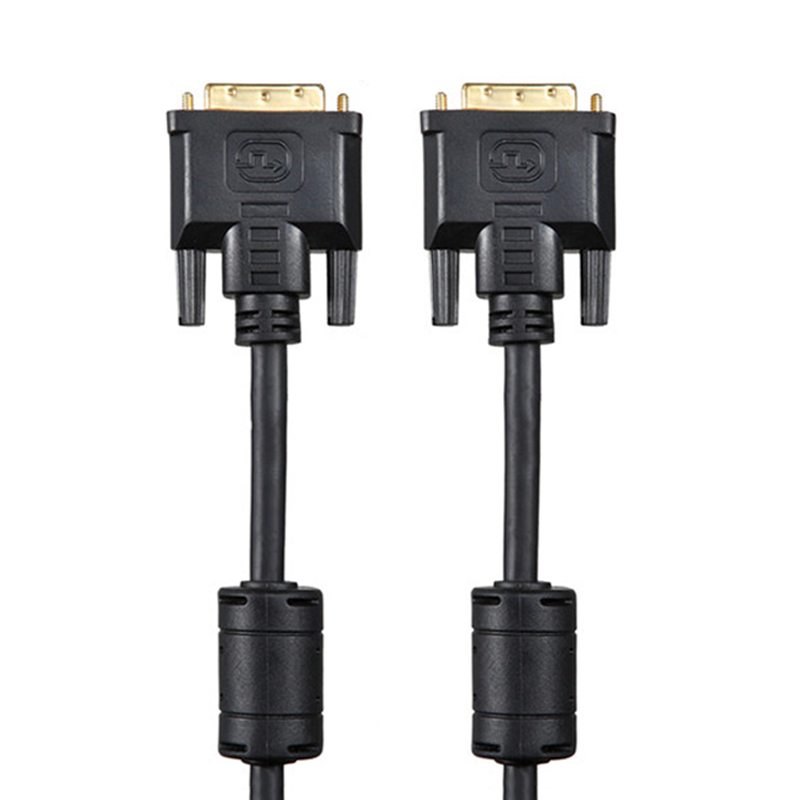 DVI Cable
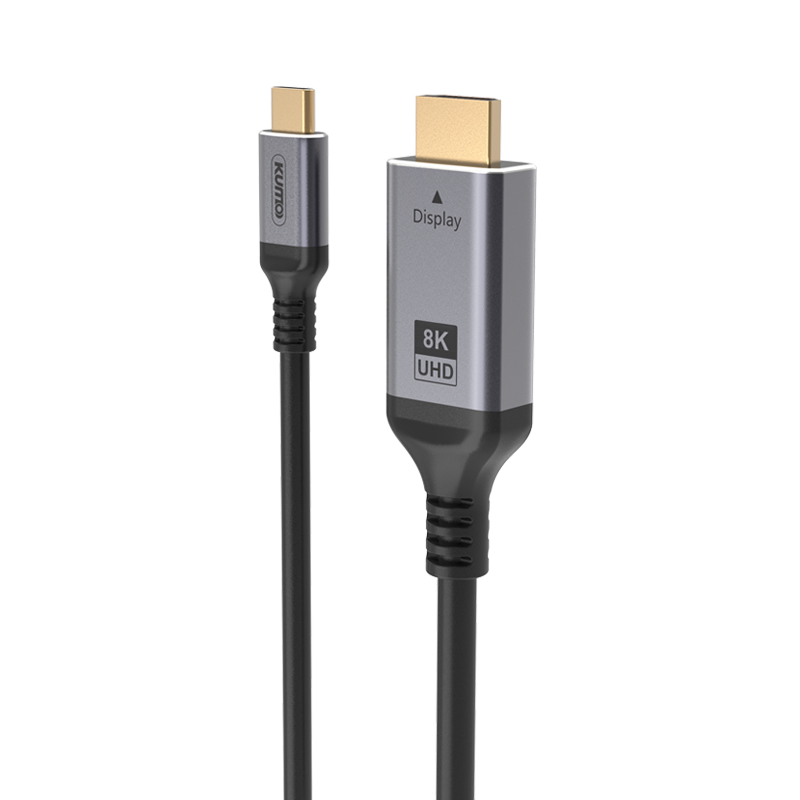 Type C To HDMI
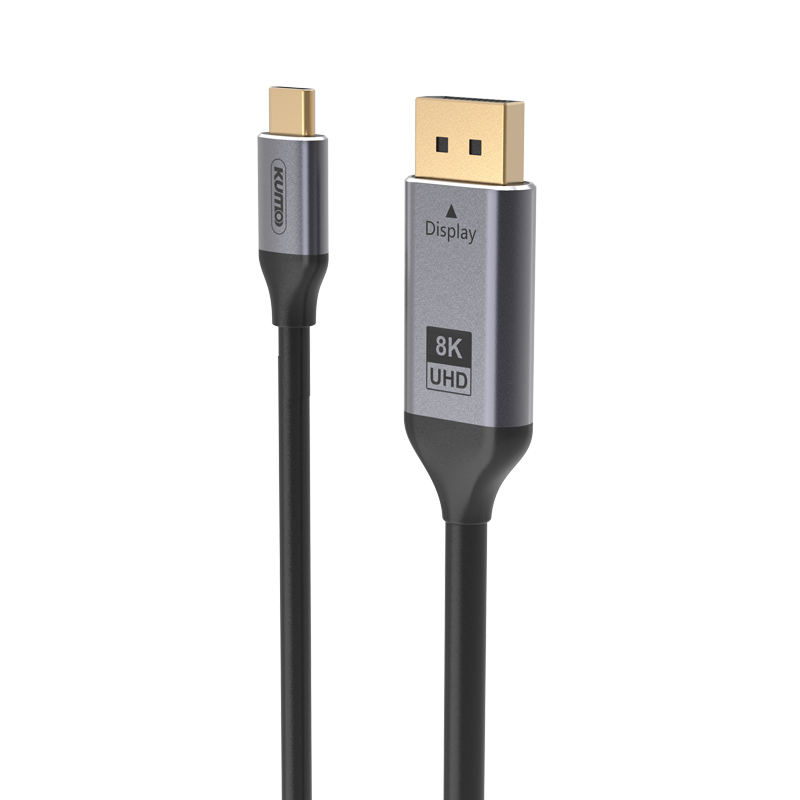 Type C to DP
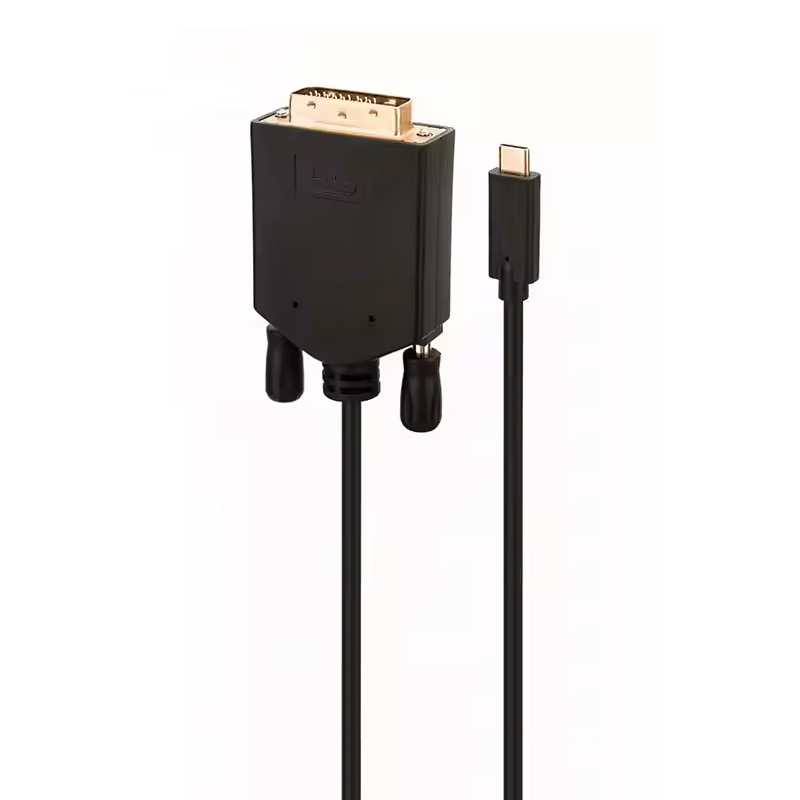 Type C to DVI
 Type C Adapter
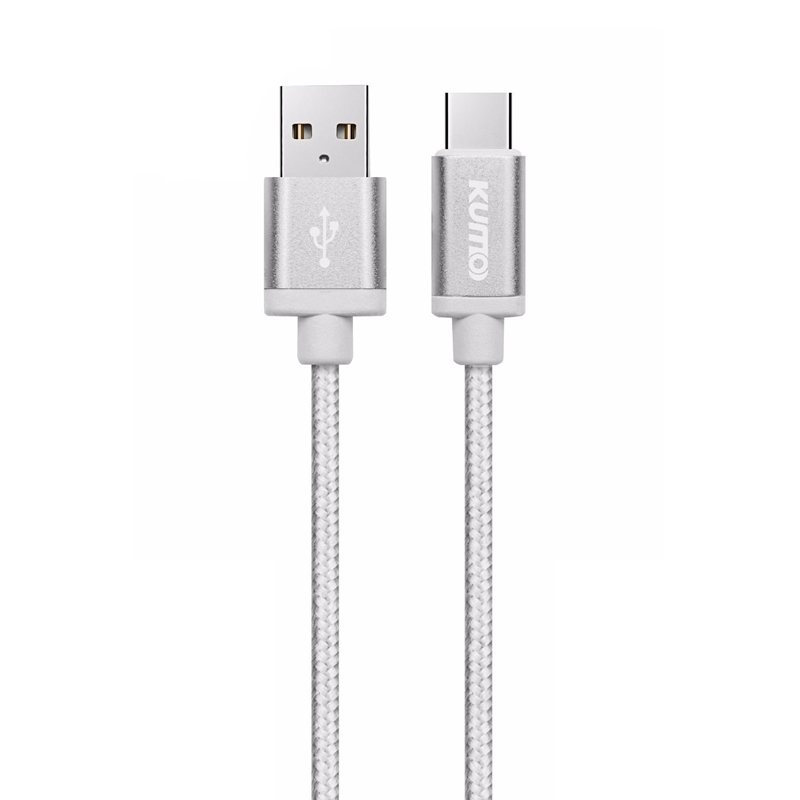 USB A to C Cable
 USB C to C Cable
 Micro USB Cable
 USB4 Cable


