You know, as more and more people and businesses are craving reliable, solid network connections these days, it’s pretty clear that plugging in Hub USB to LAN adapters has become super important—whether you're working from home or at the office. Recent reports show that the global USB hub market could hit around $4.9 billion by 2025, with USB-C and multi-purpose adapters really taking the lead when it comes to making connectivity easier and faster. Zhongshan Sinseader Electronic Co., Ltd., which kicked off back in 2007, has really made a name for itself in this fast-moving space. They focus on developing and selling USB hubs, docking stations, and all sorts of computer accessories. Basically, by upgrading your network setup with these Hub USB to LAN solutions, you can enjoy quicker data transfers and more stable connections— which means you’re gonna get more done without those annoying disconnects or slowdowns. It’s a small upgrade that can seriously boost your productivity everywhere you go.

Understanding Hub USB to LAN Adapters: Key Features and Benefits
USB to LAN hub adapters are becoming pretty much a must-have these days, especially since so many devices now rely on USB-C for connectivity. They’re not just about giving you a reliable Ethernet connection—they also help you add more ports, which is a lifesaver if you’re working on a modern laptop that doesn’t have a ton of traditional USB ports. Some of the main things to look out for in these adapters are support for fast data transfer speeds, compatibility with different operating systems, and the ability to connect multiple devices at once.
When you're shopping for one, a few tips might come in handy. First off, go for an adapter that supports at least USB 3.0 — that way, you'll get faster transfer speeds. Also, think about how many ports you really need. Some hubs even let you connect things like HDMI for video or SD card readers, which can seriously boost your productivity. And if you want to keep things smooth during charging, look for models that support USB Power Delivery — that helps with power management and keeps everything running efficiently.
Setting Up Your Hub USB to LAN Adapter: A Step-by-Step Guide
Setting up your Hub USB to LAN adapter is a pretty straightforward process, but it can really give your network a nice boost—think faster, more stable wired connection and less annoying lag.
First off, grab your adapter out of the box and plug it into an available USB port on your computer or laptop. Just a heads up—if your computer has multiple USB ports, try to use one that supports higher data transfer speeds to get the best performance out of your adapter.
After you connect it, your operating system should automatically recognize it and start installing any drivers it needs. If you don’t see anything happening right away, don’t worry—sometimes it takes a moment.
Also, check if your adapter came with a driver CD or if you need to download the latest drivers from the manufacturer’s website—that's always a good idea to keep things running smoothly.
Once everything’s set up, grab your LAN cable and plug one end into the adapter, then connect the other end to your router or switch.
Turn your router on if it's not already, and then check your network settings on your computer to make sure the LAN connection is enabled.
To test it out, disable your Wi-Fi for a bit—this way you'll really see if the wired connection is making a difference.
Usually, you'll notice faster speeds and a more reliable connection.
Oh, and one quick tip—try to keep your router within a reasonable distance, making sure your LAN cable isn’t stretched too tight, because that can actually mess with the signal quality and degrade your connection.

Common Network Performance Issues You Can Solve with USB to LAN Adapters
USB to LAN adapters are surprisingly handy when it comes to fixing some pretty common network headaches. You know those moments when your Wi-Fi suddenly gets all flaky? Sometimes it’s just crowded places or too many devices fighting for bandwidth. Using a USB to LAN adapter can give you a direct, wired link to your router—big difference in stability and speed. This is especially a lifesaver if you're into online gaming or doing video calls where lag is the last thing you want.
And let’s not forget slow data transfers—sometimes moving around large files over the network can feel like watching paint dry. That’s often because of network traffic or interference messing with the signal. Hooking up a USB to LAN adapter helps boost your data speeds because wired connections usually handle higher bandwidth than Wi-Fi. Plus, a lot of these adapters come with fancy protocols that squeeze even more out of your network, which is perfect if you’re working from home, sharing big files, or just need a reliable, fast connection overall.

Advanced Configuration Options for Optimizing Network Speed and Stability
When you're looking to boost your network's performance, using Hub USB to LAN adapters can make a real difference — they can really crank up both speed and stability.
 I came across a report from IDC that says organizations could see up to a 50% jump in data transfer rates just by using quality adapters with some advanced settings. Basically, these adapters help devices talk to each other faster, cutting down on lag and making everything run more smoothly.
If you really want to get the most out of your setup, try enabling Quality of Service (QoS). It’s a nifty feature that prioritizes bandwidth for your most important apps, so even when things get busy, you're still getting good speeds. Also, messing around with the MTU (that’s Maximum Transmission Unit) settings can help keep data flowing nicely—choosing the right size cuts down on fragmentation, which can slow things down.
A quick tip: don’t forget to keep your firmware up-to-date. That way, you’ll get the latest performance tweaks. It’s also a good idea to go for adapters with Gigabit Ethernet support—that’s the kind of bandwidth modern apps really crave. And finally, make a habit of testing your network speed every now and then with tools like Ookla’s Speedtest. Playing around with these tips will help you keep your network in tip-top shape.
Troubleshooting Network Problems with Your Hub USB to LAN Adapter
When you're using Hub USB to LAN adapters, you might run into some network hiccups from time to time. Things like driver problems, bandwidth issues, or connection conflicts can all be culprits. Interestingly, Gartner reports that nearly 30% of network outages are actually caused by faulty peripherals, like these adapters. So, it's pretty important to troubleshoot them quickly to keep your network running smoothly.
First off, double-check that your adapter’s drivers are all up to date. According to IDC, outdated drivers can seriously slow things down—sometimes over 50% slower data transfer rates, which is a huge deal. Also, don’t forget to verify the physical connection. Quite often, just unplugging and reseating the adapter does the trick. If your device isn't recognizing the adapter at all, try switching to a different USB port or make sure all your USB ports are working okay.
Finally, it’s a good idea to use network monitoring tools like Wireshark to spot any traffic issues or bandwidth bottlenecks. A Statista report mentions that network congestion can cut performance by up to 70%, especially in busy work environments. Pinpointing and fixing these problems can really give your network a boost, leading to more reliable and smoother operations with your Hub USB to LAN adapters.
Comparative Analysis: Hub USB to LAN Adapters vs. Other Networking Solutions
When you're looking into network performance options, USB to LAN adapters—like those Hub models—actually offer a pretty solid alternative to the usual networking setups. I came across this report from Ethernet Alliance, and it’s kinda wild—demand for reliable, high-speed connectivity is skyrocketing! They’re estimating about a 20% growth each year in people looking for USB to Ethernet solutions. That really shows how much folks need steady and fast connections, especially if you're working remotely or dealing with data-heavy stuff.
Now, when you compare these with wireless options, it's pretty clear that wired solutions tend to be more dependable. Wireless signals can get flaky sometimes—interference, fluctuating speeds—you name it. In contrast, Hub USB to LAN adapters usually give you consistent performance. There was this study by Network World that mentioned wired connections can hit speeds up to 1 Gbps, which is way faster than the typical Wi-Fi speeds—something like 100 Mbps to 300 Mbps, even under good conditions. That’s a pretty big gap, especially if you're uploading big files or streaming high-res video, making these adapters a smart choice over other tech options for sure.
Network Performance Comparison: Hub USB to LAN Adapters vs. Other Networking Solutions
FAQS
Always check if your adapter came with a driver installation CD or if you need to download drivers from the manufacturer’s website. Keeping drivers updated ensures optimal performance.
Plug the LAN cable into the adapter and connect it to your router or switch.
Navigate to your network settings on your computer to ensure that the LAN connection is enabled and disable your Wi-Fi to test the wired connection.
Enabling Quality of Service (QoS) settings and tweaking MTU (Maximum Transmission Unit) settings can maximize performance by prioritizing bandwidth and reducing fragmentation.
Hub USB to LAN adapters provide consistent performance with throughput rates up to 1 Gbps, significantly outperforming standard Wi-Fi metrics, which average between 100 Mbps and 300 Mbps.
Investing in adapters with Gigabit Ethernet support can provide a bandwidth uplift necessary for modern applications, enhancing data transfer rates.
Firmware should be kept updated regularly to take advantage of the latest performance improvements.
Regularly test your network speed using tools such as Ookla’s Speedtest to monitor performance and make adjustments as needed.
The demand for reliable and high-speed connectivity is accelerating, with an estimated 20% annual growth in demand for USB to Ethernet solutions, especially in environments requiring stable connections.
Conclusion
In today's digital world, making sure your network runs smoothly is pretty important—whether you're just browsing at home or working on something from your office. That’s where Hub USB to LAN adapters really shine. They’re great for improving your connection and speed because they give you a solid, wired link that often beats the flaky wireless signals. In this guide, I’ll walk you through the main features and benefits of these adapters, with simple step-by-step instructions to set everything up. Plus, I’ll cover some common network issues and how to fix them.
If you’re into tweaking things, there are also advanced settings that can help you squeeze out even more speed and stability from your network. And if you run into any trouble, I’ve got some handy troubleshooting tips for you. When you compare Hub USB to LAN adapters with other networking options, it’s pretty clear they’re a solid choice—especially if you’re using devices or apps that demand a lot of bandwidth. Zhongshan Sinseader Electronic Co., Ltd. is one of the top manufacturers in this space, committed to delivering high-quality adapters that boost your connectivity and make your online experience smoother overall.

 USB C Docking & Hub
 USB C Docking Station
 USB C Hub-H Series
 USB C Hub-H Series High End
 USB C Hub-X Series High End
 HDMI Cable
 4K HDMI Cable
 8K HDMI Cable
 16K HDMI Cable
 AOC HDMI Cable
 HDMI Conversion Cable
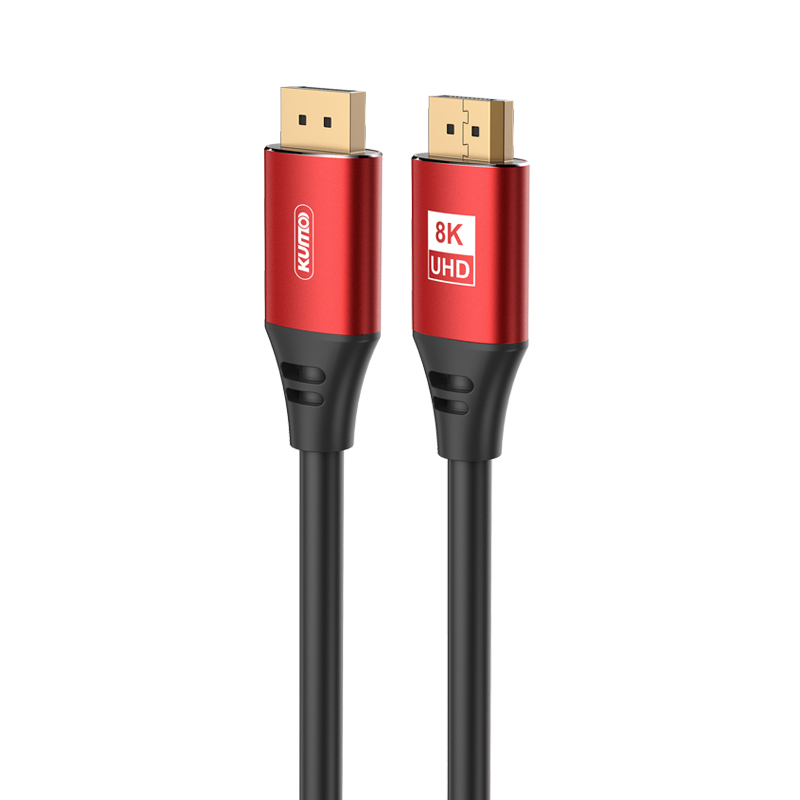 8K DisplayPort Cable
 16K DisplayPort Cable
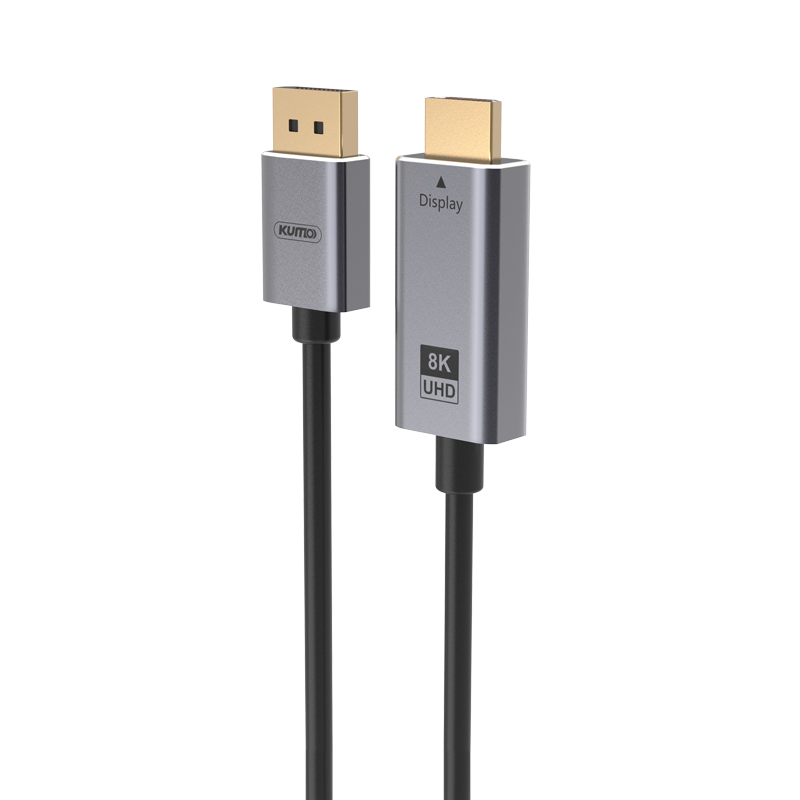 DisplayPort Conversion Cable
 XLR Cable
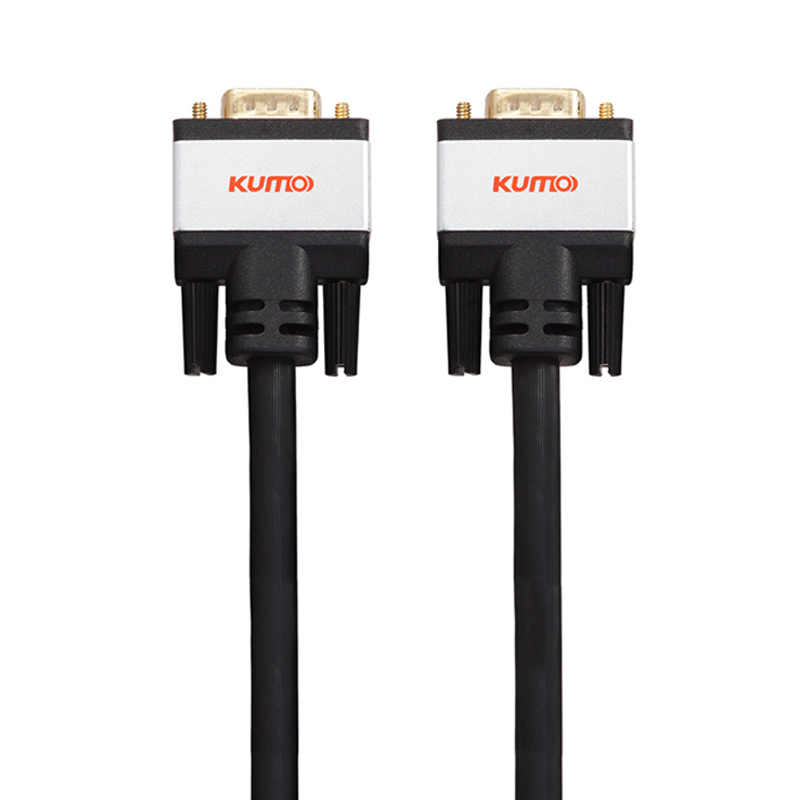 VGA Cable
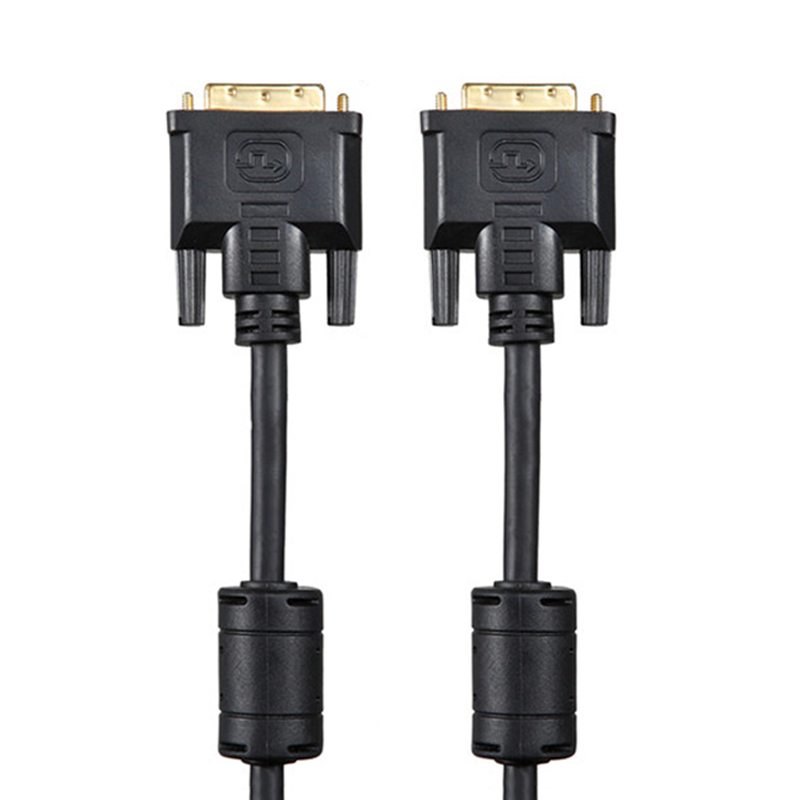 DVI Cable
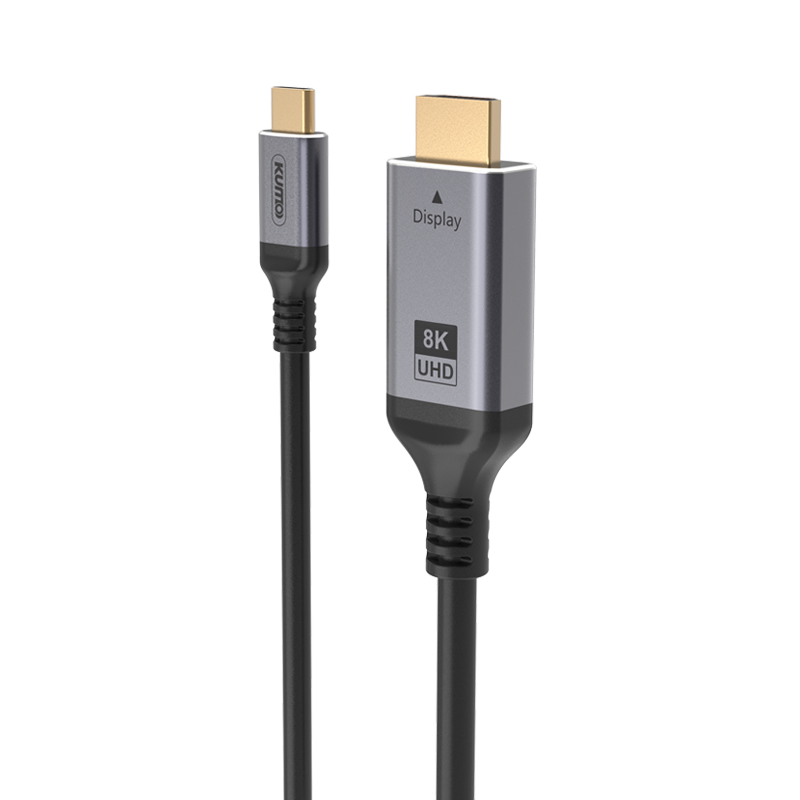 Type C To HDMI
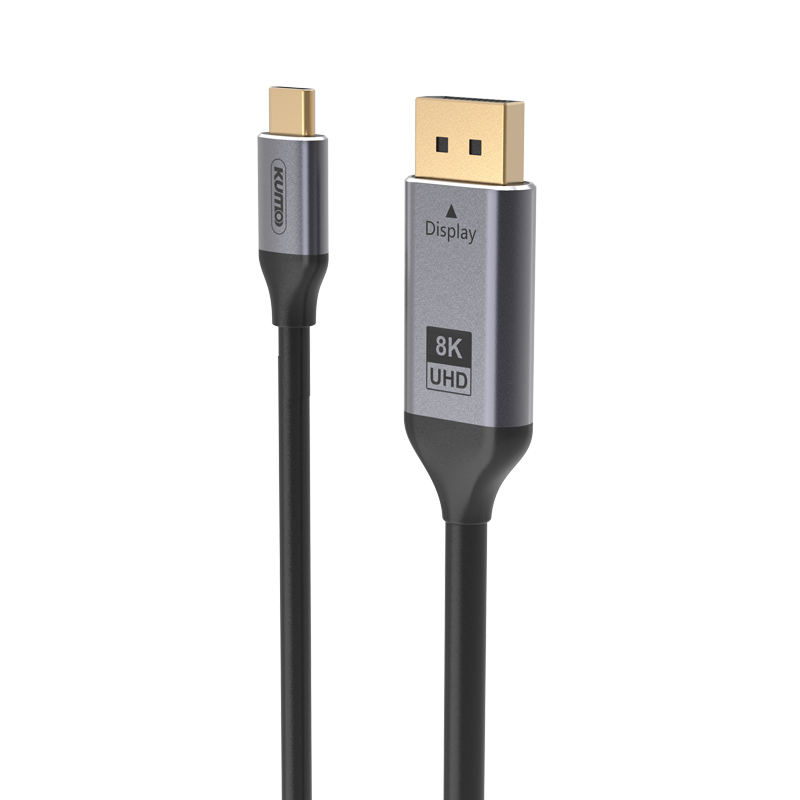 Type C to DP
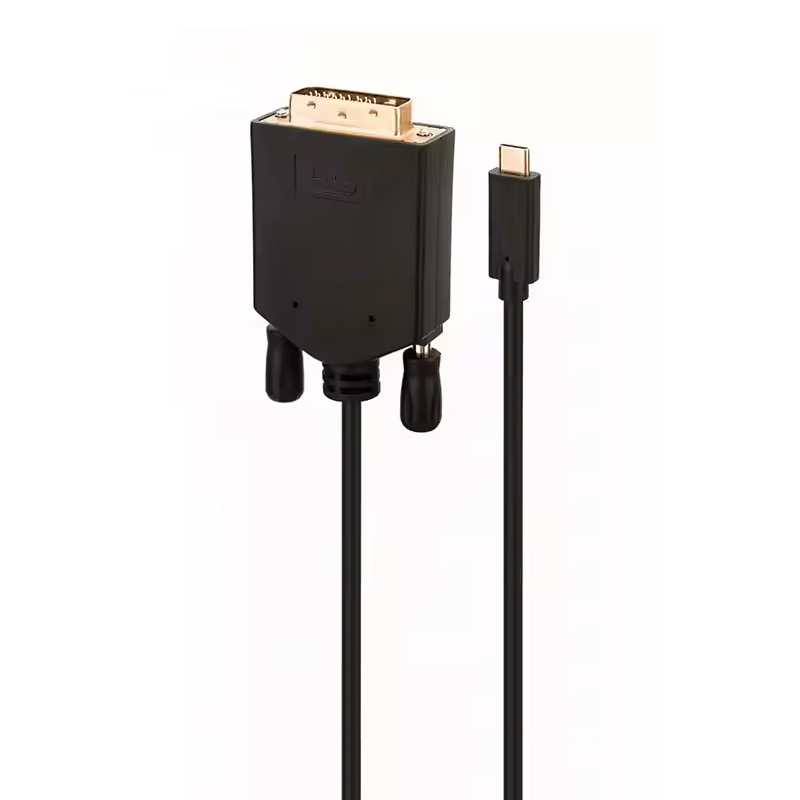 Type C to DVI
 Type C Adapter
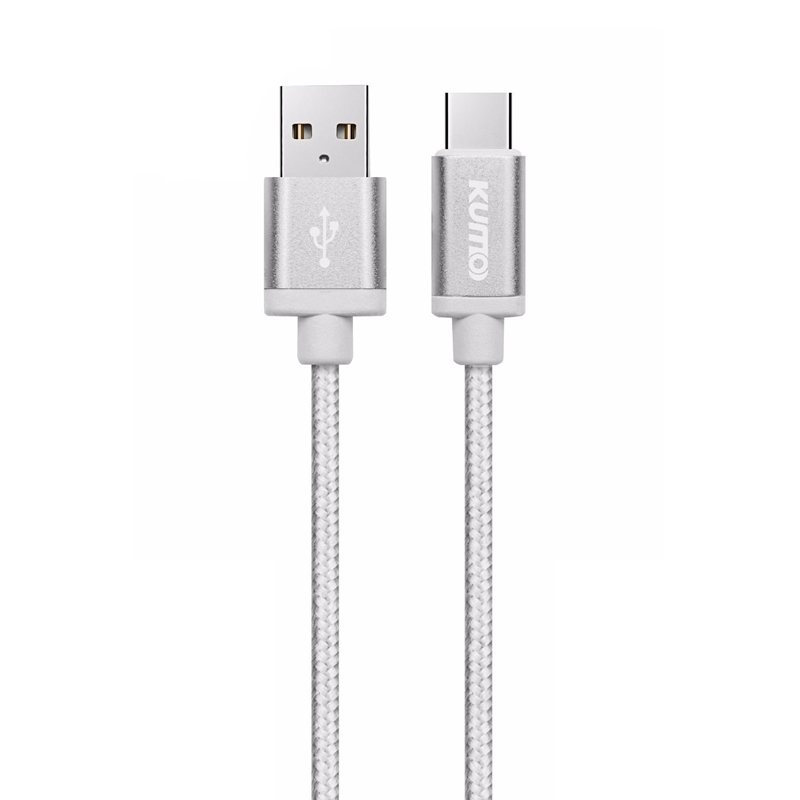 USB A to C Cable
 USB C to C Cable
 Micro USB Cable
 USB4 Cable


