In today’s super fast-paced digital world, everyone’s craving for quicker and more reliable internet connections has really skyrocketed, mainly because there are so many devices demanding smooth data transfers. I was reading this report from Grand View Research, and it said that the global USB hub market is expected to hit around $4.5 billion by 2025 — pretty impressive, right? It just shows how much people need smarter and more innovative connectivity solutions. One big player in all this is the Type C Hub Ethernet — a game-changer that boosts internet speeds and makes connecting all your gadgets way easier. So, I should mention that Zhongshan Sinseader Electronic Co., Ltd., which has been around since 2007, is really on top of their game. They focus on creating cutting-edge USB Hubs and Docking Stations, especially with the latest tech like Type C Hub Ethernet. Using these advanced products, users can boost their productivity, enjoy smooth multimedia streams, and generally just have a way better experience while working or relaxing. Honestly, the Type C Hub Ethernet has become pretty much essential in today’s tech setup — can’t imagine doing without it anymore.

Understanding Type C Hubs: Features and Benefits
Type C hubs are really handy when it comes to expanding the connection options on modern devices. They’re not just about adding multiple USB ports—many of them also come with features like HDMI outputs, card readers, and, most importantly, Ethernet ports. Having an Ethernet port is a game-changer if you’re after a stable and faster internet connection, especially if you’re into streaming, gaming, or working from home. It’s like having a mini hub of everything you need in one little device.
One of the coolest things about Type C hubs is how they help keep your workspace neat and tidy. Instead of dealing with a jumble of cables everywhere, you can connect everything through a single hub. Plus, most of these hubs are literally plug-and-play—just connect and go, no need to fuss with drivers or software. When you combine that ease of use with the faster internet speeds and reliable connections you get with Ethernet, it’s clear these hubs are pretty much a must-have for anyone looking to work smarter and stay connected with less hassle.
Setting Up Your Type C Hub for Optimal Performance
Getting your Type C Hub set up just right can really make a difference in how smoothly your internet works. These days, with so many of us working remotely or gaming online, knowing how to get the most out of your hub is kinda essential. I read somewhere—like in a report from IDC—that over 60% of users saw a huge speed boost when they used a good, properly set up USB-C hub with Ethernet instead of relying on Wi-Fi alone. Pretty eye-opening, right?
So, here’s the deal: start by plugging your Type C Hub straight into a solid Ethernet cable—something like Cat 6 or even better if you can. These support speeds of up to 10 Gbps, which helps cut down on lag and delays, especially for tasks that need instant data transfer. Oh, and don’t forget to keep your drivers and firmware updated. It might sound boring, but it’s super important for keeping everything running smoothly and making sure you’re actually getting those crazy-fast speeds.
**Pro tip:** Try doing speed tests now and then using tools like Ookla or Fast.com. It’s a simple way to keep an eye on your connection and catch any problems early.
And one last thing—try not to overload your hub by plugging in way too many devices. Too many connections at once can slow things down or cause bandwidth issues. Keeping things tidy and streamlined not only speeds things up but also helps your gear last longer. Follow these tips, and you'll get the most out of your Type C Hub—faster, more reliable internet, guaranteed.
Data Transfer Speeds of Type C Hub Ethernet vs. Traditional USB Hub
This chart illustrates the data transfer speeds of Type C Hub Ethernet compared to a traditional USB Hub. The Type C Hub Ethernet offers significantly higher data transfer speeds, making it an ideal choice for faster connectivity solutions.
Exploring Ethernet Connectivity Options with Type C Hubs
In our super hectic digital world, having reliable Ethernet connectivity options is more important than ever, and Type C hubs are really stepping up to make things easier. These little gadgets are surprisingly versatile—they pack multiple ports, so you can connect all your devices at once. Honestly, they're a game-changer for both professionals working remotely and students juggling their gadgets. Using a Type C hub, you can turn your workspace into a real productivity zone—no more fussing around with a bunch of different adapters. Just plug in your laptop, monitor, and peripherals, and you're good to go.
**A Few Tips for Picking the Perfect Type C Hub:**
When you're shopping for one, take a look at the types of ports included. It’s handy to find hubs with HDMI, USB-A, and maybe an SD card slot—these will cover most of your device connections. Also, don't forget to check how fast data transfers are and whether it can deliver enough power to keep your devices charged. That makes a big difference in how smoothly everything runs.
Another thing to keep in mind is build quality. A sturdy, portable hub is a total lifesaver if you’re always on the move, but if you want something small that keeps your desk tidy, look for a compact design. And hey, it doesn’t hurt to check out user reviews—real-world feedback from folks who’ve actually used the product can give you a pretty good idea about its reliability and performance.
Unlocking the Power of Type C Hub Ethernet: Your Ultimate Guide to Faster Connectivity
| Type C Hub Model |
Ethernet Speed (Mbps) |
Supported Protocols |
Number of Ports |
Price ($) |
| Model A |
1000 |
IEEE 802.3, IEEE 802.3u |
4 |
49.99 |
| Model B |
1000 |
IEEE 802.3, IEEE 802.3ab |
3 |
39.99 |
| Model C |
100 |
IEEE 802.3, IEEE 802.3x |
5 |
29.99 |
| Model D |
1000 |
IEEE 802.3, IEEE 802.3an |
6 |
59.99 |
Comparing Type C Hubs: Key Features to Consider
When you're on the hunt for a Type C hub with Ethernet capabilities, there are a few key features you really want to keep in mind to get decent connectivity. First off, check out the data transfer speeds — you’ll usually see these listed in Mbps or Gbps. Honestly, aiming for a hub that supports Ethernet speeds of at least 1000 Mbps (that’s 1 Gbps, for those not super familiar) is usually a safe bet if you want reliable, fast internet. Also, don’t forget to look at the number of ports. Having a hub with multiple USB-C, USB-A, and HDMI outputs can be a game-changer, making it way easier to connect all your devices without a hassle.
Heads up: Make sure to double-check if the hub is compatible with your specific devices before you buy. Some hubs might not play nicely with certain laptops or smartphones, especially those that need special drivers.
And speaking of quality, pay some attention to how the hub is built. A sturdy, well-made one isn’t just gonna last longer — it’ll stand up better to daily wear and tear. If you can, look for features like built-in surge protection or heat dissipation systems; these can help keep the hub from overheating when you’re using it for hours on end.
Pro tip: Take some time to read user reviews and ratings. They can really give you a good sense of how well the hub performs in real life, helping you make a smarter decision overall.
Troubleshooting Common Issues with Type C Hub Ethernet
When you're using a USB Type-C hub for Ethernet, you might run into a few common issues that can throw a wrench in your setup. One of the biggest headaches is having a shaky, unstable internet connection. Sometimes, this happens because of loose cables or incorrect settings. Double-check that your Ethernet cable is plugged in tightly both at the hub and at your router. Also, take a moment to peek into your device’s network settings—make sure your device actually recognizes the hub as a network adapter.
Another thing to watch out for is compatibility. Not every device plays nicely with Type-C hubs, which can lead to connection failures. Before you get frustrated, verify that your device’s OS and hardware are compatible with the hub’s specs. If the hub needs specific drivers or software, make sure they’re installed and up to date. And don’t forget—sometimes, simply restarting the hub and your device can fix a lot of weird connectivity hiccups. By keeping these tips in mind and troubleshooting the common issues, you’ll probably notice faster, more reliable internet with your Type-C Ethernet setup. It’s all about a little patience and checking those connections!
Maximizing Your Internet Speed: Tips for Using Type C Hubs
If you're looking to boost your internet speed, hooking up a
Type C Hub with Ethernet capabilities is a pretty solid move. Honestly, wired connections tend to be way faster—sometimes 50% to even double the speed of Wi-Fi. I read a study from the
Broadband Internet Technical Advisory Group that showed people on Ethernet averaged around
300 Mbps for downloads, while Wi-Fi maxed out at roughly
150 Mbps. That’s a pretty big difference, especially if you’re into gaming, streaming, or downloading big files. It really shows how much more reliable and efficient a wired setup can be.

To get the most out of your Type C Hub, make sure you pick one that supports the latest
Ethernet standards like Gigabit Ethernet—that can give you speeds up to
1 Gbps. Also, don’t forget to use good quality cables, like CAT6 or CAT7. They’re built to handle faster data over longer distances without much interference. According to some reports from the
International Telecommunication Union, using high-quality cables can cut down on data loss and latency, giving you a smoother, more stable connection overall. If you follow these tips, you’ll really unlock the full potential of your
Type C Hub, making your internet experience way more seamless and reliable.
Maximize Your Productivity with the 4K Ultra HD USB Type-C 9 in 1 Multi-Ports Combo Hub: A Comprehensive Guide
In today's fast-paced digital landscape, maximizing productivity is paramount, and the 4K Ultra HD USB Type-C 9 in 1 Multi-Ports Combo Hub is an essential tool that can help achieve this goal. Designed with versatility in mind, this compact hub caters to a variety of devices, transforming your workspace into a connectivity powerhouse. With an HDMI port capable of delivering stunning 4K visuals, you can enhance presentations, streaming, or any graphic-intensive tasks with remarkable clarity and detail.
Furthermore, efficiency is at the forefront with this hub's high-speed USB 3.0 ports and integrated SD/TF card reader, which facilitate quick data transfers and accessible content management. The inclusion of a 1000Mbps Ethernet port ensures a reliable and fast internet connection, making it perfect for remote work or online collaboration. For audio needs, the 3.5mm headphone jack provides crystal-clear sound quality, while the 100W PD charging port ensures your devices stay powered throughout the day. With certifications like CE and RoHS, you can trust the quality and safety of the STA-MUCH1201 model as you streamline your productivity efforts.
FAQS
: Connect your Type C Hub directly to a high-quality Ethernet cable, preferably Cat 6 or higher, and ensure your drivers and firmware are up to date. Regular speed tests can also help monitor your connection.
It's recommended to use a Cat 6 or higher Ethernet cable, which supports speeds up to 10 Gbps, to minimize latency and improve connectivity.
Check that the Ethernet cable is securely connected to both the hub and the router, and verify that your device recognizes the hub as a network adapter in its network settings.
No, not all devices support Type C hubs. It's important to verify that your device's operating system and hardware meet the hub's specifications.
Ensure secure connections, check compatibility, keep drivers updated, and restart both the hub and connected devices to resolve most issues.
Limit the number of connected devices to avoid overcrowding your hub, which can help enhance performance and prolong the equipment's life.
It's advisable to perform speed tests regularly using tools like Ookla or Fast.com to monitor your connection quality and troubleshoot any issues.
Reducing the number of connected devices helps prevent bandwidth throttling, ensuring a smoother and more reliable connection.
Conclusion
In today’s super-fast digital world, knowing what your Type C Hub Ethernet can do is pretty much essential if you want to stay connected and boost your productivity. This guide dives into the cool features and perks of Type C hubs, shares some handy tips for setting things up just right, and explores different Ethernet options out there. By checking out how different Type C hubs stack up against each other, you can make smarter choices that fit what you're looking for. Oh, and if you run into any common hiccups, no worries—there are troubleshooting tips to help you keep things running smoothly.
Zhongshan Sinseader Electronic Co., Ltd. is really worth a mention here. They specialize in creating top-notch USB hubs and docking stations, so if you're serious about speeding up your internet or getting better overall performance with a Type C Hub Ethernet, they’re a name to trust. With some expert advice and practical tips in this guide, you'll be able to unlock the full potential of your Type C hub—making your connections faster, more reliable, and just plain better.

 USB C Docking & Hub
 USB C Docking Station
 USB C Hub-H Series
 USB C Hub-H Series High End
 USB C Hub-X Series High End
 HDMI Cable
 4K HDMI Cable
 8K HDMI Cable
 16K HDMI Cable
 AOC HDMI Cable
 HDMI Conversion Cable
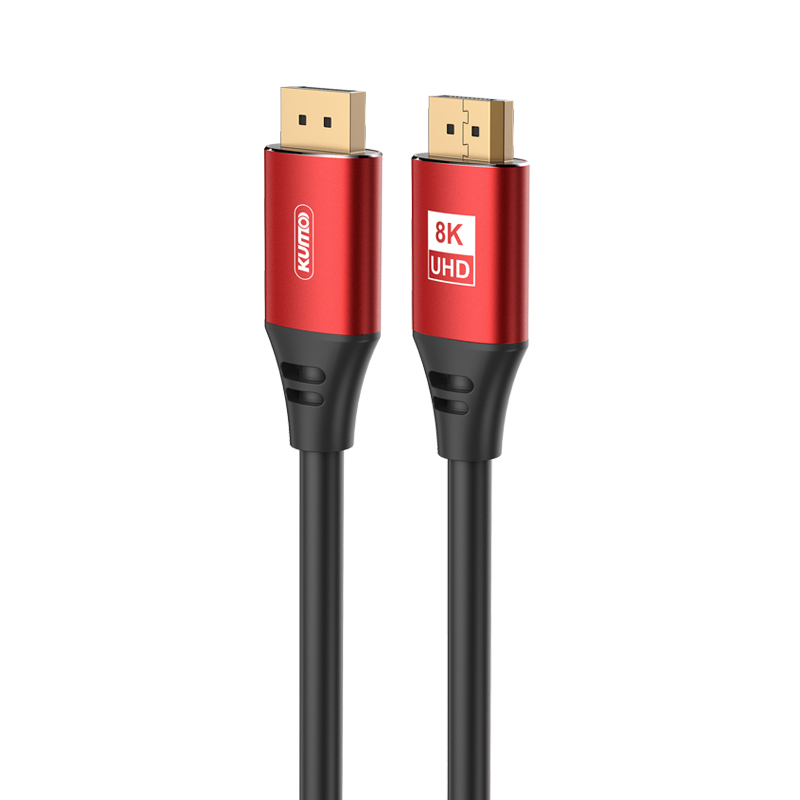 8K DisplayPort Cable
 16K DisplayPort Cable
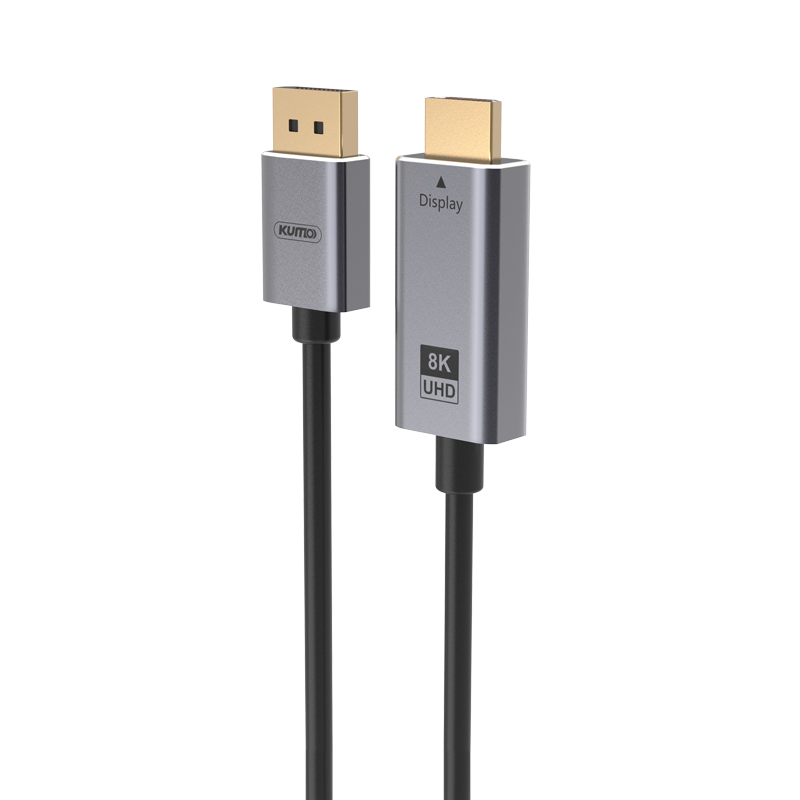 DisplayPort Conversion Cable
 XLR Cable
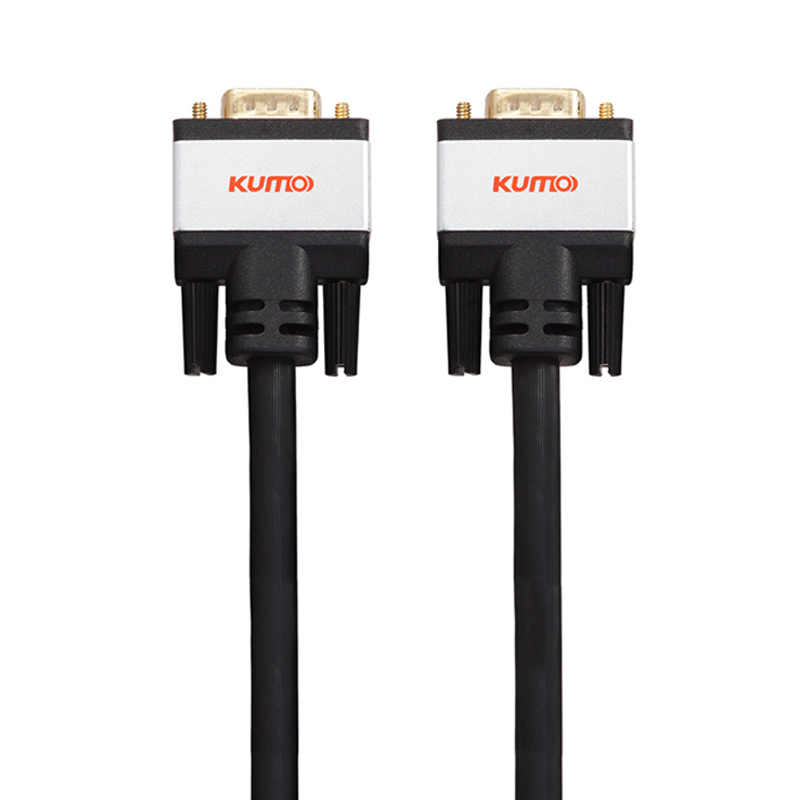 VGA Cable
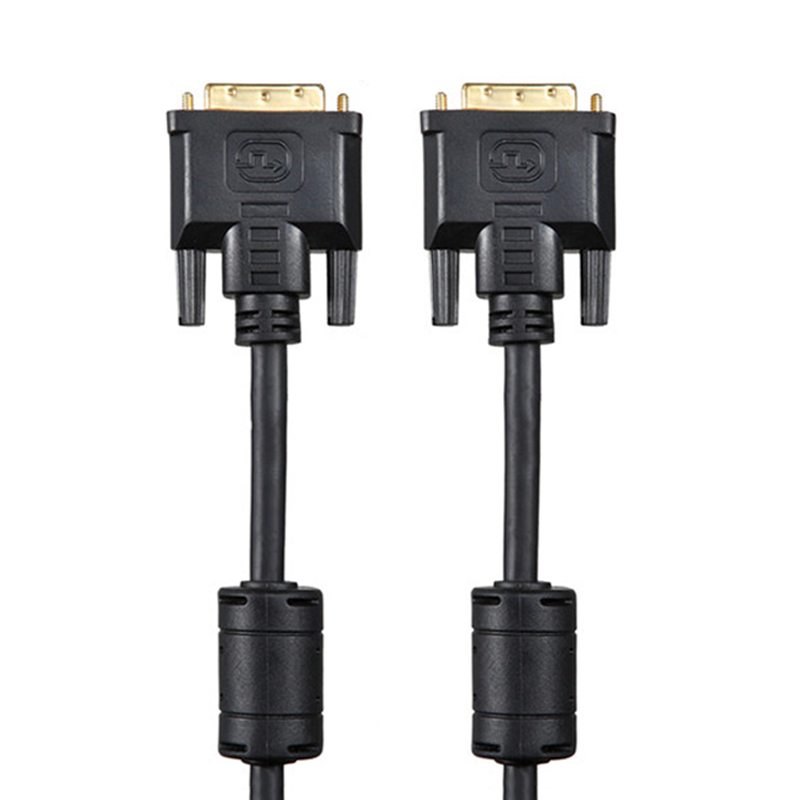 DVI Cable
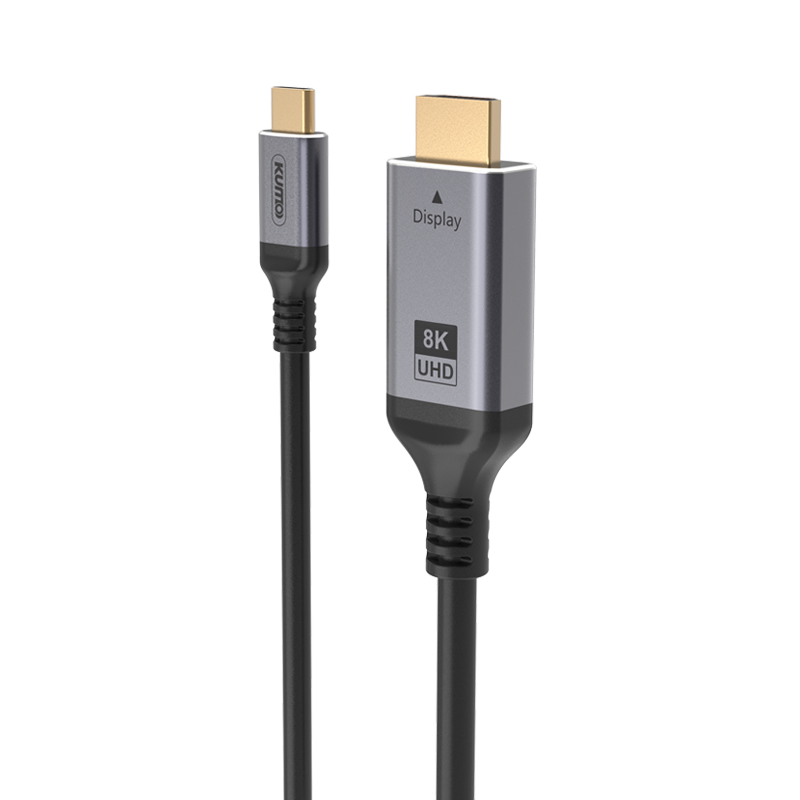 Type C To HDMI
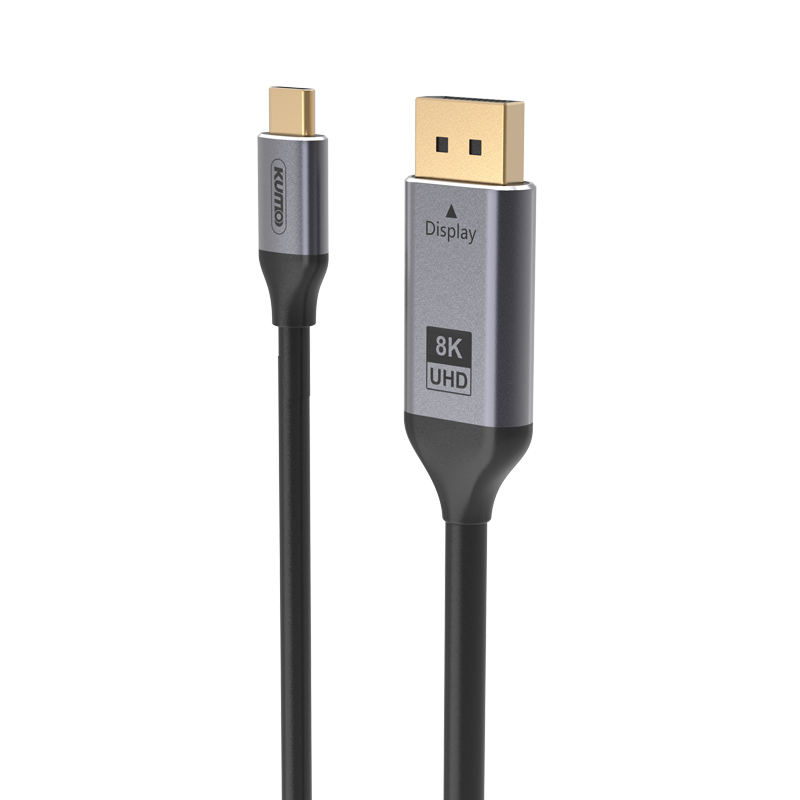 Type C to DP
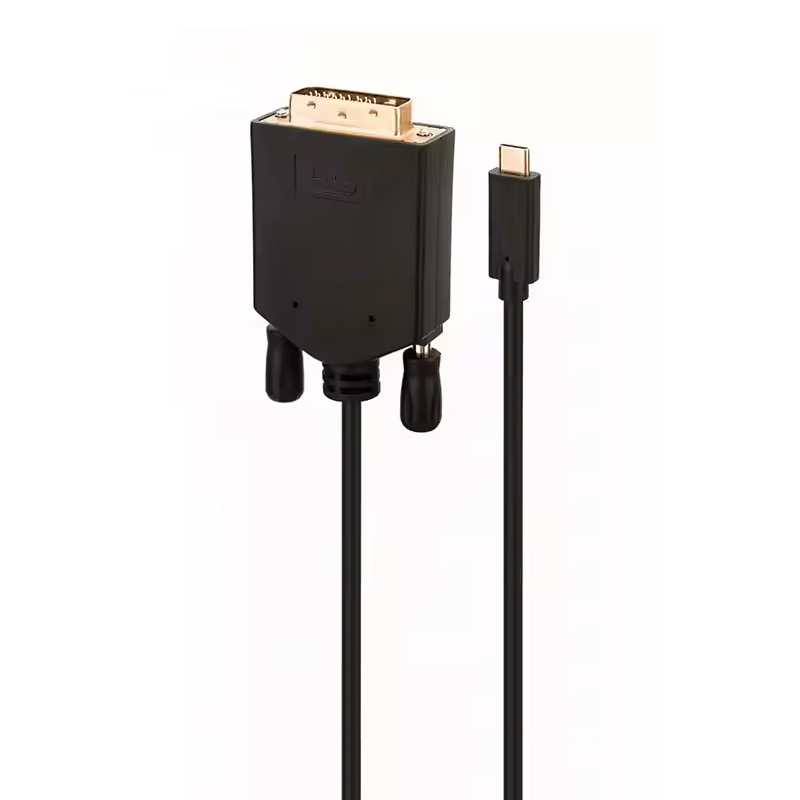 Type C to DVI
 Type C Adapter
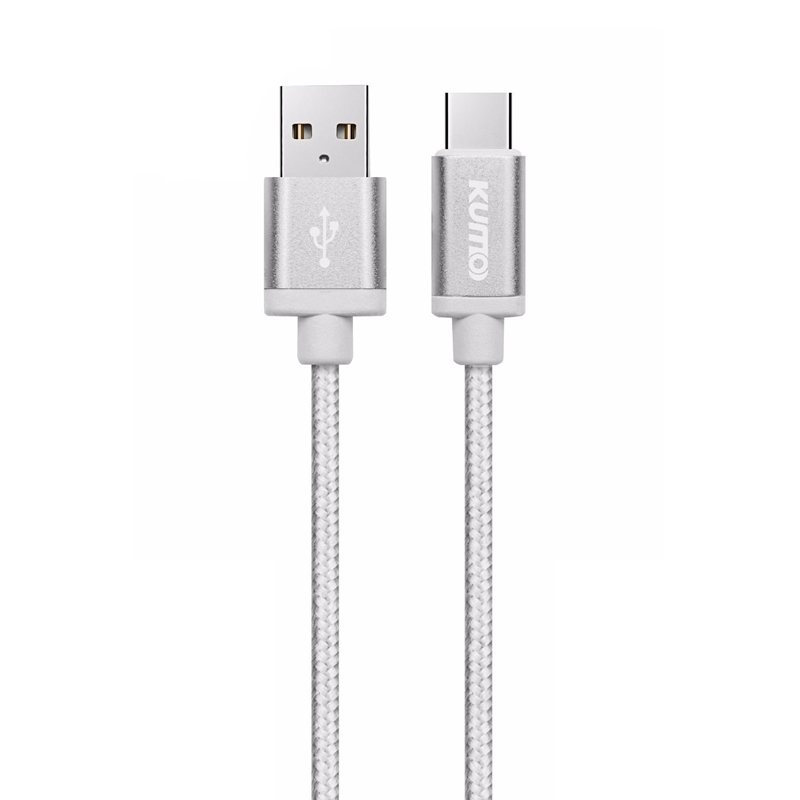 USB A to C Cable
 USB C to C Cable
 Micro USB Cable
 USB4 Cable


