
- Home
- Products
- About Us
- OEM&ODM
- News
- Contact Us
 USB C Docking & Hub
 USB C Docking Station
 USB C Hub-H Series
 USB C Hub-H Series High End
 USB C Hub-X Series High End
 HDMI Cable
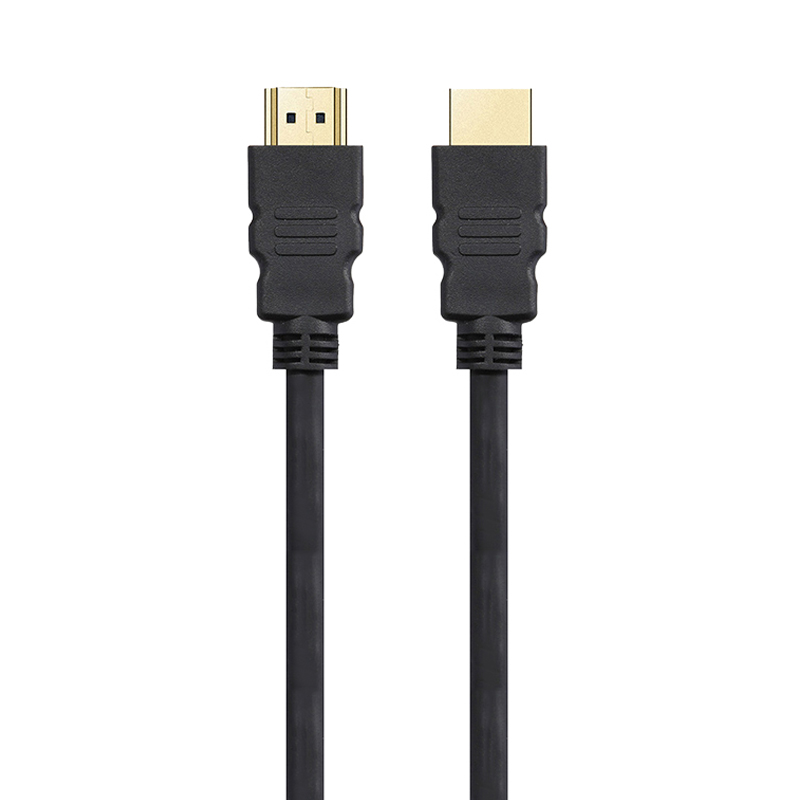 4K HDMI Cable
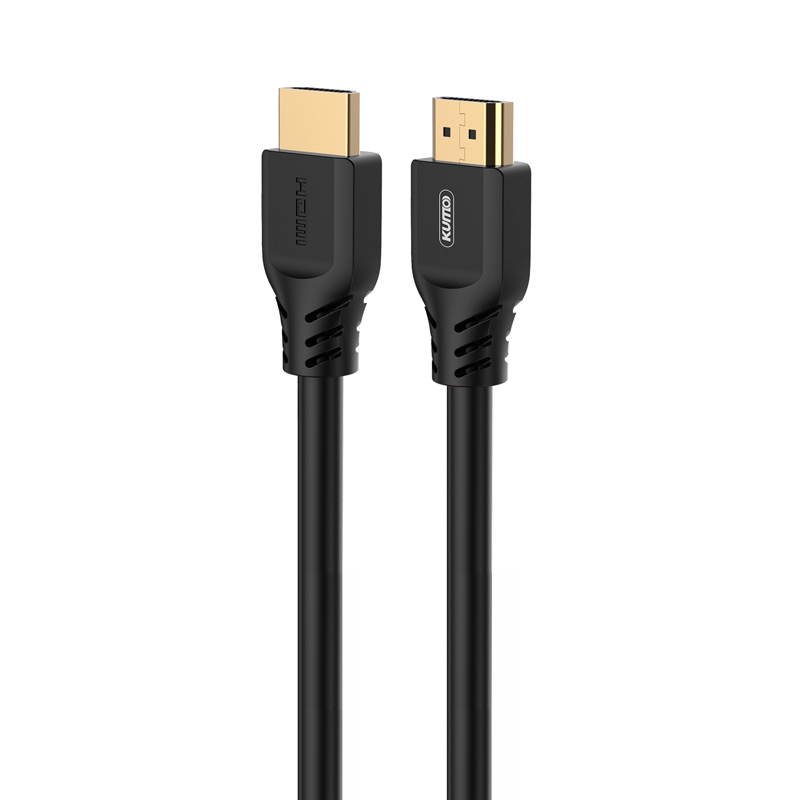 8K HDMI Cable
 16K HDMI Cable
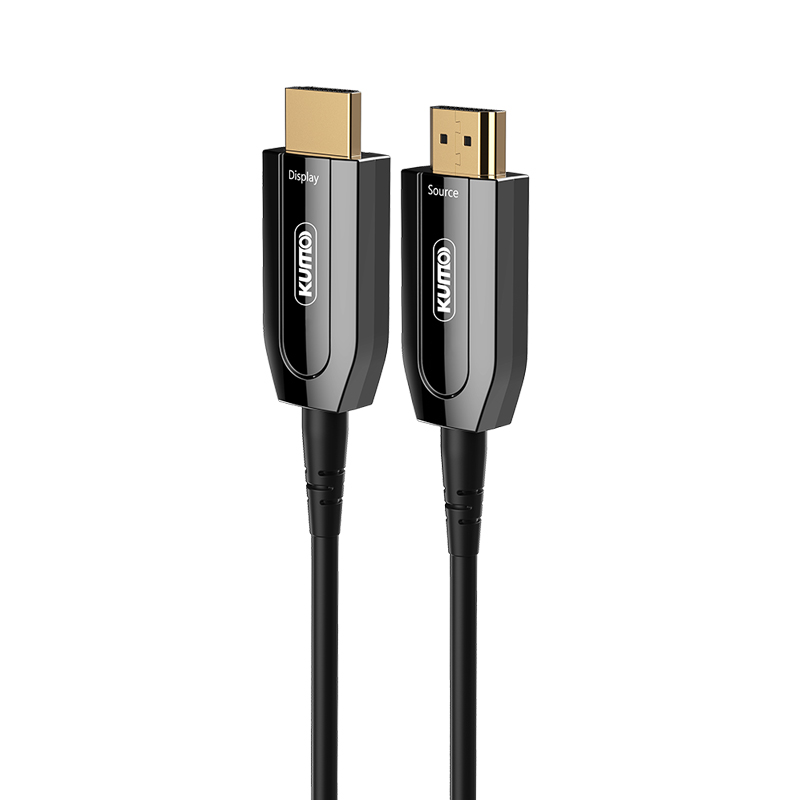 AOC HDMI Cable
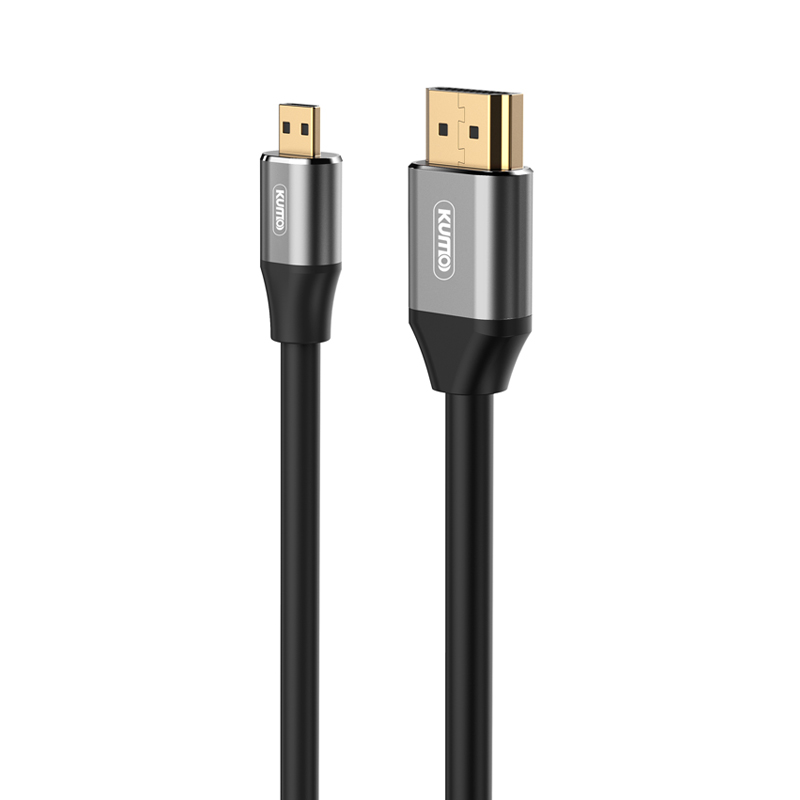 HDMI Conversion Cable
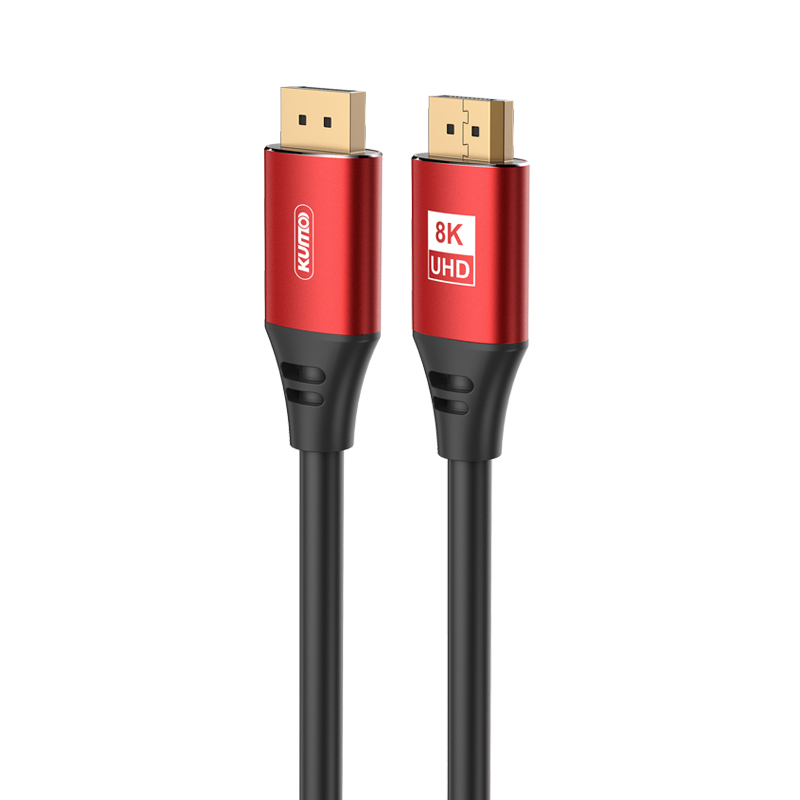 8K DisplayPort Cable
 16K DisplayPort Cable
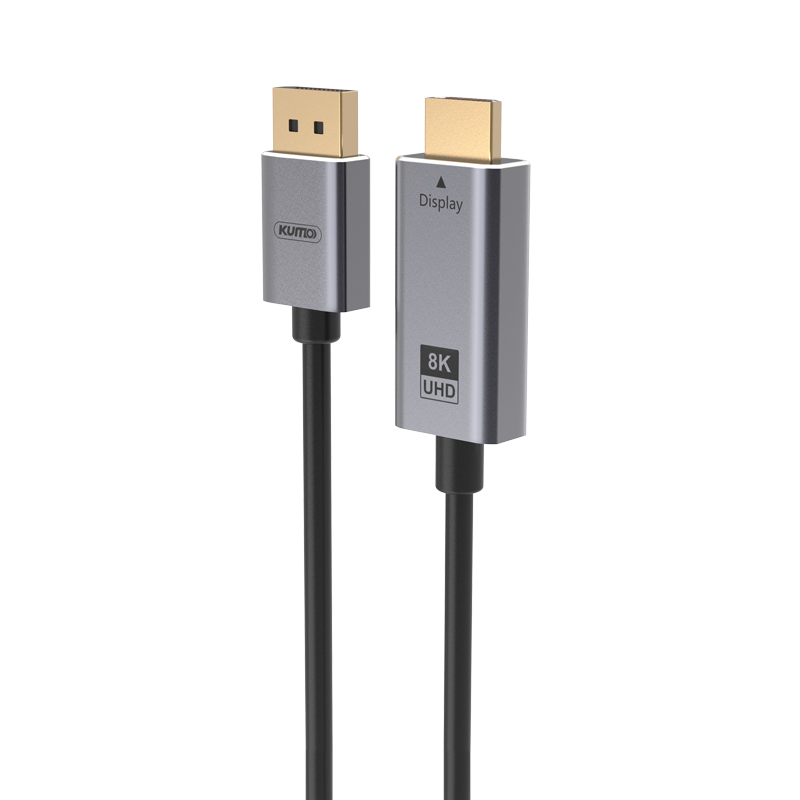 DisplayPort Conversion Cable
 XLR Cable
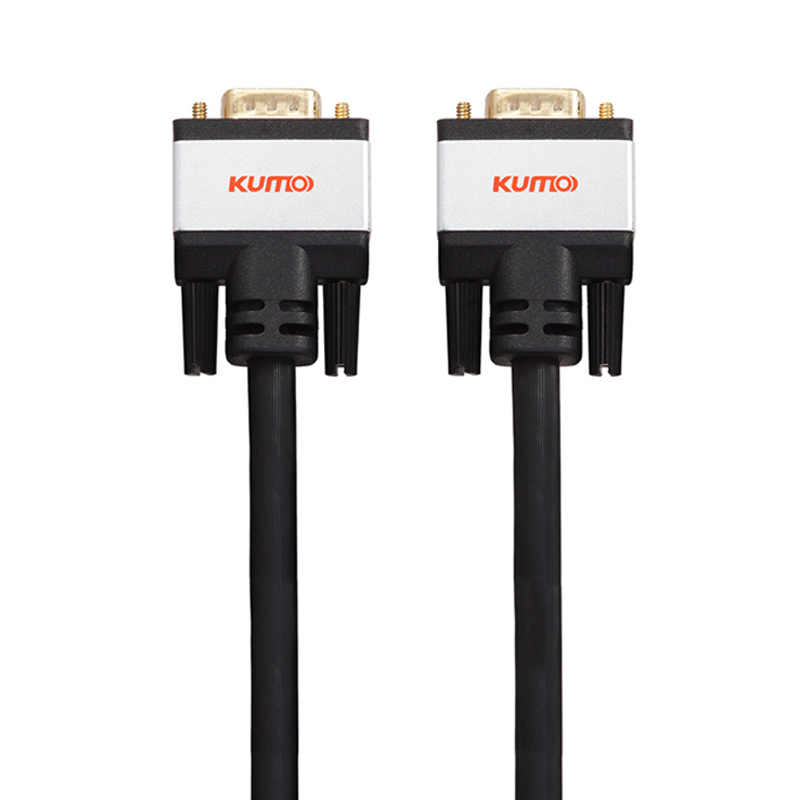 VGA Cable
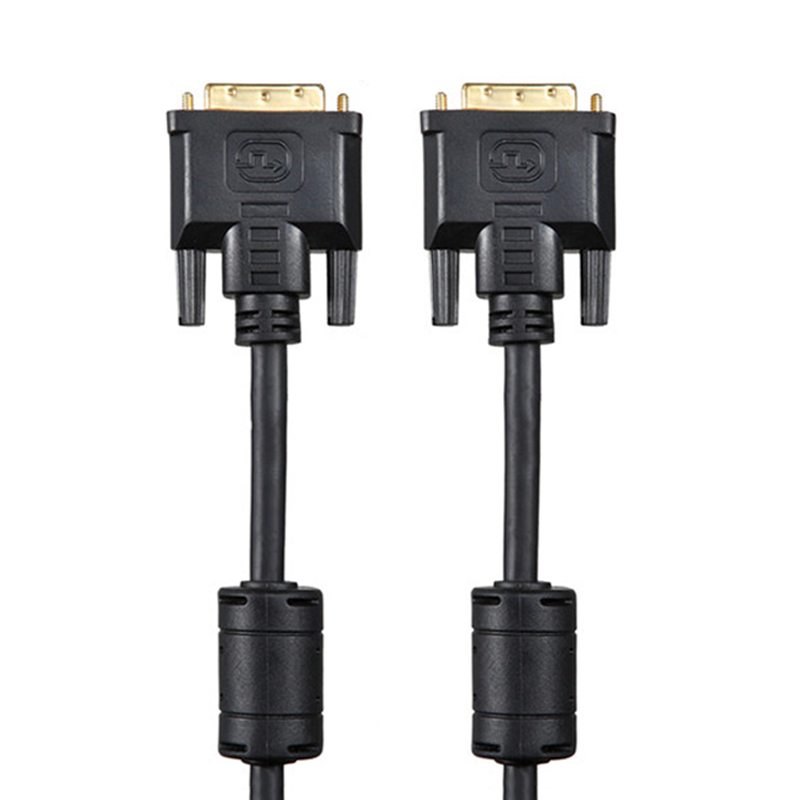 DVI Cable
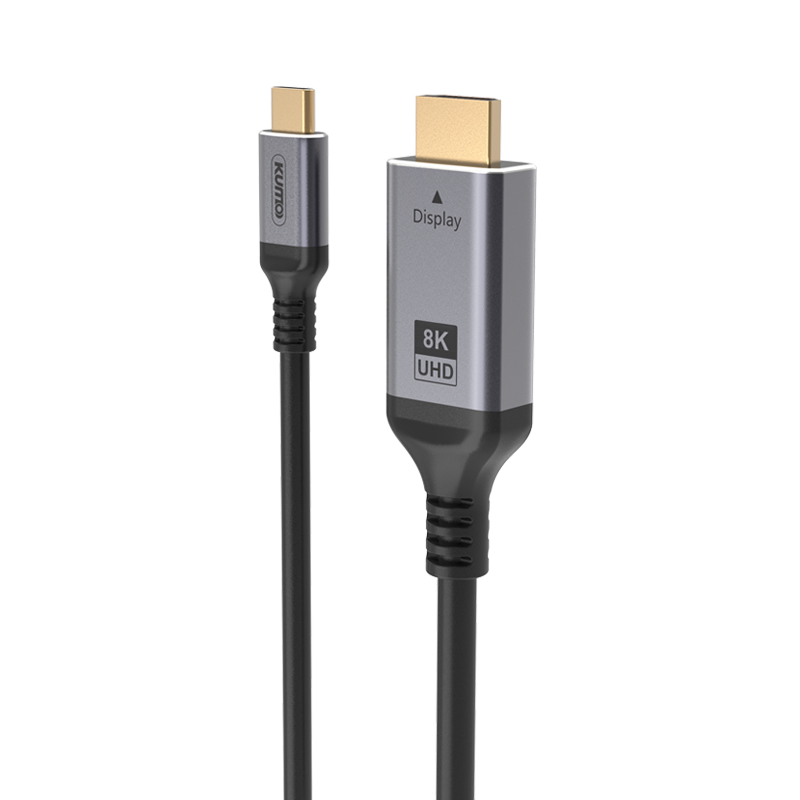 Type C To HDMI
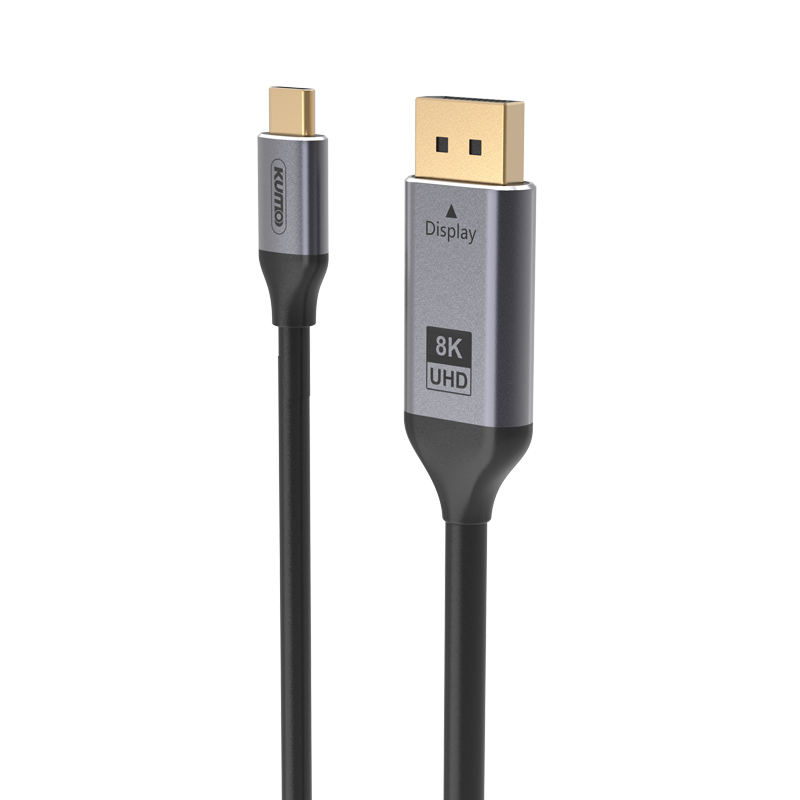 Type C to DP
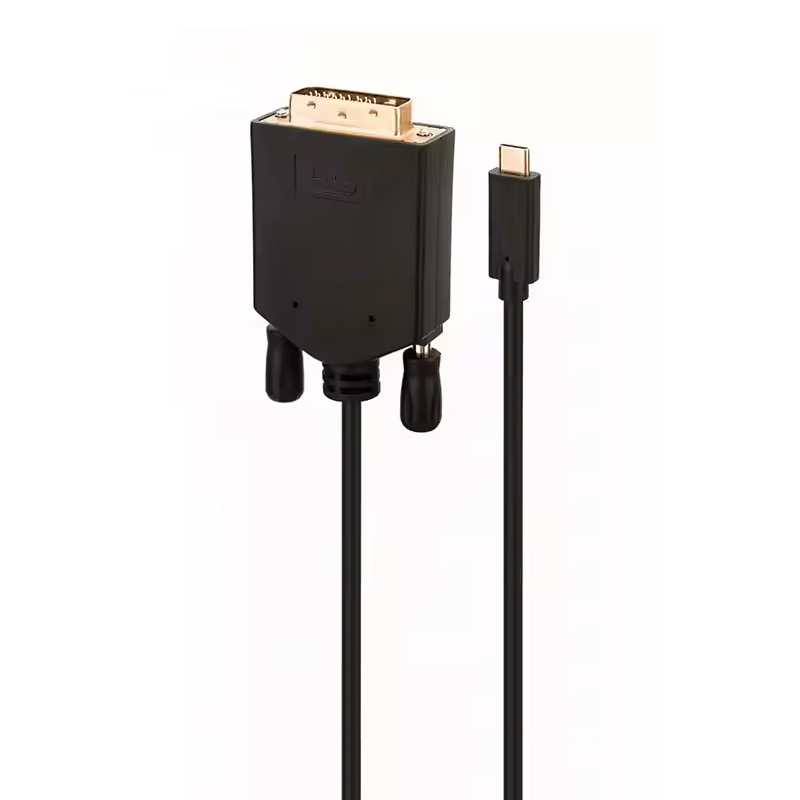 Type C to DVI
 Type C Adapter
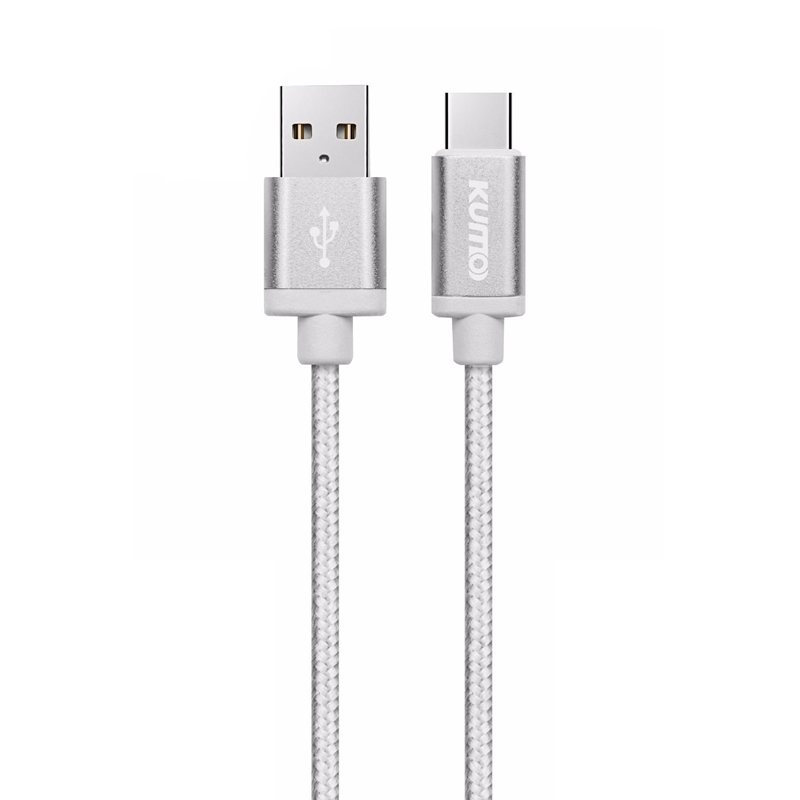 USB A to C Cable
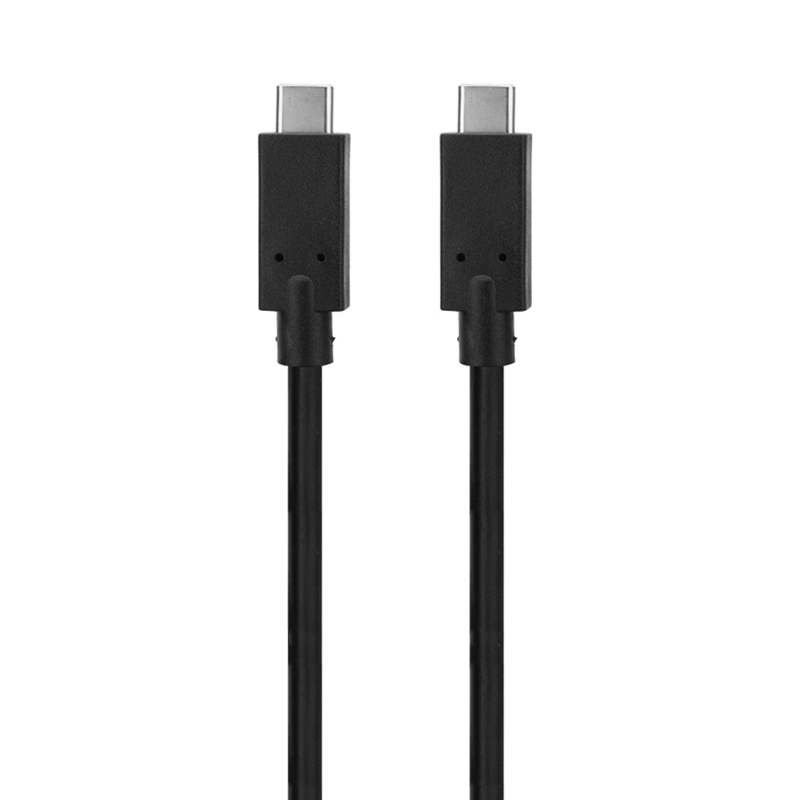 USB C to C Cable
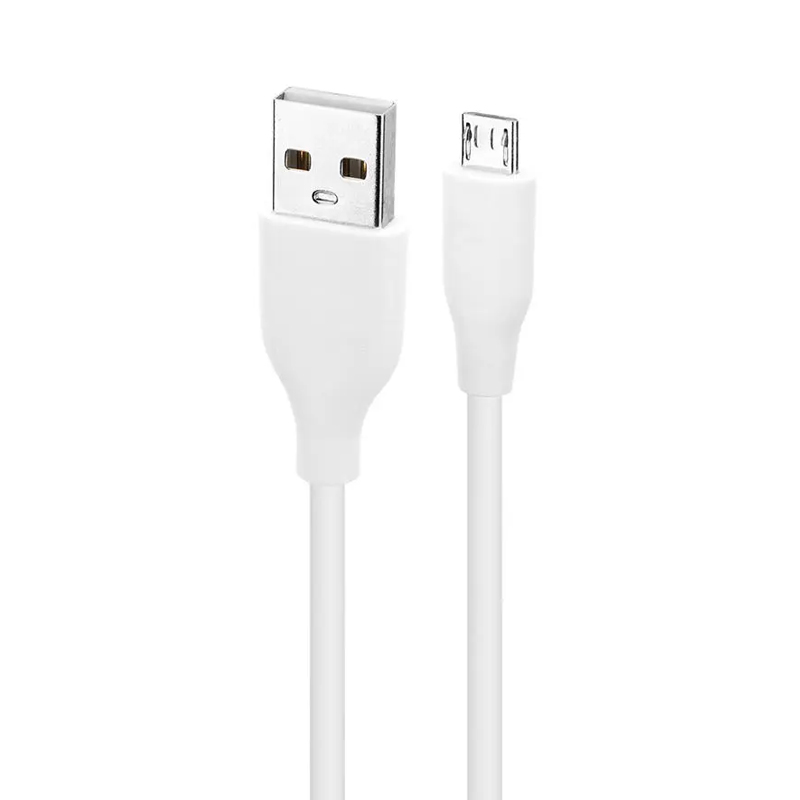 Micro USB Cable
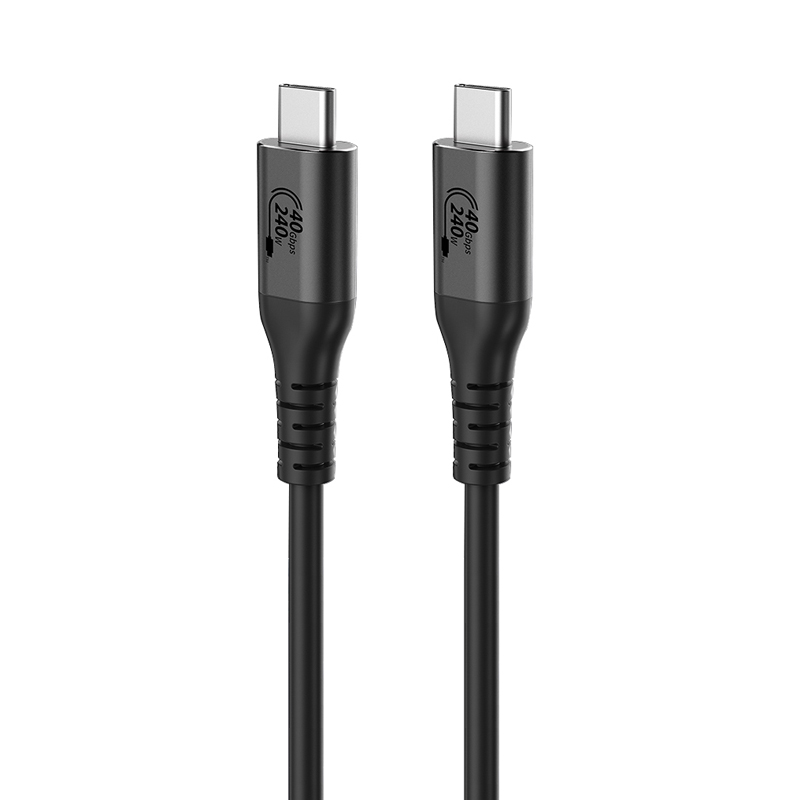 USB4 Cable
Inquiry
Form loading...
In today’s super fast-paced digital world, the Laptop Docking Station USB C is really changing how we connect and interact with our devices. If you’ve seen reports from places like MarketsandMarkets, they’re saying the global market for docking stations is expected to shoot up from about $1.3 billion in 2020 to nearly $2.9 billion by 2025. That just shows how much people are looking for flexible, convenient connectivity options. More folks are working remotely or on the move, and having USB-C tech integrated into their setups is pretty much a must now — it means faster data transfers and quicker charging, which is a game-changer.

A USB C docking station does more than just give you extra ports. It actually makes using your laptop way smoother, especially when you’re juggling multiple peripherals like monitors, keyboards, and external storage. Spending a bit on one of these devices can seriously boost your productivity — I mean, it’s so simple to hook everything up and get to work. Plus, with more companies adopting hybrid work models, having tools that can easily adapt to different environments is more important than ever. As we check out the “Top 10” USB C docking stations out there, you’ll see how these little gadgets can really unlock your laptop’s full potential and make your workspace way more efficient.
USB-C technology has revolutionized the way we connect and power our devices. With data transfer speeds reaching up to 10 Gbps, as noted by the USB Implementers Forum, USB-C ports offer a versatility that is unmatched by previous standards. Many laptops now feature USB-C ports, enabling users to connect a variety of peripherals—from monitors to external drives—using a single cable. According to Statista, over 1.8 billion USB-C devices are expected to be shipped globally by 2025, highlighting the growing adoption of this technology.
**Tip:** When selecting a USB-C docking station, ensure it supports the latest USB Power Delivery (PD) protocols to maximize charging capabilities alongside data transfer. This ensures your laptop gets the most efficient power delivery while connected to multiple devices.
Moreover, the USB-C standard supports video output with resolutions up to 4K, making it an ideal choice for professionals who rely on high-quality displays for graphic design or video editing. Research from IHS Markit indicates that the demand for high-definition content has driven up the need for advanced connectivity solutions.
**Tip:** Check for docking stations that offer multiple display outputs, as this will greatly enhance your workflow by allowing multiple monitors to be connected seamlessly.
| Feature | Description | Benefit |
|---|---|---|
| Power Delivery | Supports charging your laptop via USB-C | Eliminates the need for a separate power adapter |
| Multiple Ports | Includes HDMI, USB-A, Ethernet, and more | Connects multiple devices simultaneously |
| Compact Design | Slim and lightweight; easy to transport | Enhances portability for on-the-go users |
| Fast Data Transfer | Supports USB 3.1 speeds for quick file transfers | Saves time when moving large files |
| Versatility | Compatible with various operating systems and devices | Flexible use across different setups |
The rapid evolution of smartphone and device technology has propelled the demand for efficient charging solutions. Among various types of charging cables, OEM ODM USB A to C cords of different lengths, specifically 3FT, 6FT, and 10FT, have emerged as popular choices for users seeking both convenience and reliability. These cords harness advancements in fast charging technology, allowing for quicker power delivery while maintaining compatibility with numerous devices.
The materials used in these USB Type-C cords play a crucial role in their performance and durability. Constructed from PVC, nylon, and pure copper, these cords ensure efficient conductivity and resilience against wear and tear. The incorporation of high-quality materials not only facilitates faster charging speeds—often reaching up to 100W—but also enhances longevity, making them a cost-effective choice over time. Furthermore, reports indicate that the global USB Type-C market is poised to grow significantly, with a projected CAGR of over 22% from 2021 to 2026, driven by heightened requirements for versatile and high-performance charging solutions.
Moreover, the integration of USB 2.0 connectors in these OEM ODM products signifies enhanced compatibility with various devices, ranging from smartphones to laptops. As more manufacturers adopt the USB Type-C standard, the demand for these innovative cords is expected to rise. For instance, a recent data report highlights that nearly 90% of new smartphones launched in 2023 support USB Type-C charging, underscoring the necessity for high-quality charging solutions that meet industry standards. These trends illustrate the importance of embracing advanced technologies that not only expedite charging but also align with the needs of modern consumers.
: The main types of USB-C docking stations are multi-port docking stations, compact travel docking stations, and specialized docking stations. Multi-port stations are ideal for connecting multiple peripherals, travel stations are lightweight for portability, and specialized stations cater to specific needs like gaming or creative work.
You should consider your individual needs and work habits, including the number of peripherals you plan to connect, the importance of portability, and any specific features required for gaming or creative tasks.
Recommended brands for USB-C docking stations include Dell, Anker, and CalDigit. Dell is praised for its integration with Windows laptops, Anker offers affordability and versatility, and CalDigit is known for high performance.
USB-C docking stations range in price from around $50 for entry-level options to over $200 for high-end models, with pricing reflecting the number of ports and additional features.
Features that can affect performance include the number of ports available, supported resolutions, and capabilities such as power delivery and high-speed data transfer.
Compact travel docking stations are primarily suitable for users who need portability and basic functionalities. They may not offer all the features required for users needing extensive connectivity or specialized capabilities.
Yes, many multi-port docking stations support multiple monitor setups, but it's important to ensure the specific model you choose has the necessary ports and bandwidth to handle the output.
Budget-conscious users should look for brands like Anker that offer affordable options while still providing versatility and essential features for basic connectivity needs.
To select the most suitable docking station, assess your specific needs—like the number of devices to connect, whether you need high-definition output or fast-charging capabilities, and your work environment (desktop vs. travel).
Specialized docking stations offer high-speed ports and unique features tailored to specific user demands, such as enhanced graphics for gaming or additional storage options for creative professionals.
In today's digital age, maximizing the functionality of your laptop is essential, and a Laptop Docking Station USB C can be a game changer. This guide delves into the fundamentals of USB-C technology, helping users understand its advantages and varying types of docking stations to find the perfect fit for their needs. Key features to consider—such as compatibility, port configuration, and power delivery—are outlined alongside practical setup instructions to ensure users can leverage their docking stations effectively.
Additionally, the guide addresses common issues faced with USB-C docking stations and provides troubleshooting tips. Finally, it includes a comparative analysis of different brands, prices, and performance metrics, empowering consumers to make informed decisions. With the support of professional manufacturers like Zhongshan Sinseader Electronic Co., Ltd., which specializes in high-quality USB solutions, users can unlock the full potential of their laptops.


