
 USB C Docking & Hub
 USB C Docking Station
 USB C Hub-H Series
 USB C Hub-H Series High End
 USB C Hub-X Series High End
 HDMI Cable
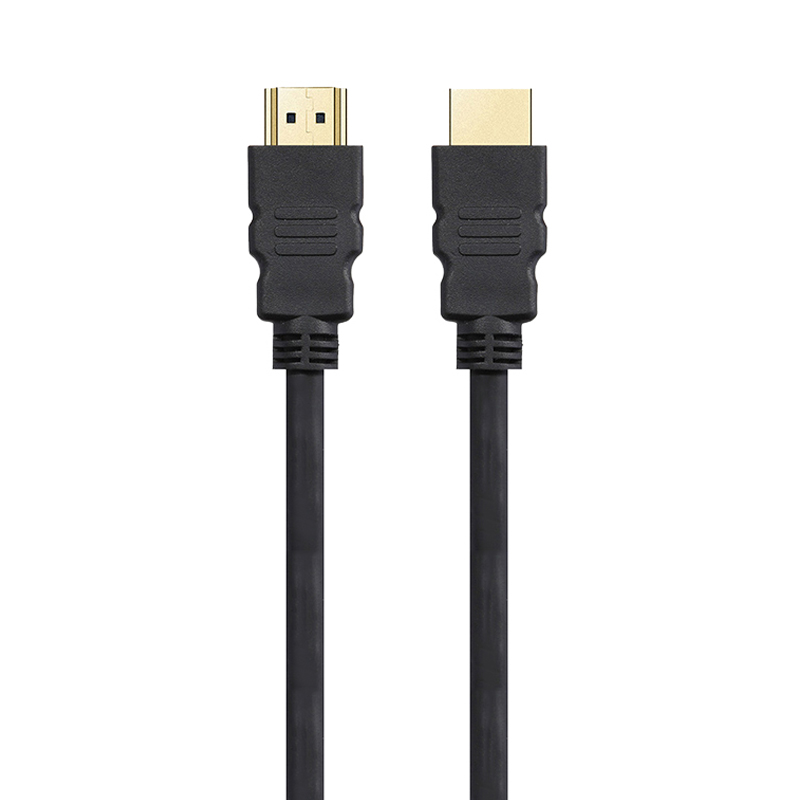 4K HDMI Cable
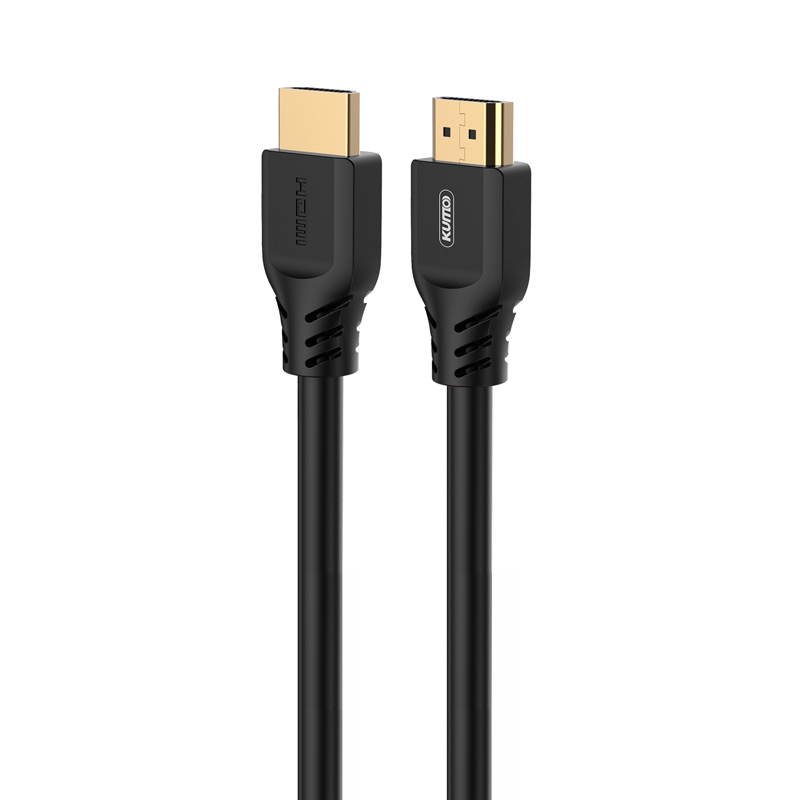 8K HDMI Cable
 16K HDMI Cable
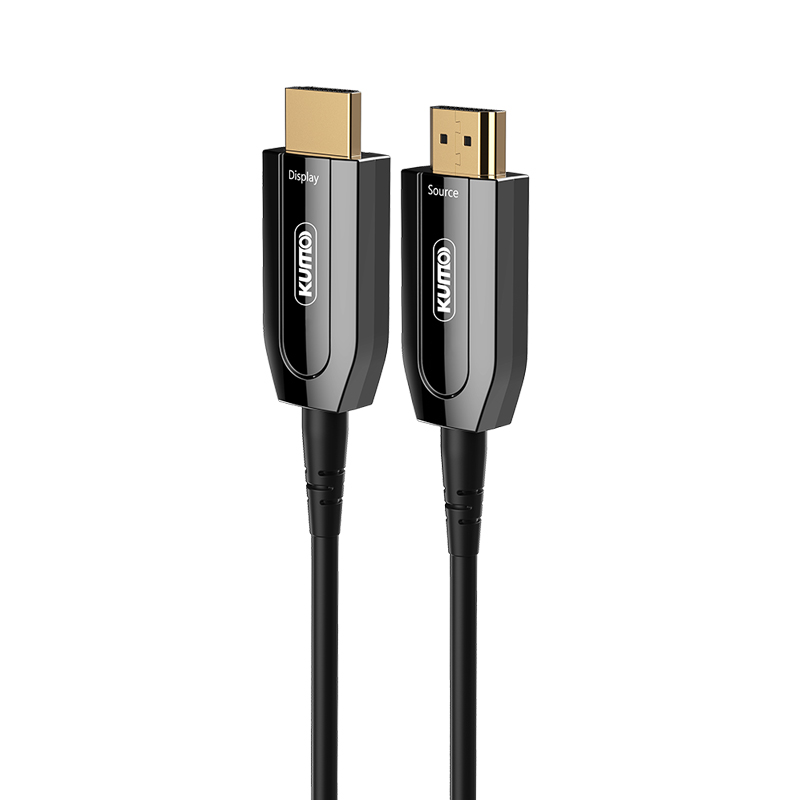 AOC HDMI Cable
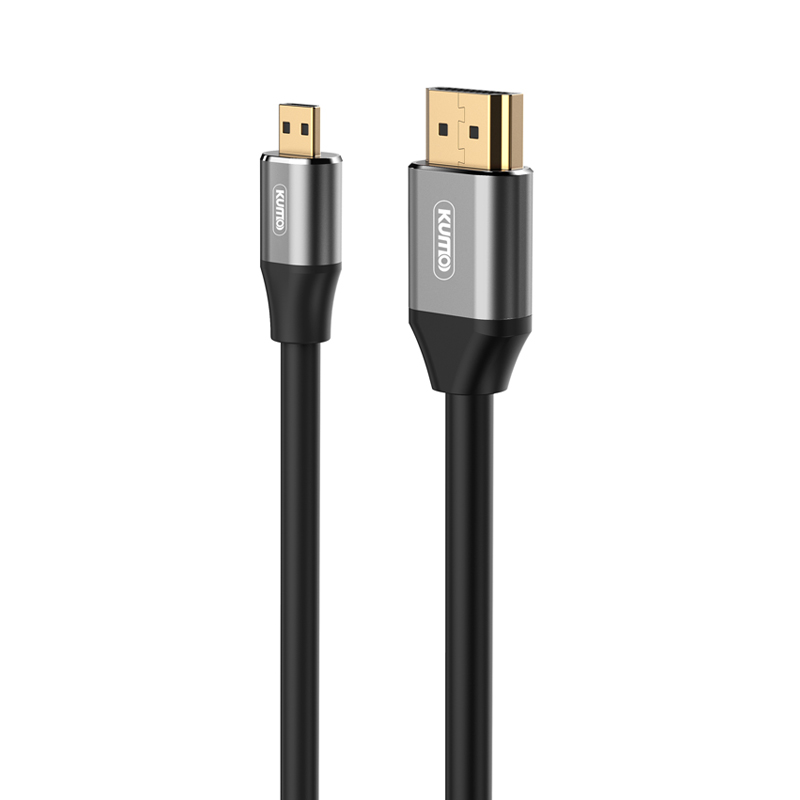 HDMI Conversion Cable
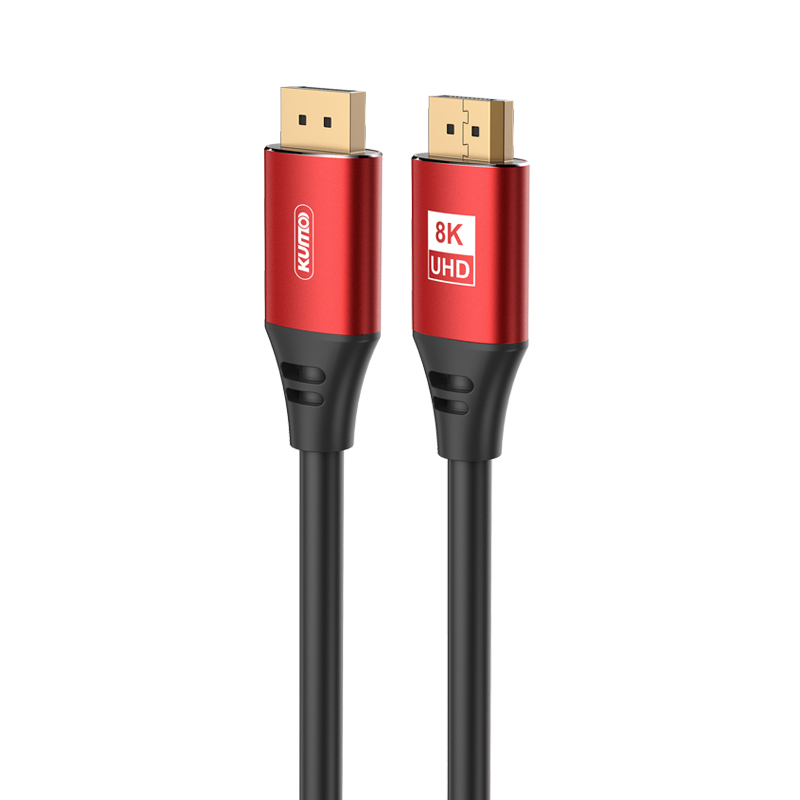 8K DisplayPort Cable
 16K DisplayPort Cable
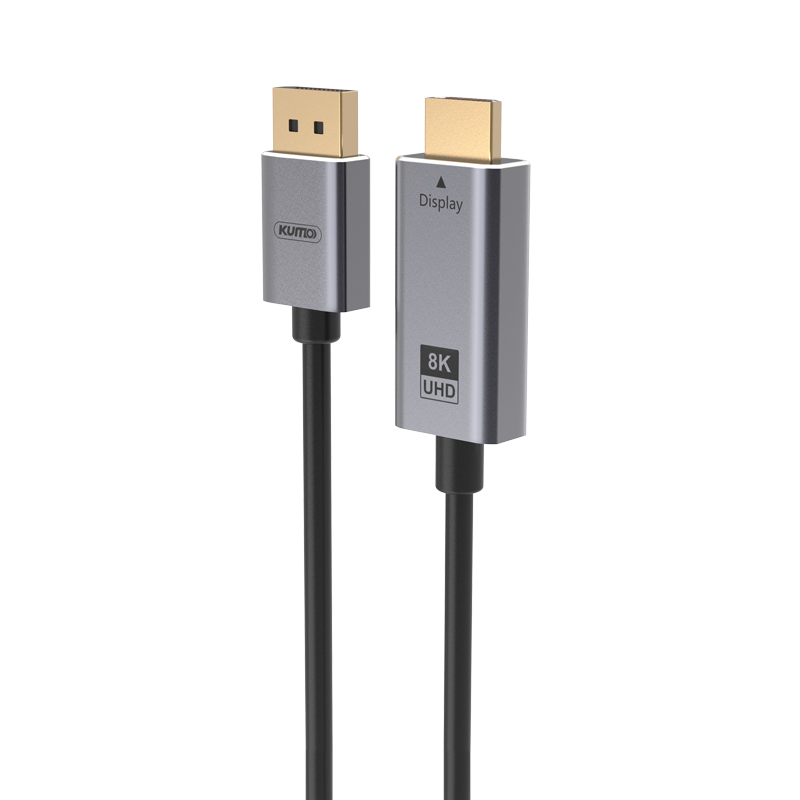 DisplayPort Conversion Cable
 XLR Cable
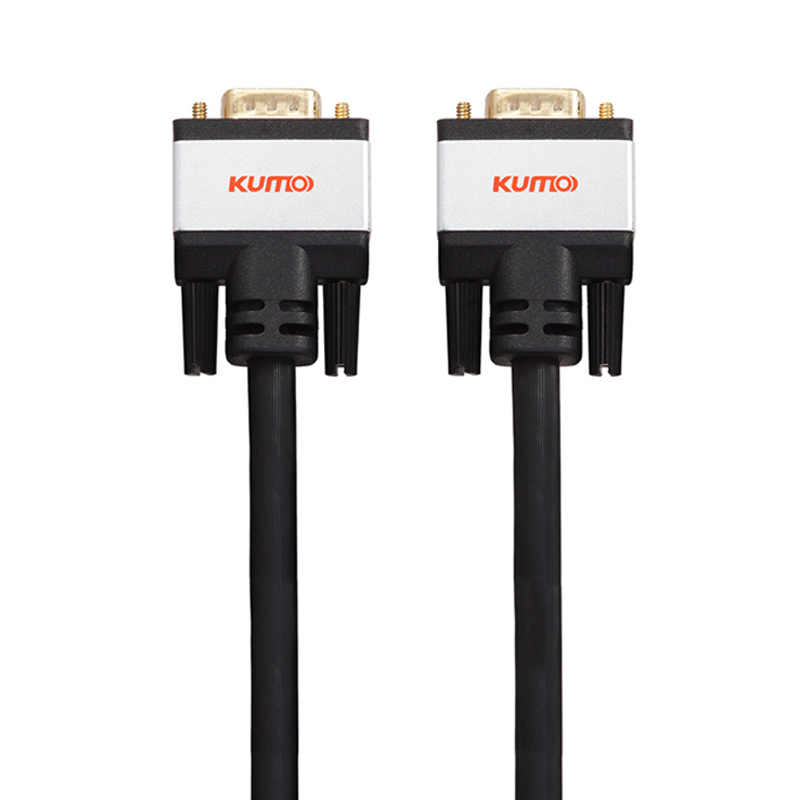 VGA Cable
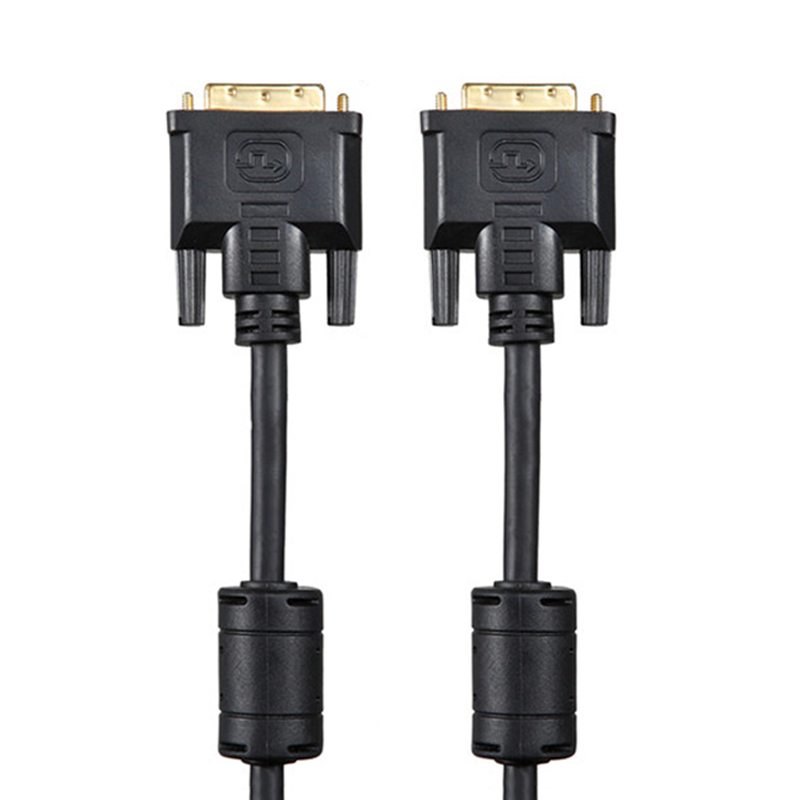 DVI Cable
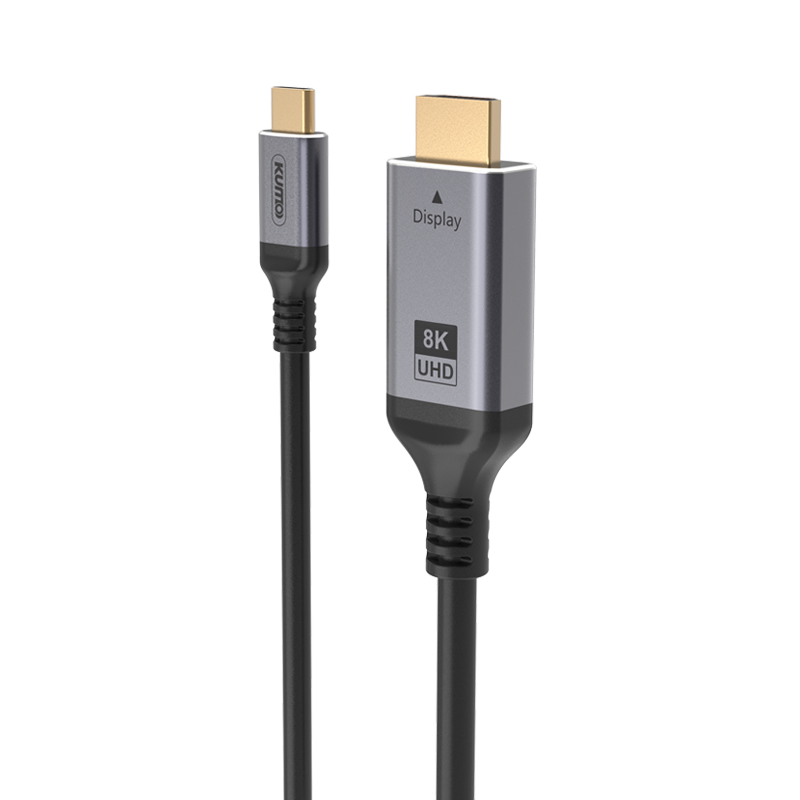 Type C To HDMI
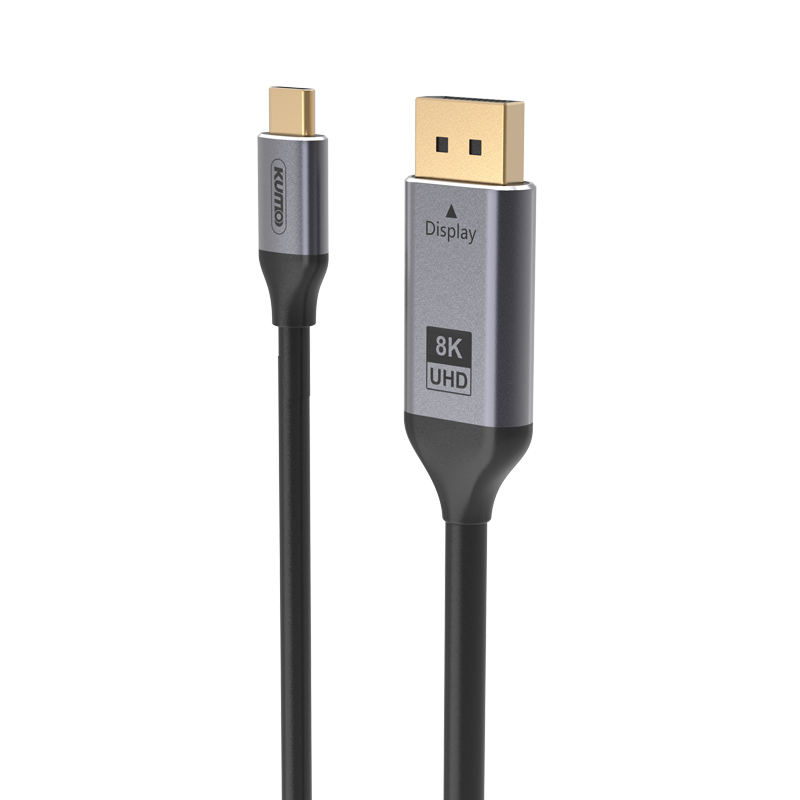 Type C to DP
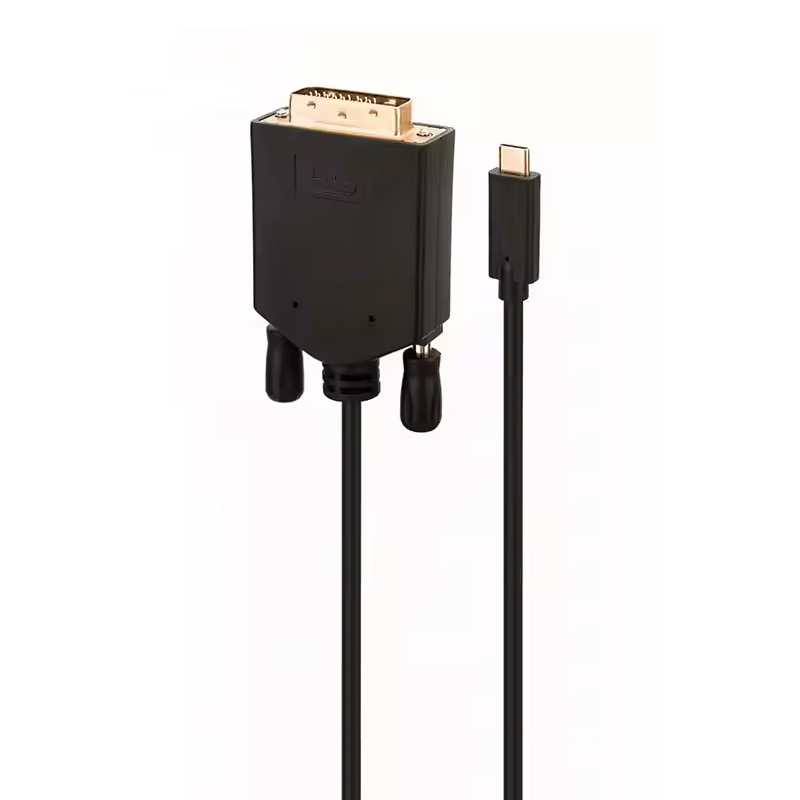 Type C to DVI
 Type C Adapter
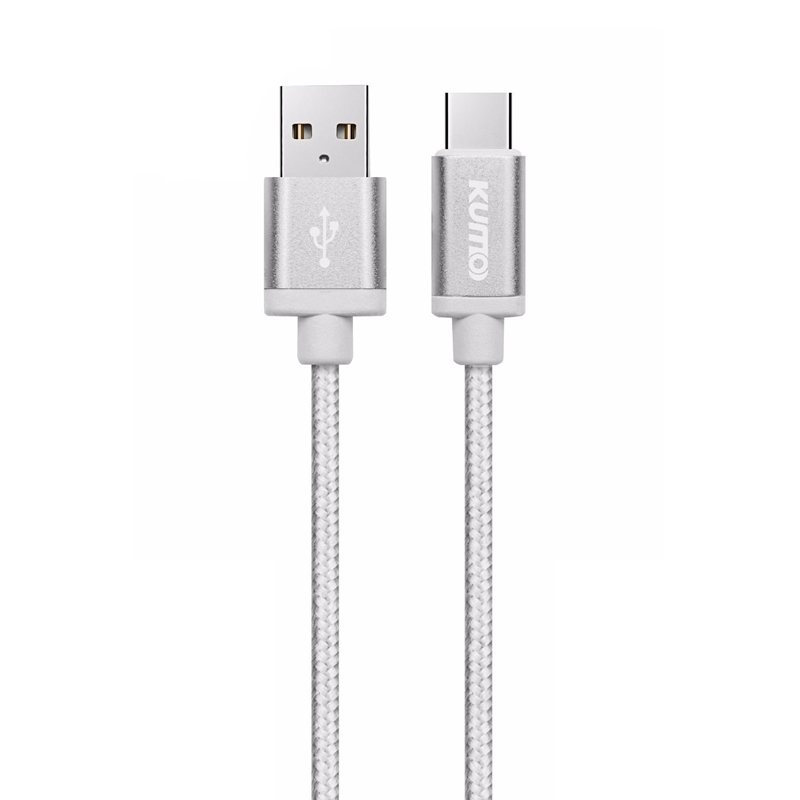 USB A to C Cable
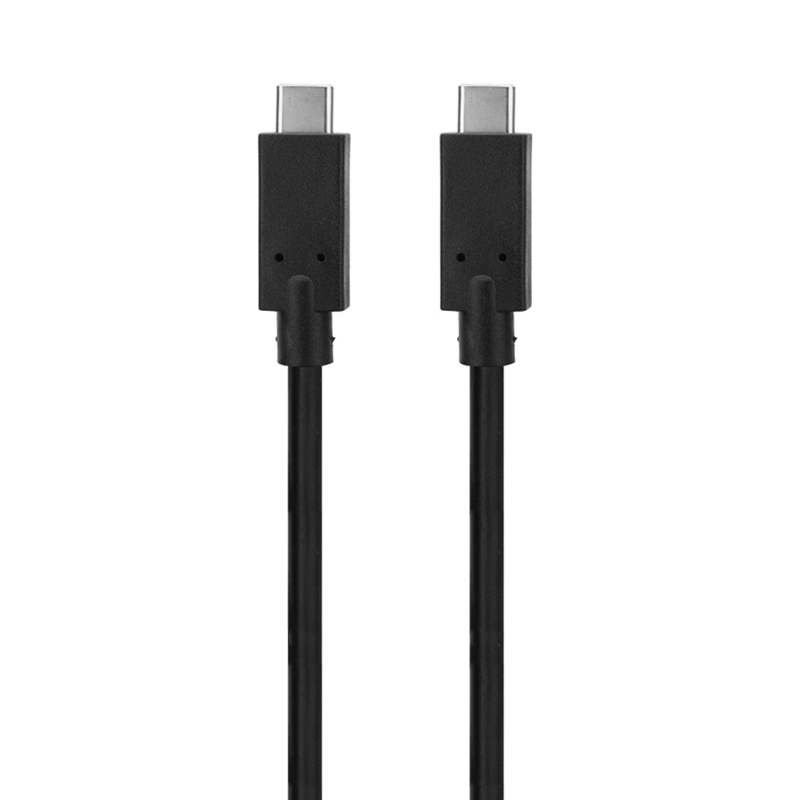 USB C to C Cable
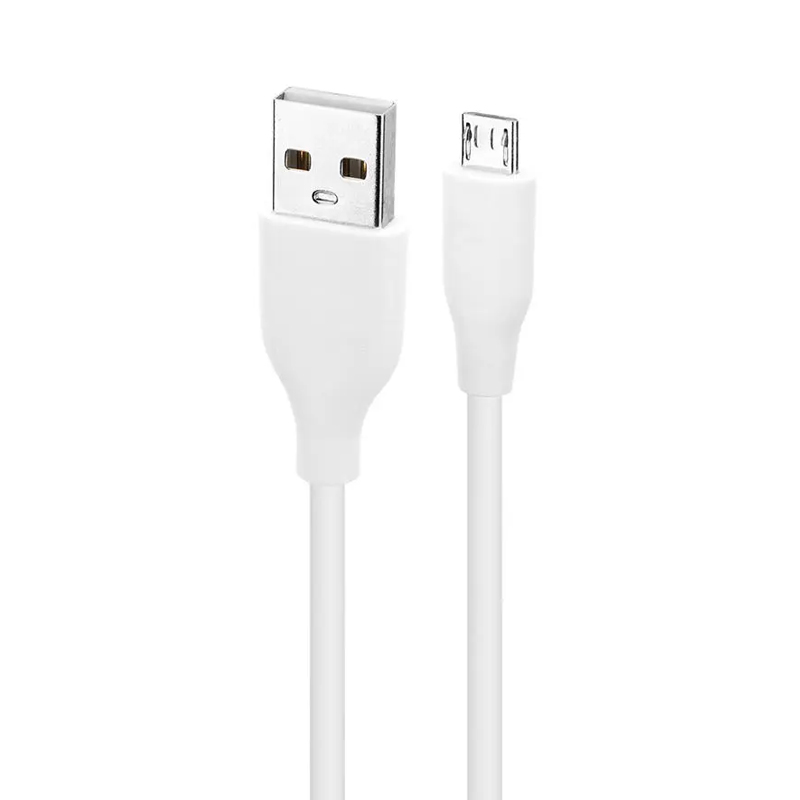 Micro USB Cable
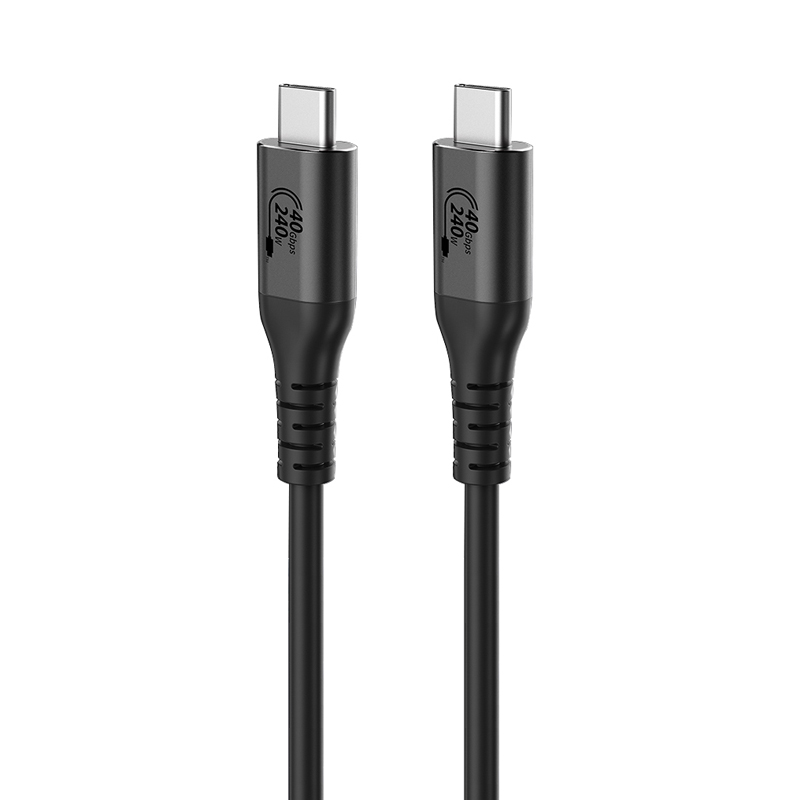 USB4 Cable

Industry News


What is cable certification?
Today, when digital devices such as smartphones, computers, and monitors are deeply integrated into daily life, a small connecting cable may become the key to affecting the user experience. Faced with a variety of cable products on the market, cable certification has become a reliable "quality certificate". It undergoes rigorous testing and review to verify whether the product meets specific performance, safety, and quality standards. Common certifications include HDMI, VESA, USB-IF, and Intel Thunderbolt. This article will provide an in-depth interpretation of these key cable certification information to help you better choose the right cable and ensure reliable operation of your device.

Why do some USB-C cables not work?
USB-C ports have become increasingly popular in recent years due to their versatility and portability. They offer faster data transfer speeds, higher power delivery, and support for connecting multiple devices through a single port. However, many users experience issues with their USB-C cables, causing them to not work properly or even damage their devices. In this article, we'll explain some common reasons why USB-C cables may not work properly, as well as how to maintain your USB-C cables.

Learn about HDMI 2.1 and enjoy the unparalleled 8K experience
1. What is HDMI 2.1?
The HDMI 2.1 technical standard was born on November 30, 2017. It is a technical standard for ultra-high-quality audio and video transmission in the future. At present, the performance of the HDMI 2.0 standard is

Learn about USB-C to HDMI adapters
The USB-C to HDMI adapter mainly converts the video content of devices with USB-C output ports (such as laptops, desktops, etc.) into HDMI signals so that they can be connected to monitors, projectors or HDTVs that support HDMI input.


What is a USB-C cable?
The USB-C cable is a data transmission and charging cable that uses a USB-C interface, which is widely popular due to its versatility, high-speed transmission, and compactness.

The difference between HDMI 2.1, 2.0 and 1.4
HDMI 1.4 version
HDMI 1.4 version, as an earlier standard, is already capable of supporting 4K resolution content. However, due to its bandwidth limitation of 10.2Gbps, it can only achieve a resolution of up to 3840 × 2160 pixels and display at a refresh rate of 30Hz. HDMI 1.4 is typically used to support 2560 x 1600@75Hz and 1920 × 1080@144Hz Unfortunately, it does not support 21:9 ultra wide video format or 3D stereoscopic content.

DP cable and HDMI cable: the difference and how to choose the cable that suits you better
What is DP?
DisplayPort (DP) is a digital display interface standard developed by the Video Electronics Standards Association (VESA). The DP interface is mainly used to connect computers to monitors, but is also widely used in other devices such as TVs and projectors. DP supports high resolution and high refresh rate, and can transmit audio and data signals at the same time.

How to choose the appropriate HDMI cable
In today's digital age, HDMI cables have become an important component for connecting various devices such as televisions, gaming consoles, and computers.
